
How do you present a team and open roles?
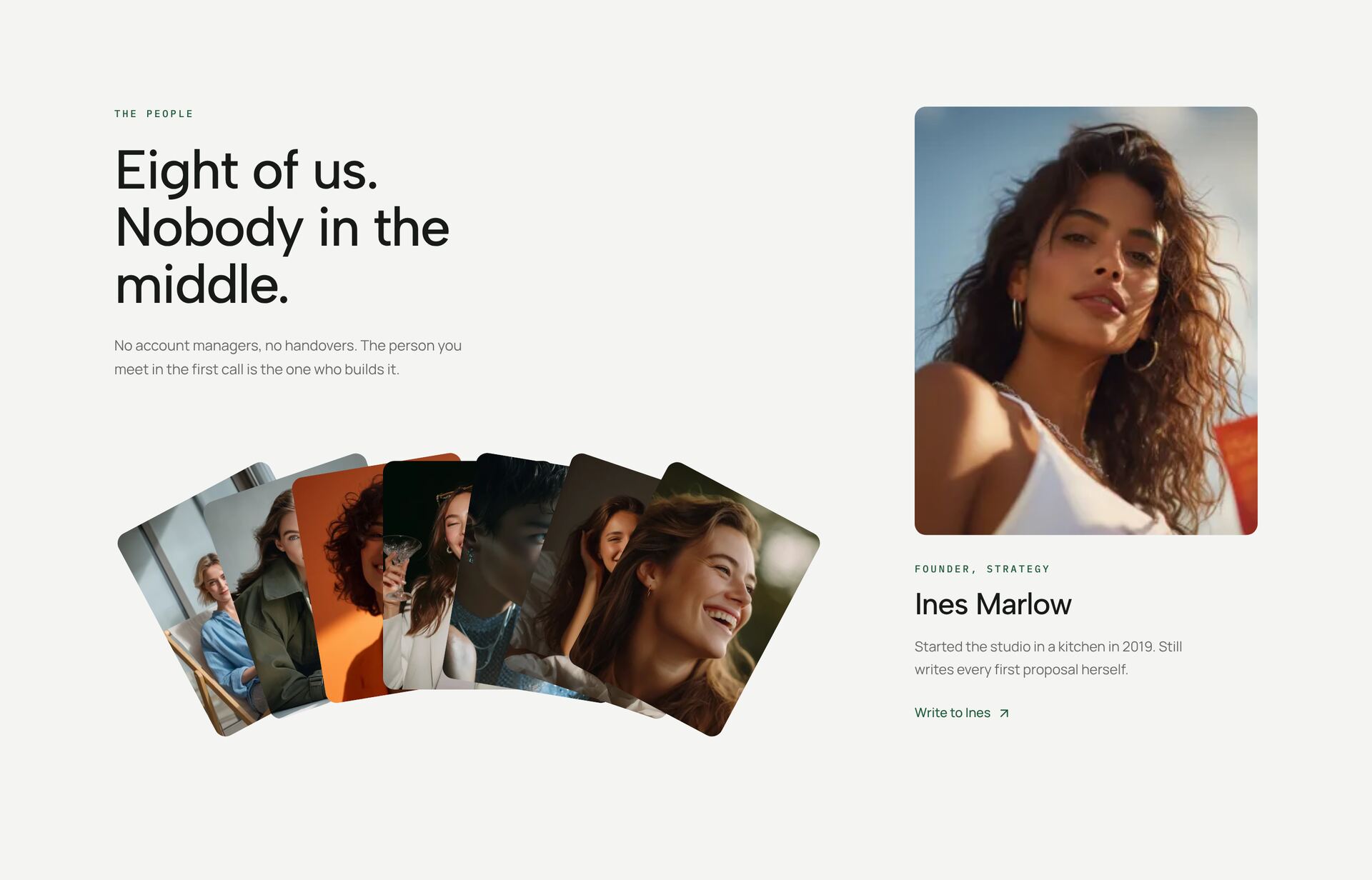
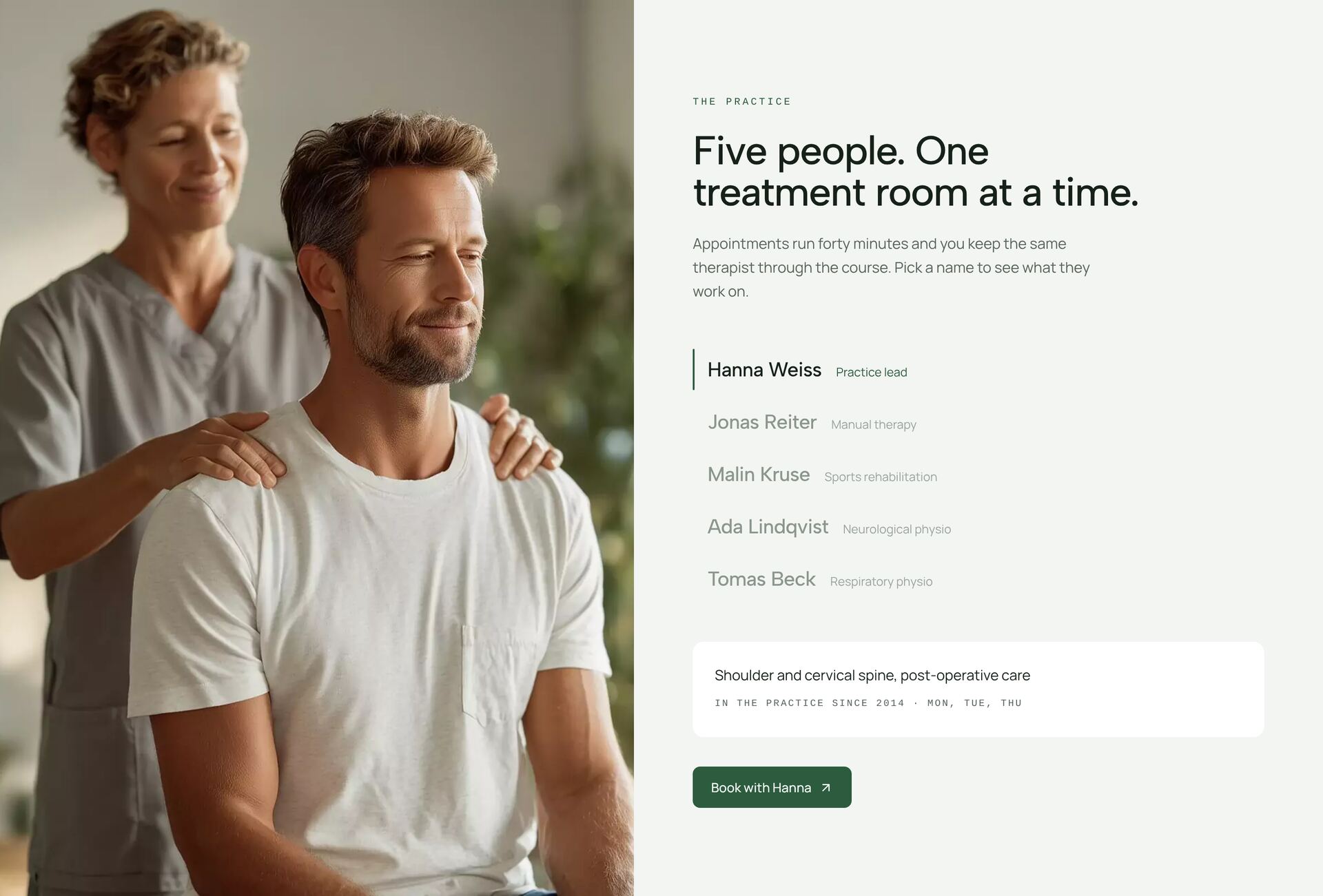
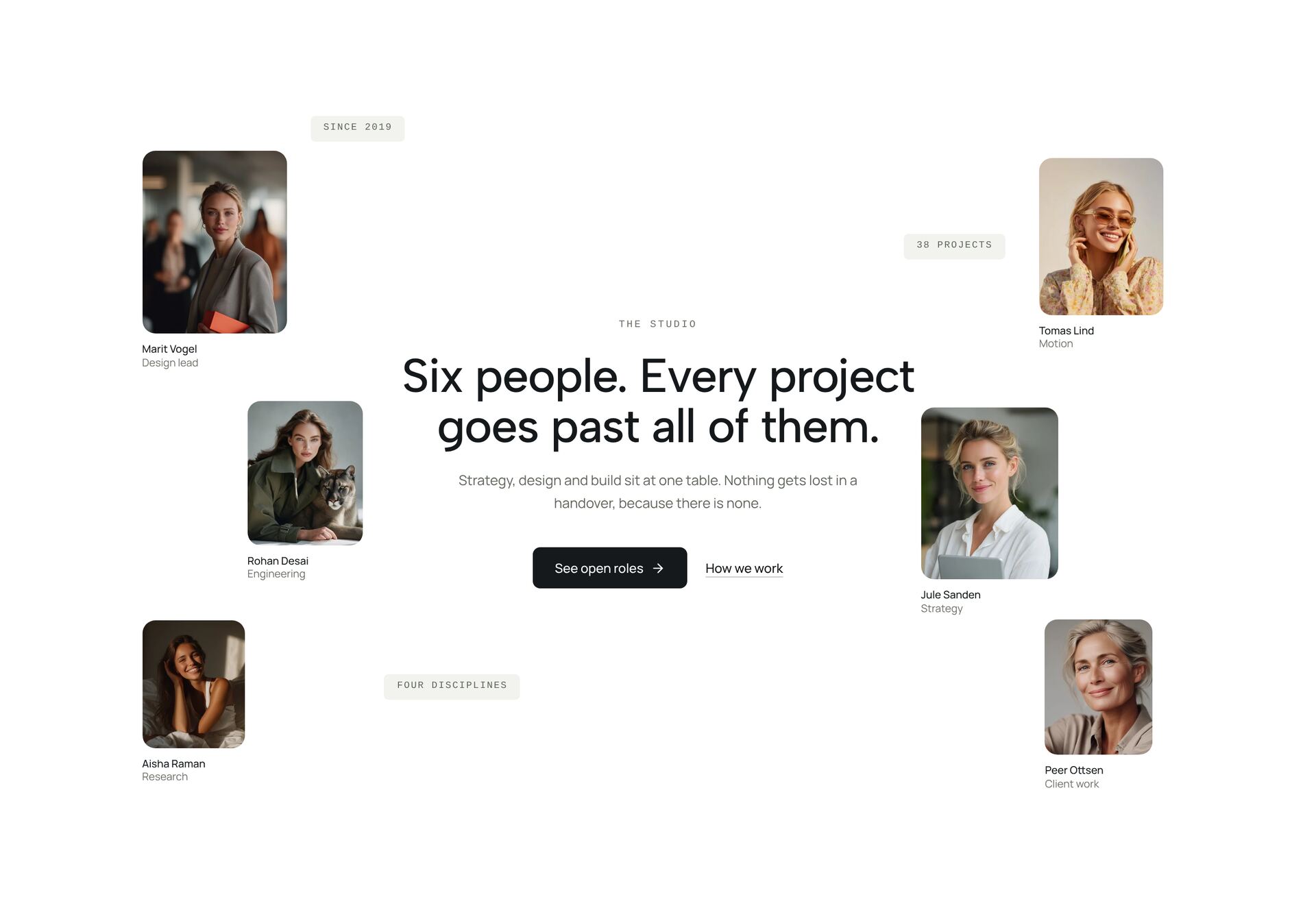
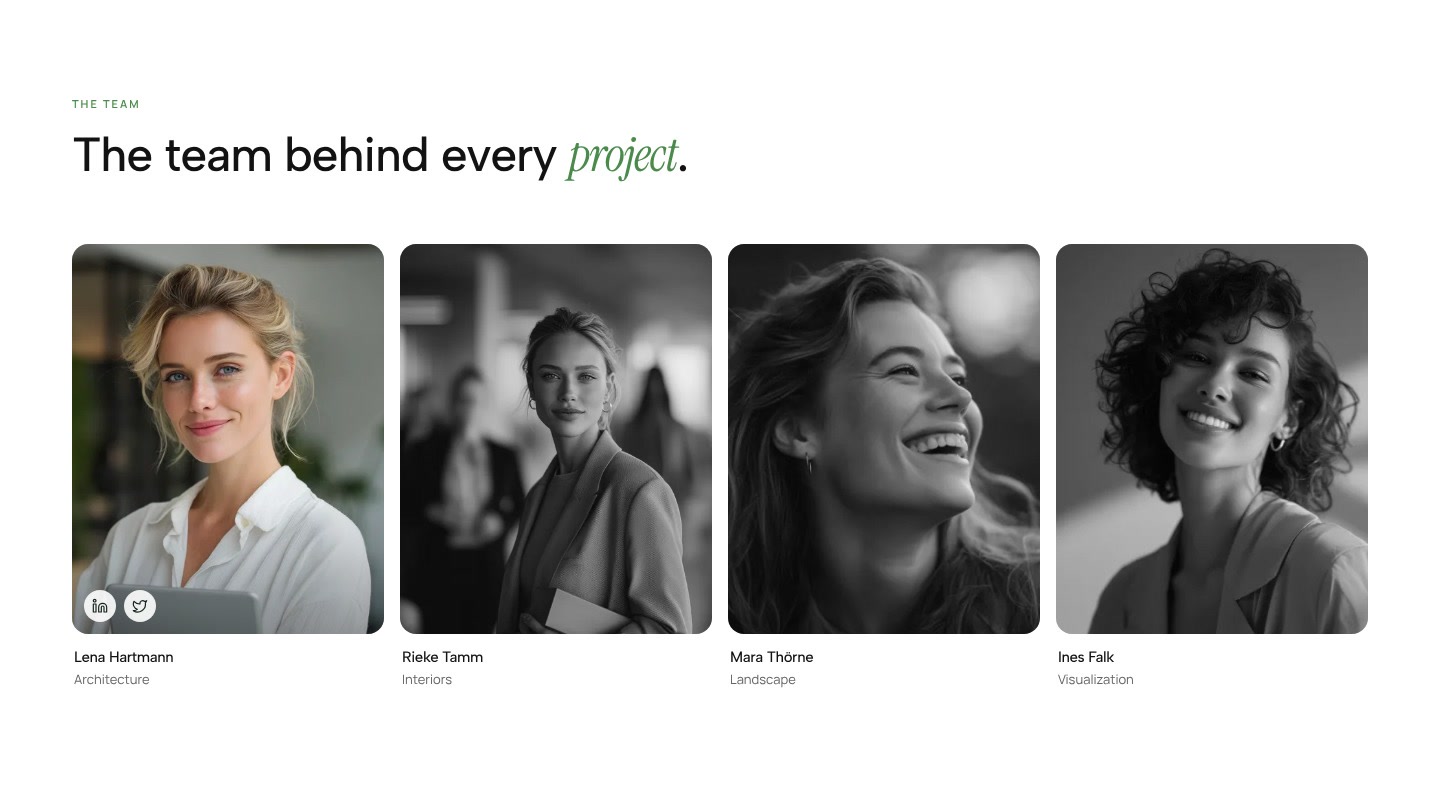
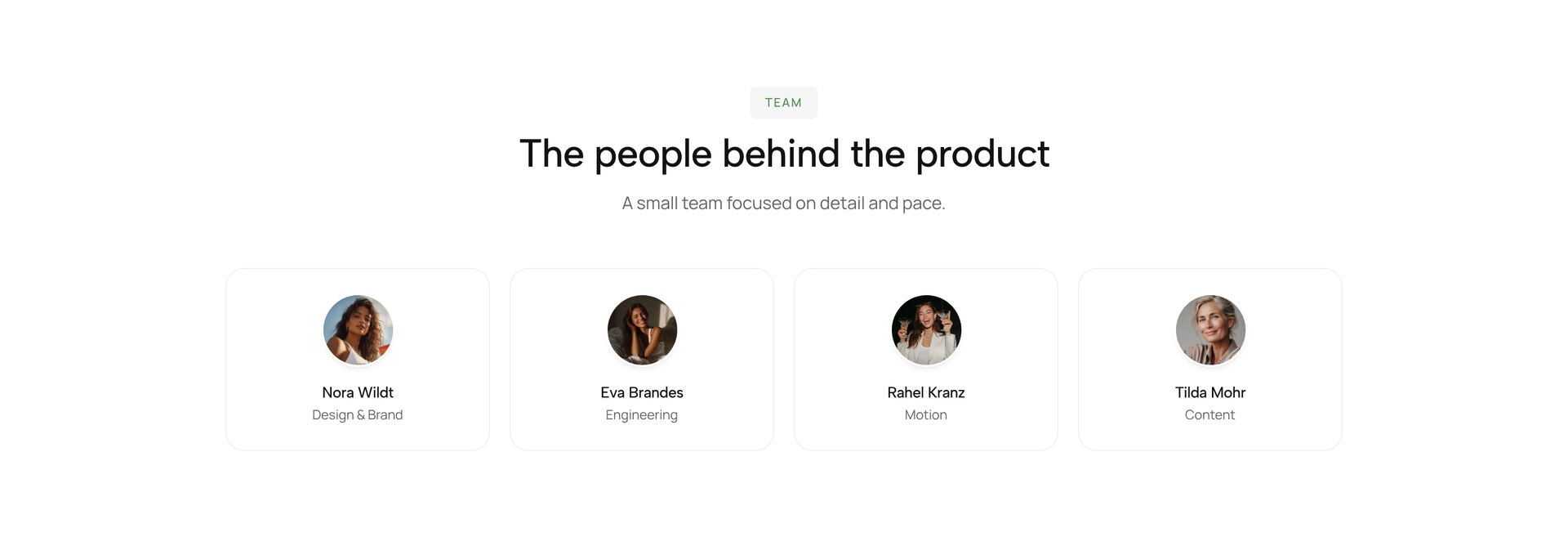
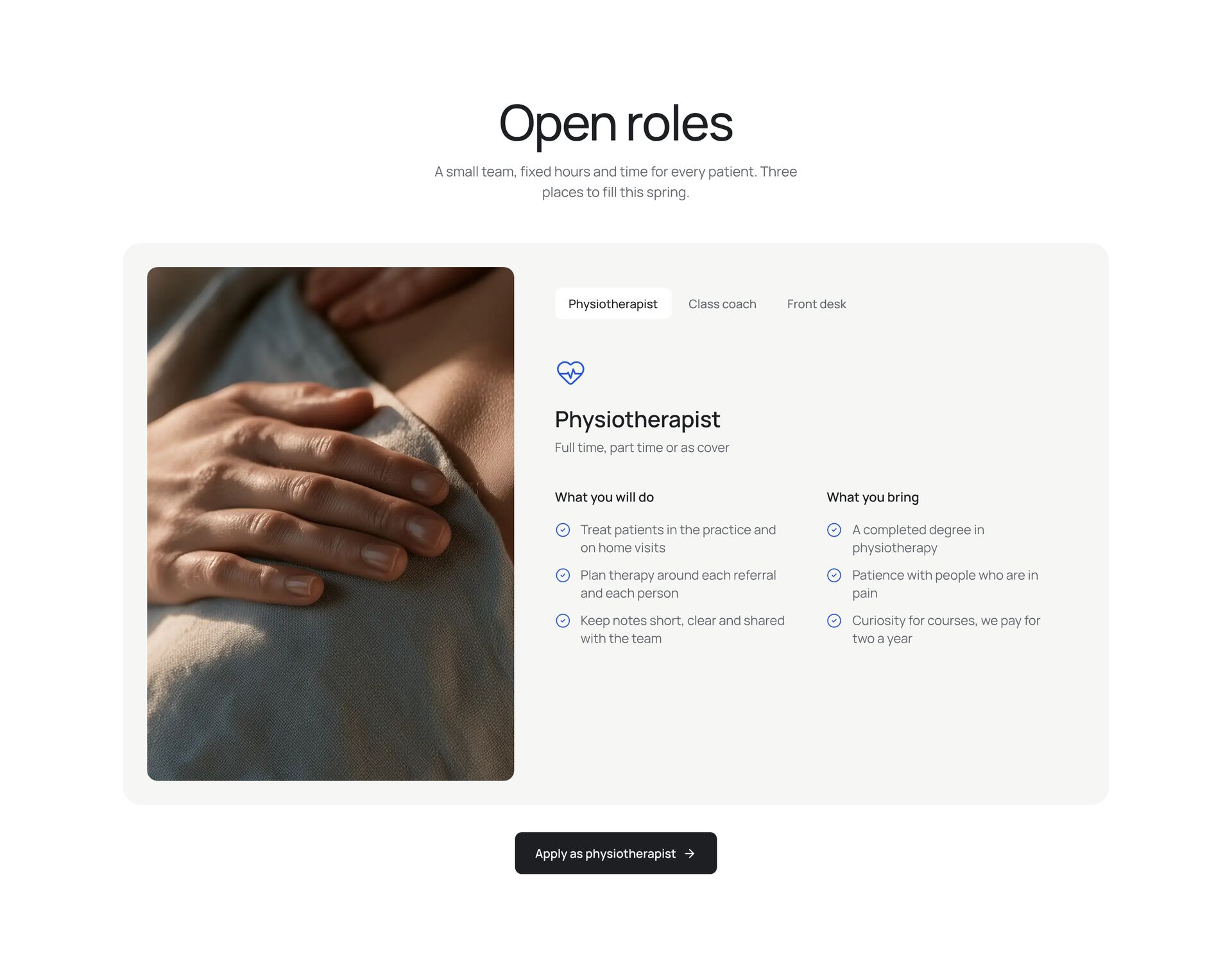
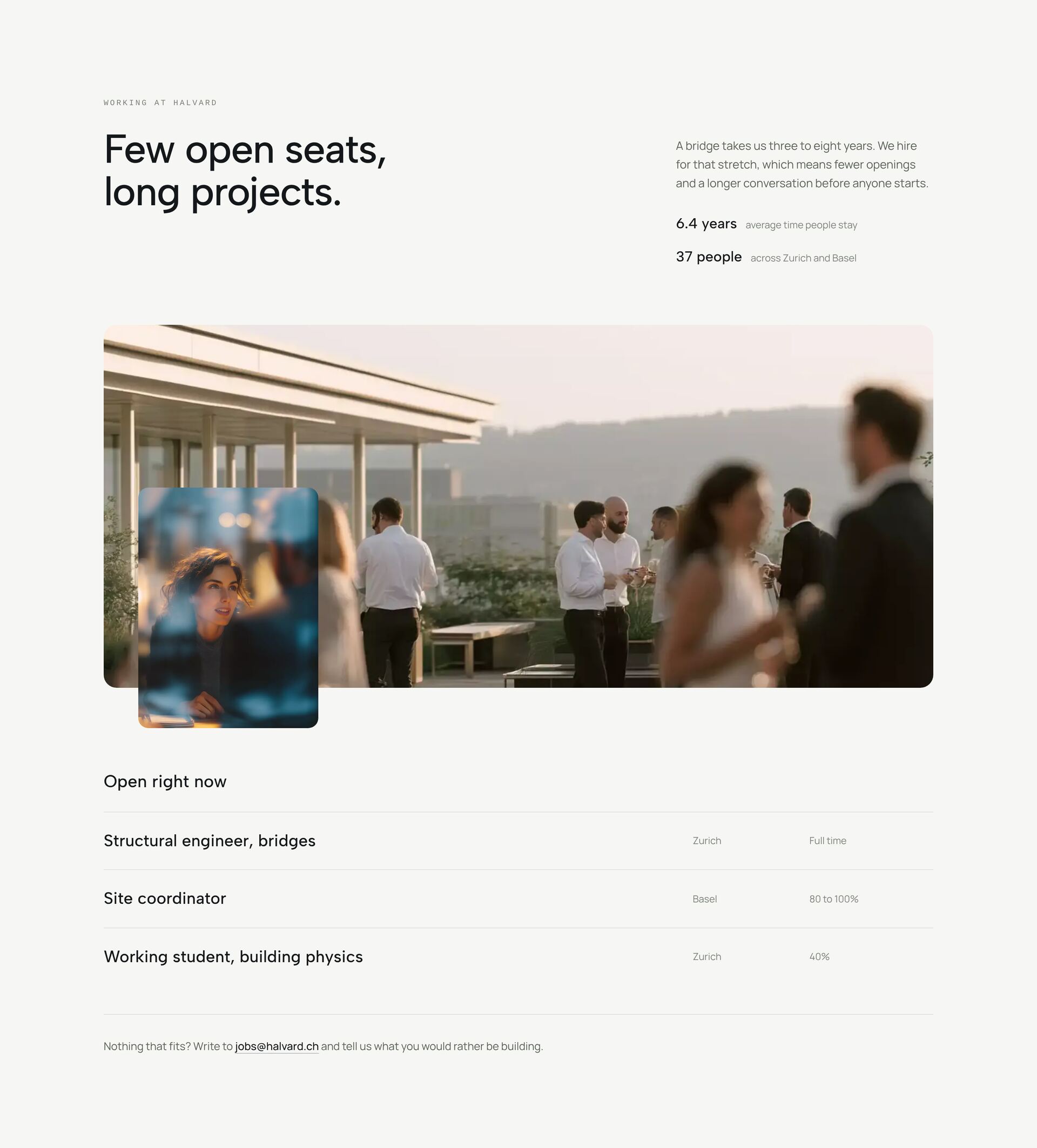
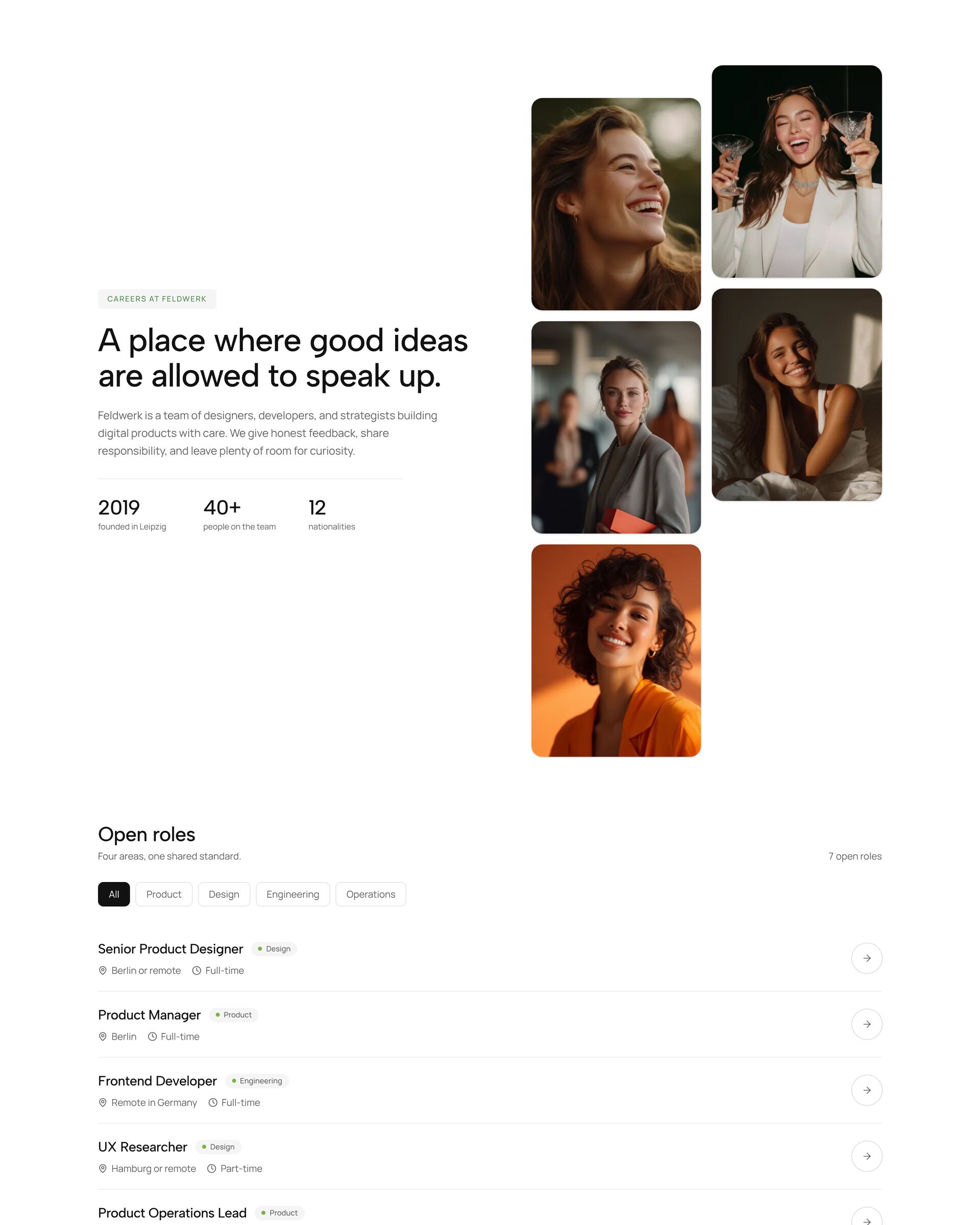
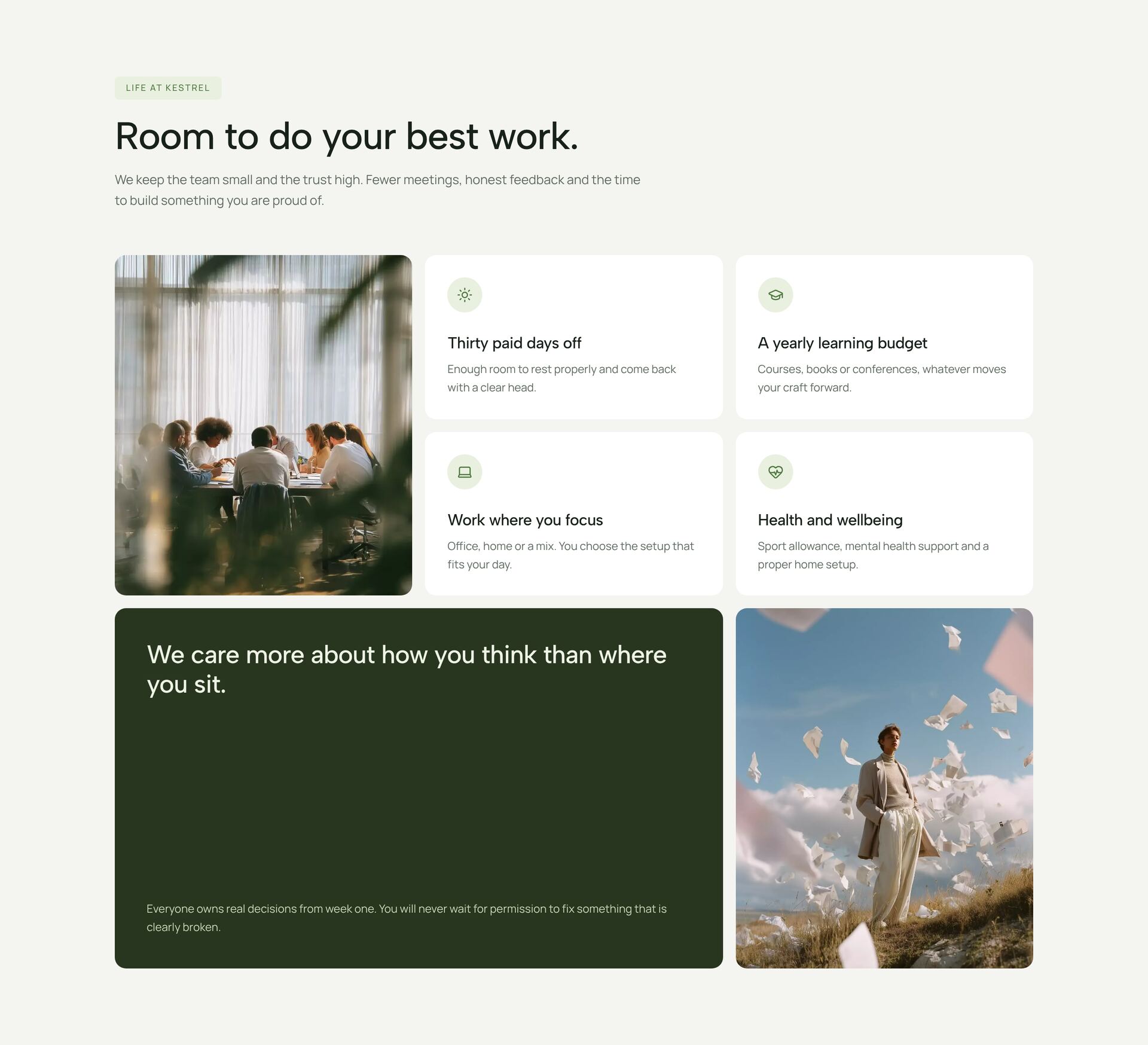
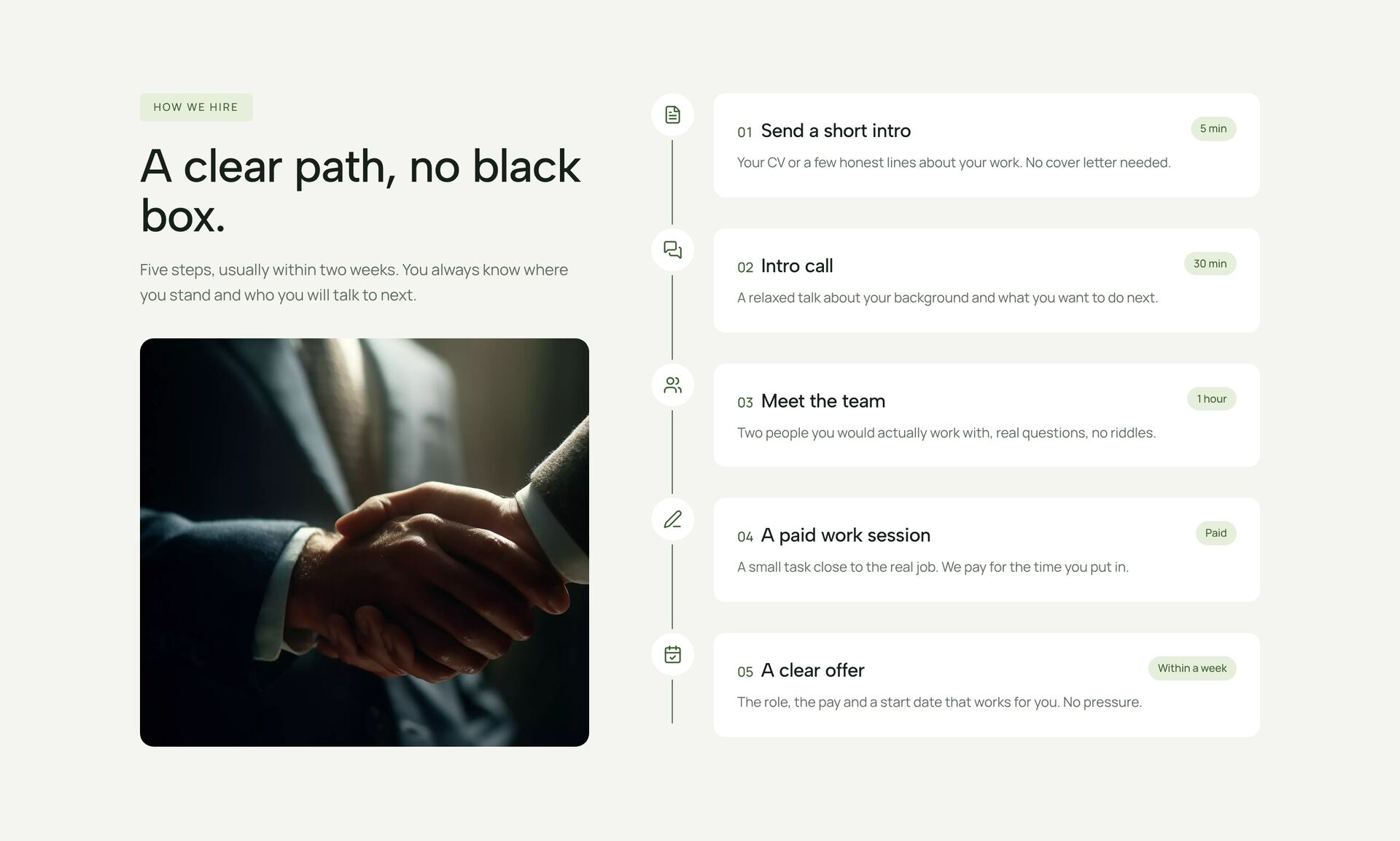
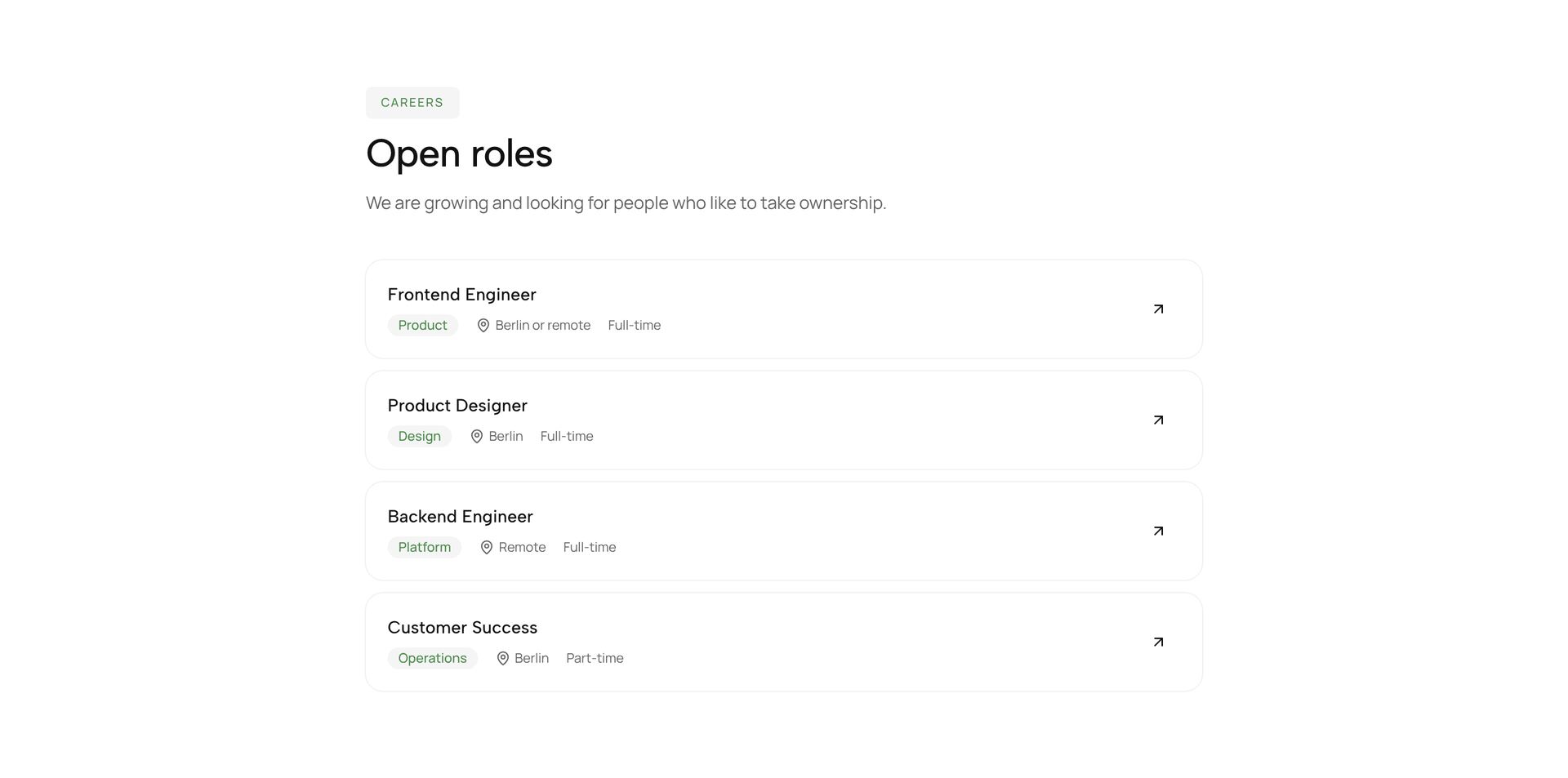
Team and careers sections show the people behind an offer and invite new ones to join. The sections here include portrait grids, cards that fan out like a deck, accordions with an image per person, hover reveals with a short bio, a culture section with benefits, the steps of a hiring process and job listings with location and type.
Use real photos in the same light and framing, so the team looks like one team. For each person, a name, a role and one sentence on what they do for customers are enough. On a careers page, name the benefits concretely, such as 30 days of holiday, and show the hiring steps so applicants know what to expect. Each section is a single React file with Tailwind classes.
More section categories
Frequently asked questions
For teams of up to about 20 people, yes. Larger teams work better with the leadership and the people customers talk to, plus a group photo.
Title, location or remote, type of employment, a salary range where possible, and three to five tasks. A short hiring process with clear steps lowers the barrier to apply.
Yes. Each listing is a data entry with a link. Point the link at your applicant tool or a form, or load the list from its API.
Didn't find your question? We're happy to help.
Get in touch