Intro
The section right below the hero: what this is about, in a few lines or a single sentence.





What is an intro section for?
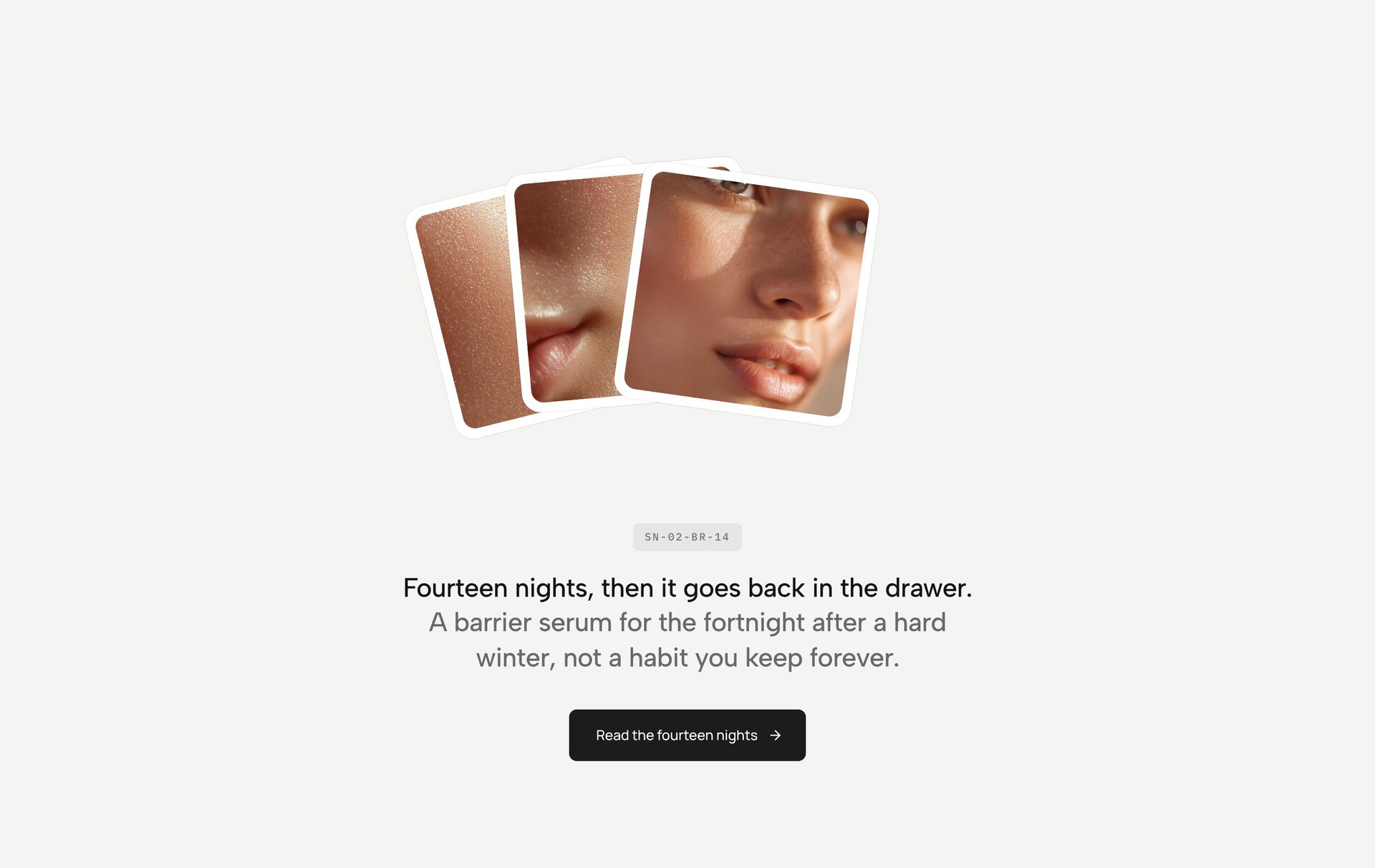
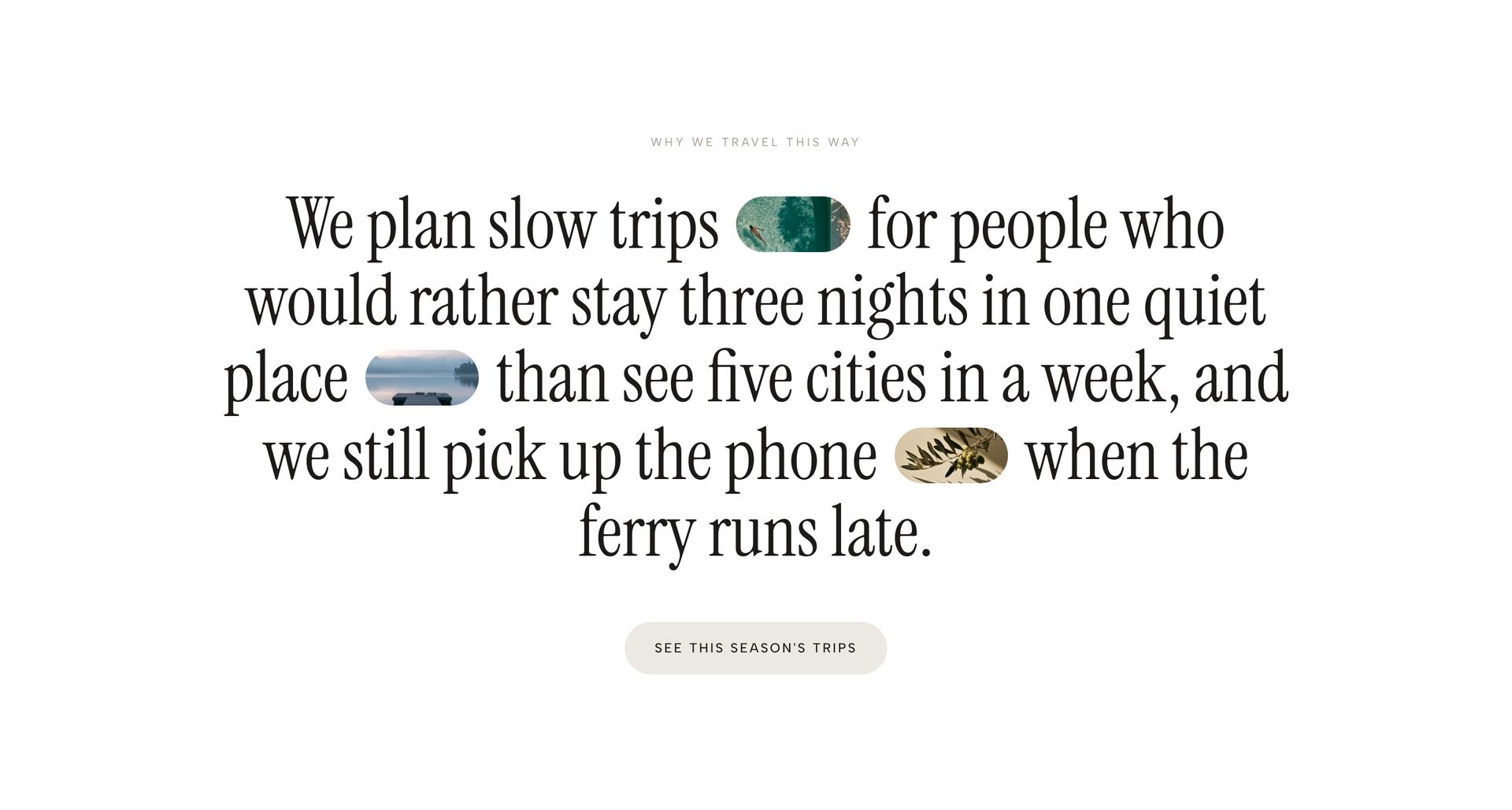
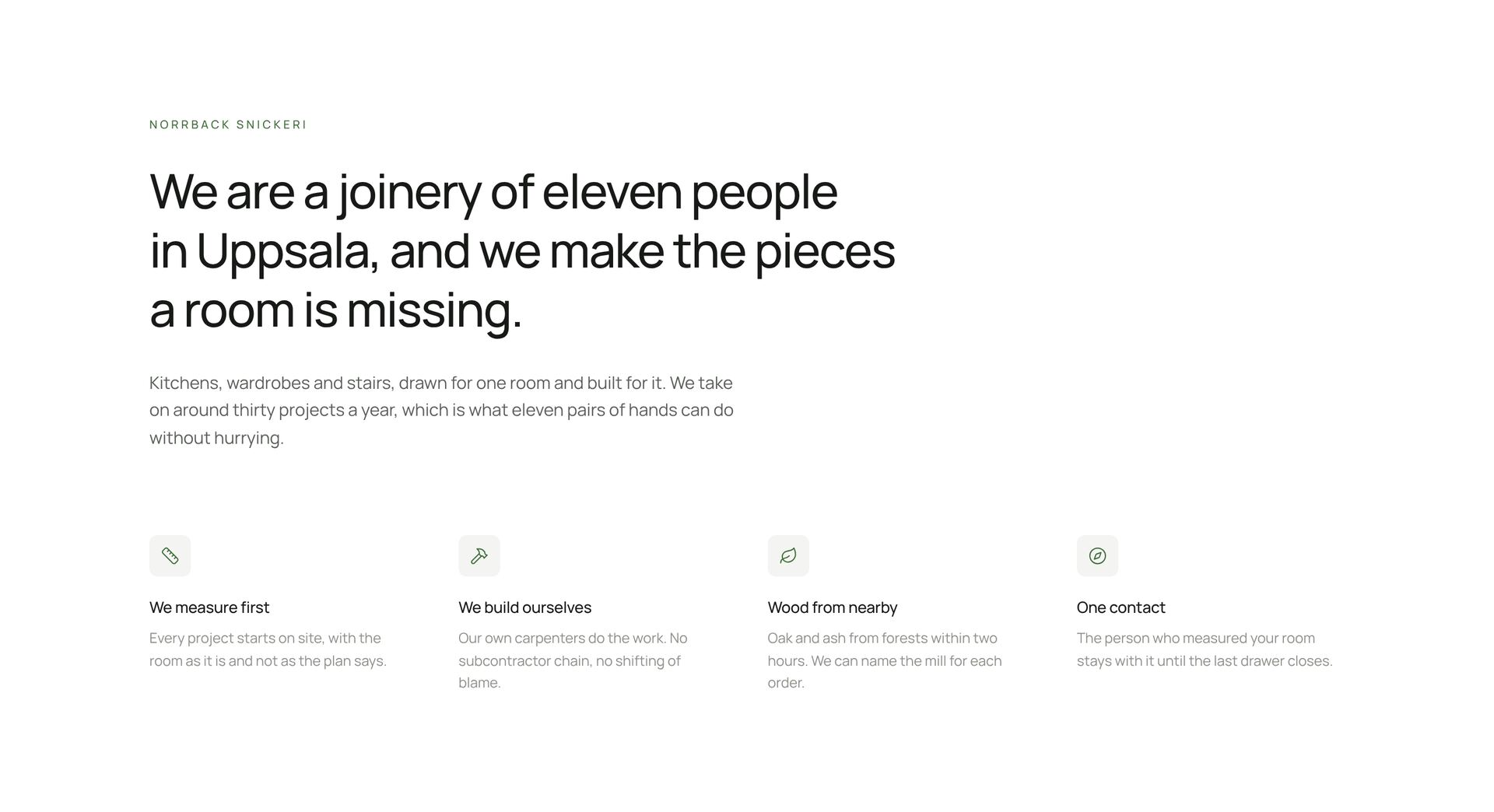
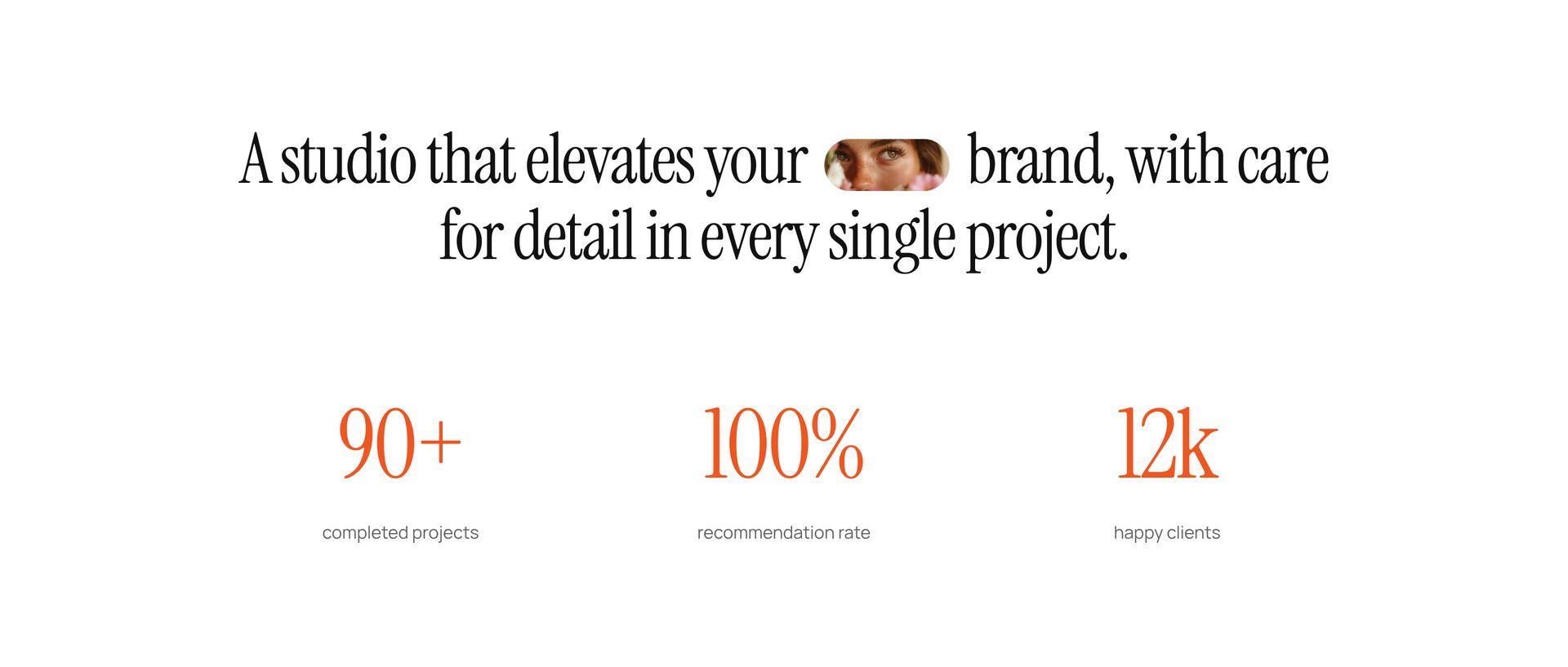
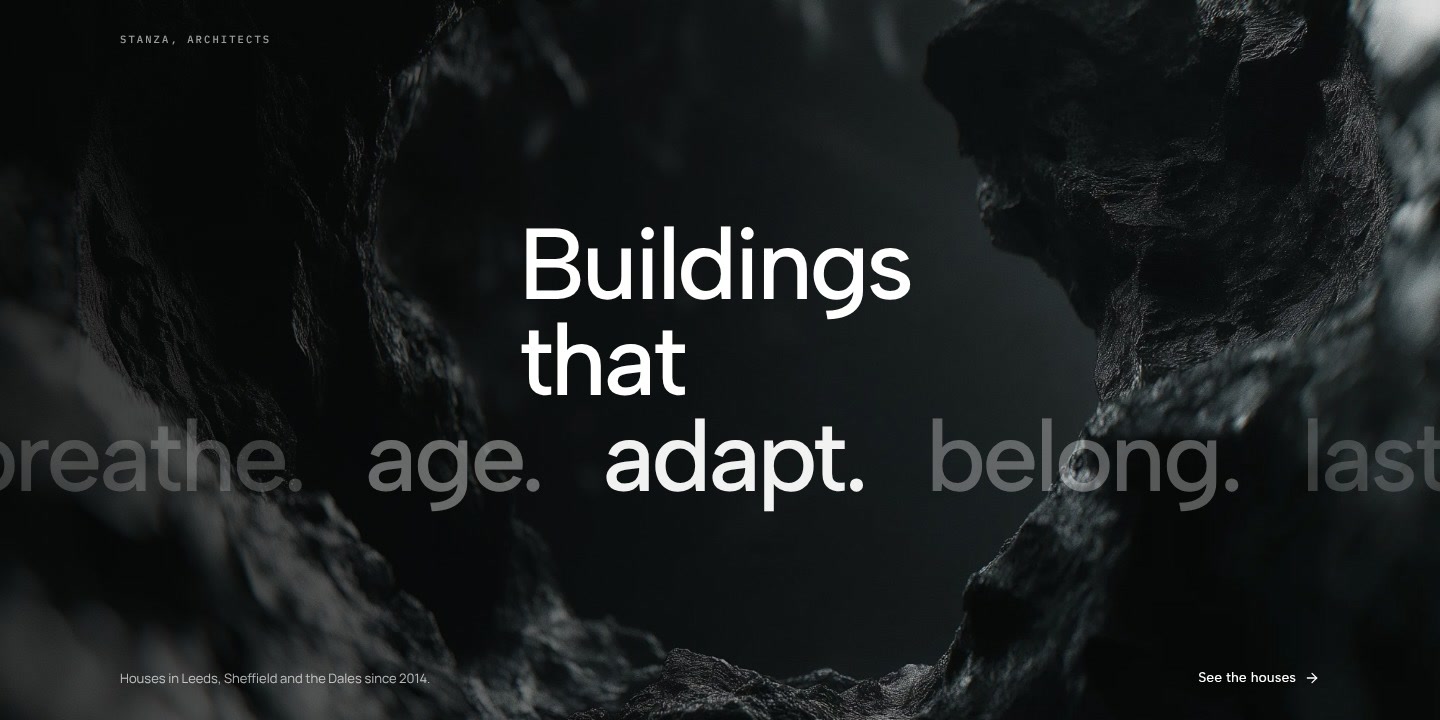
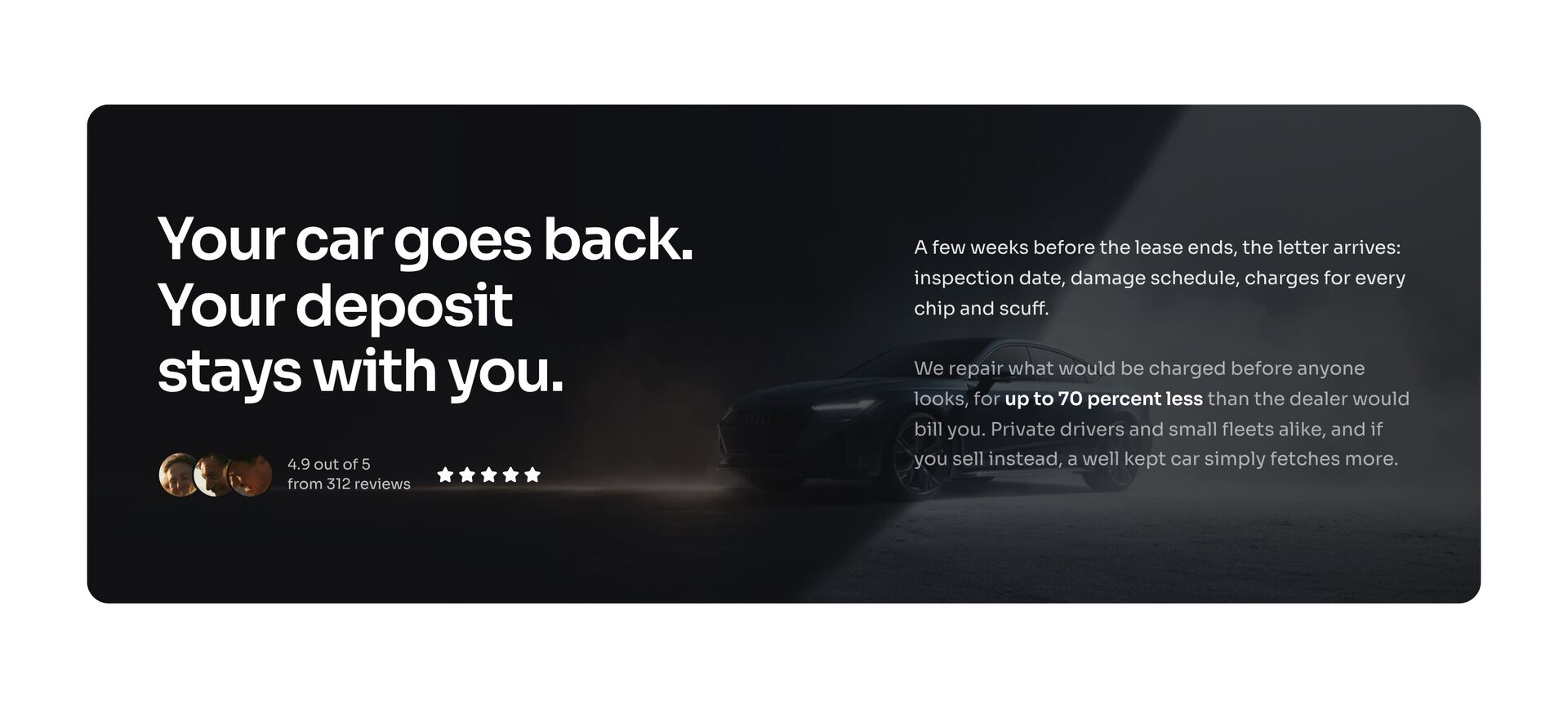
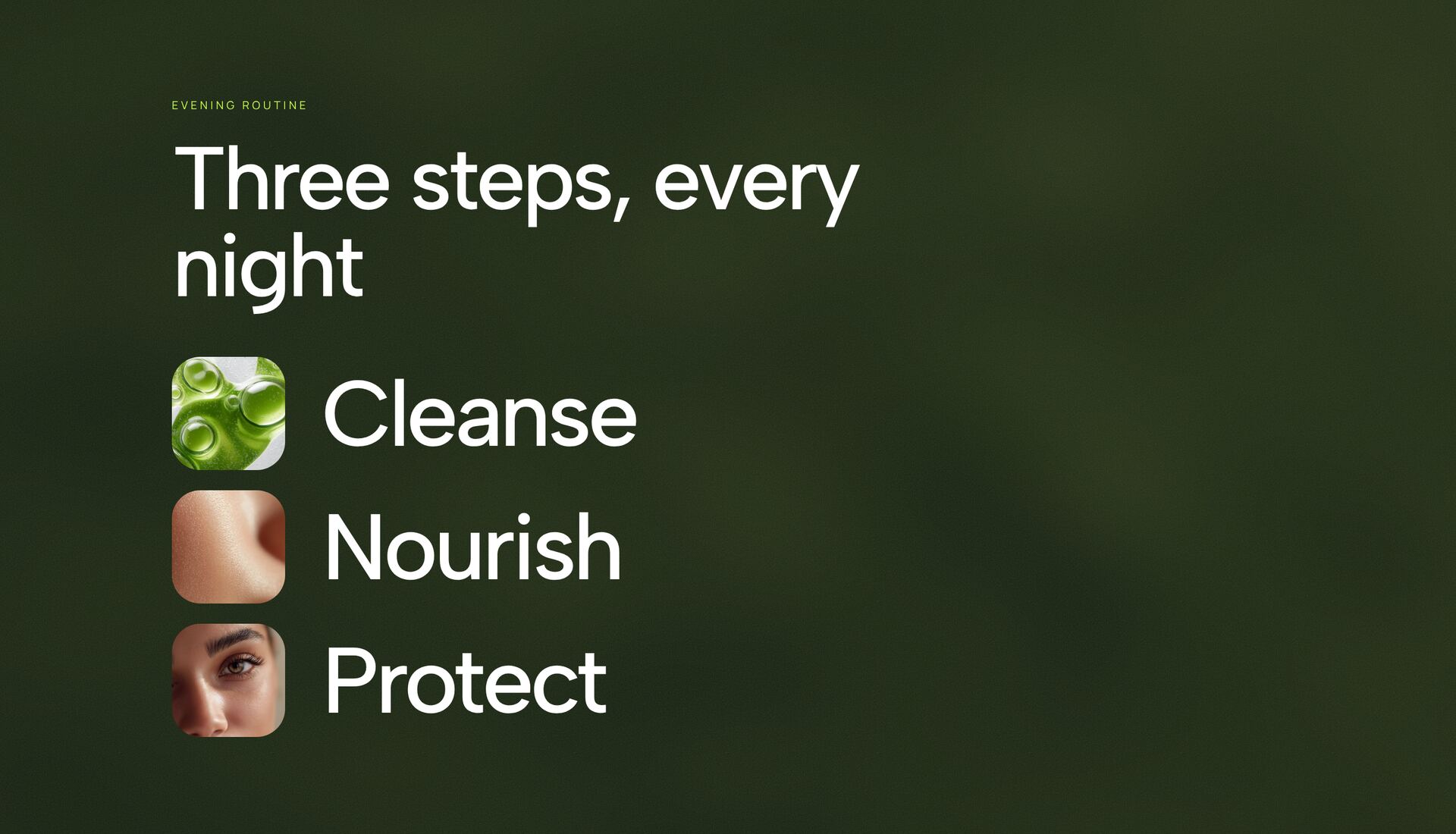
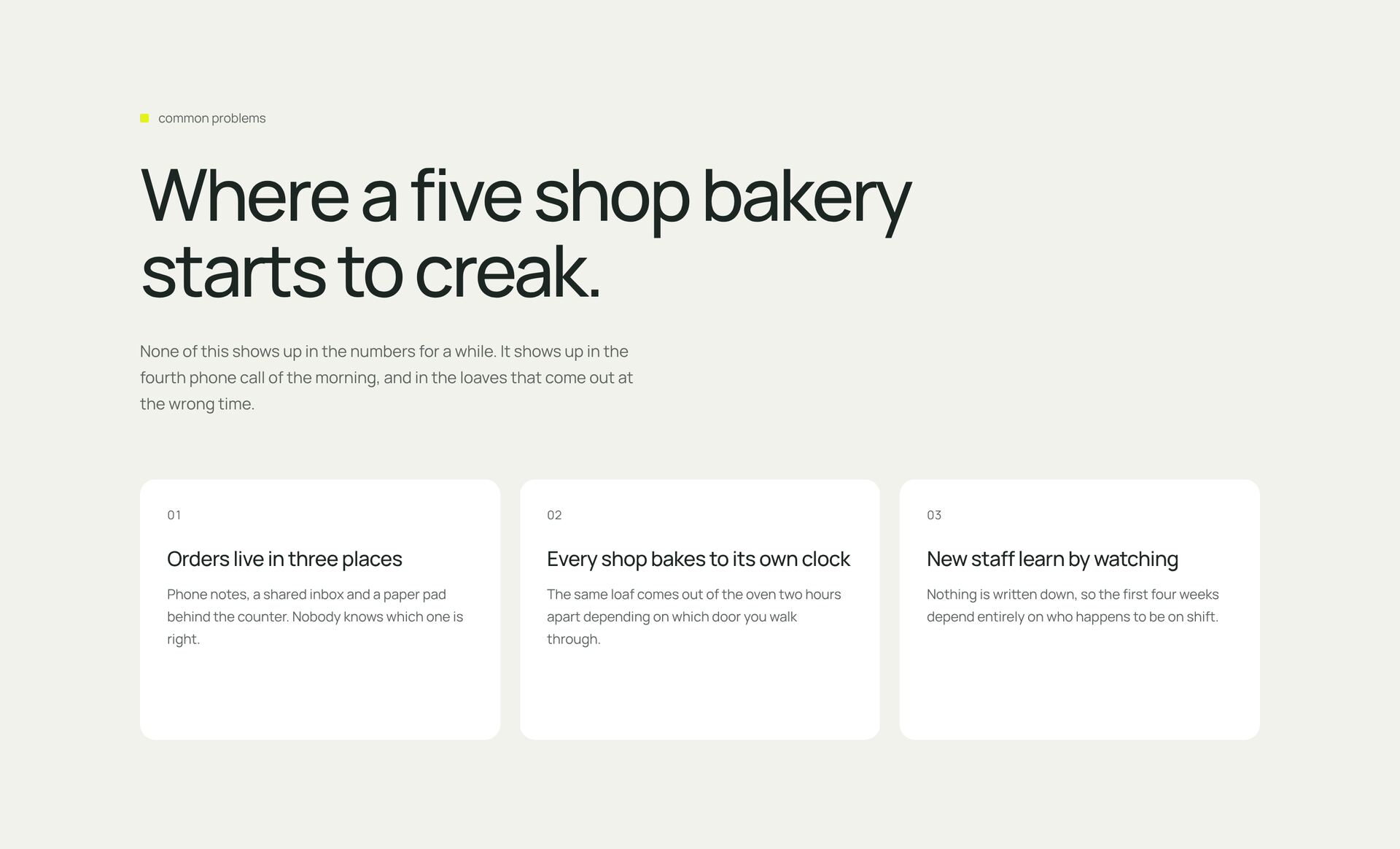
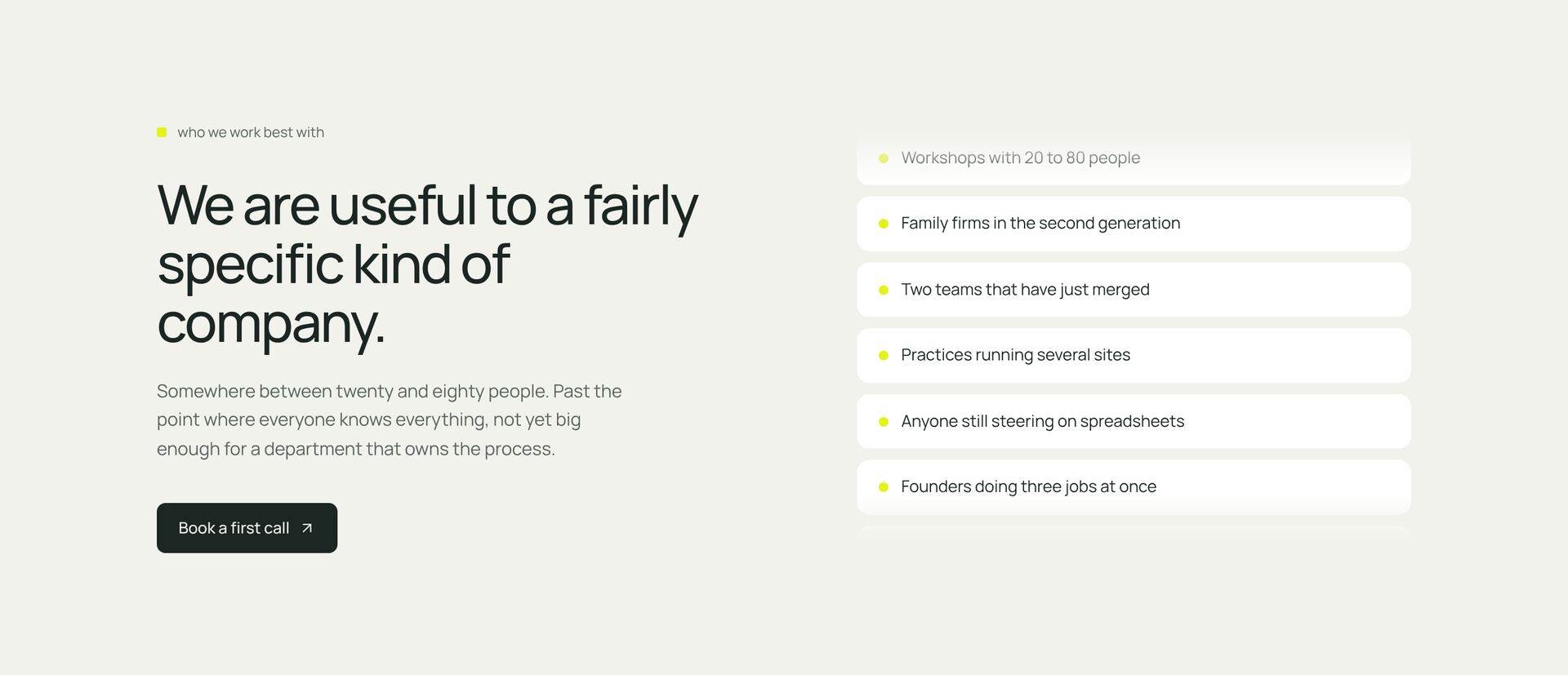
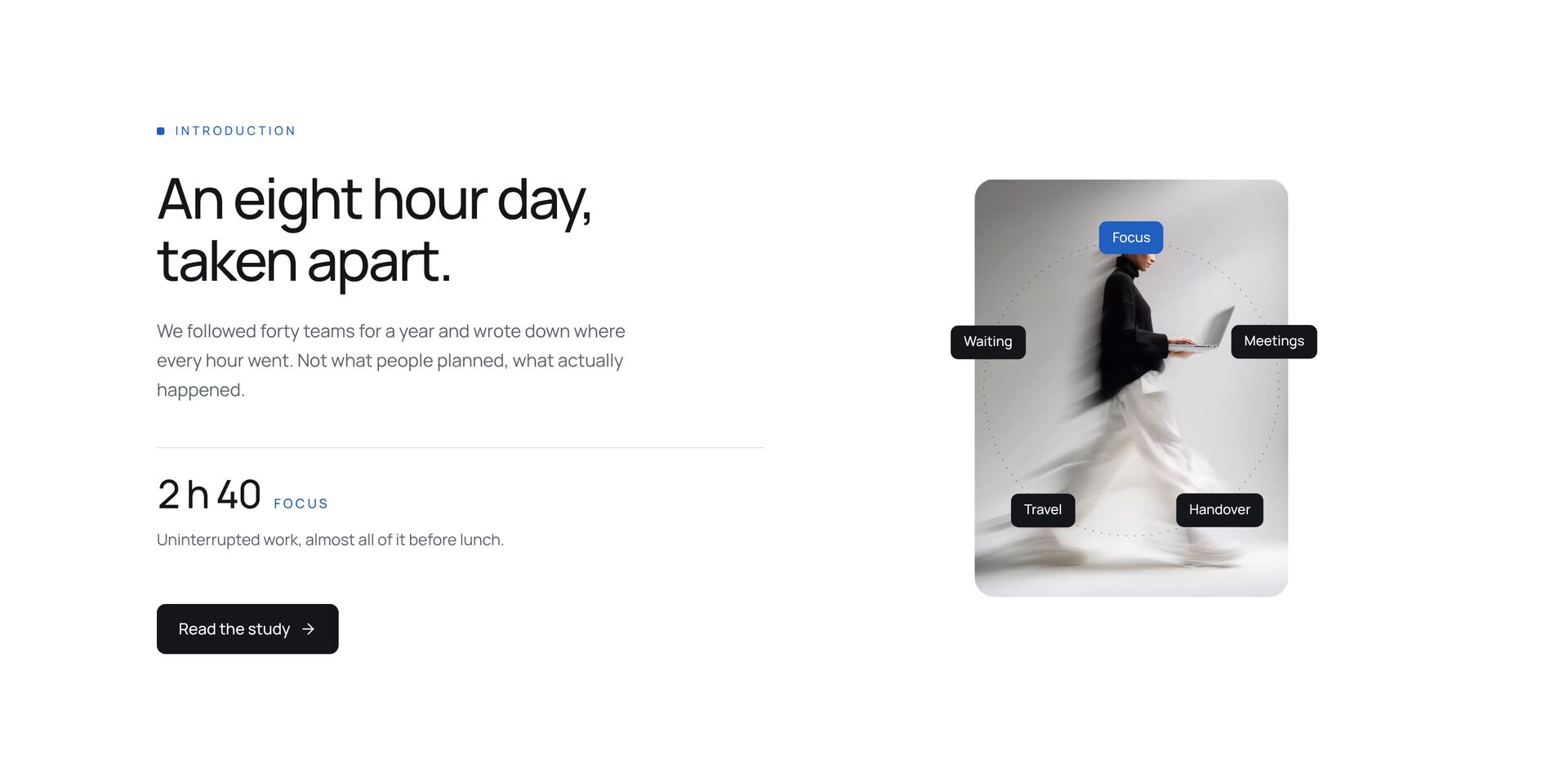
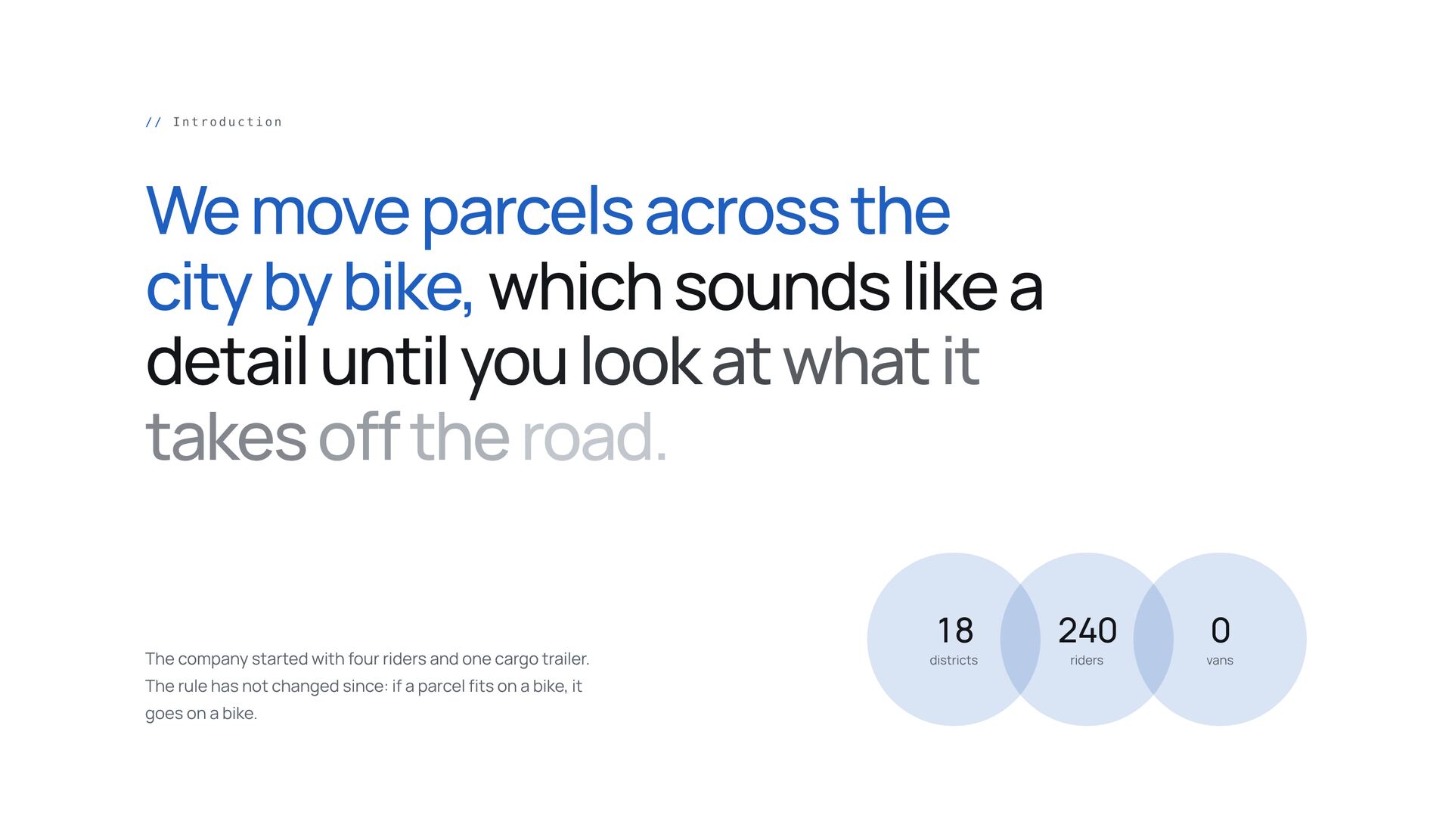
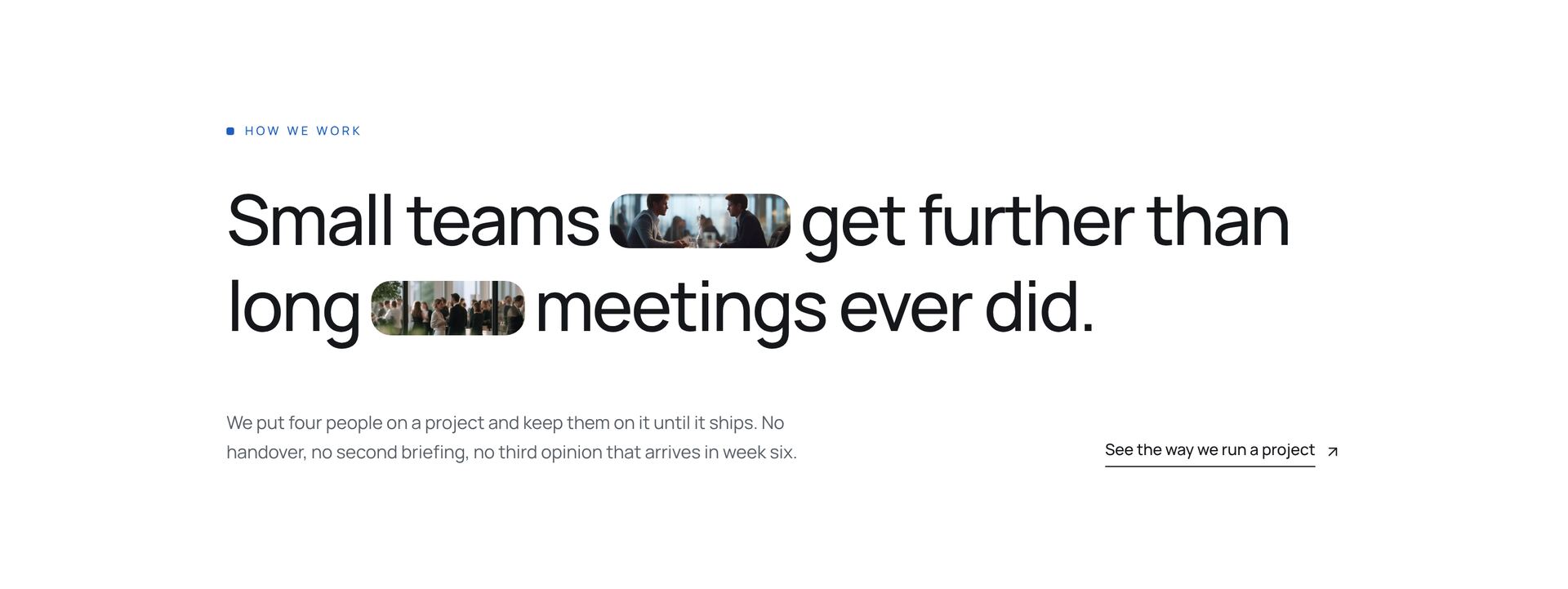
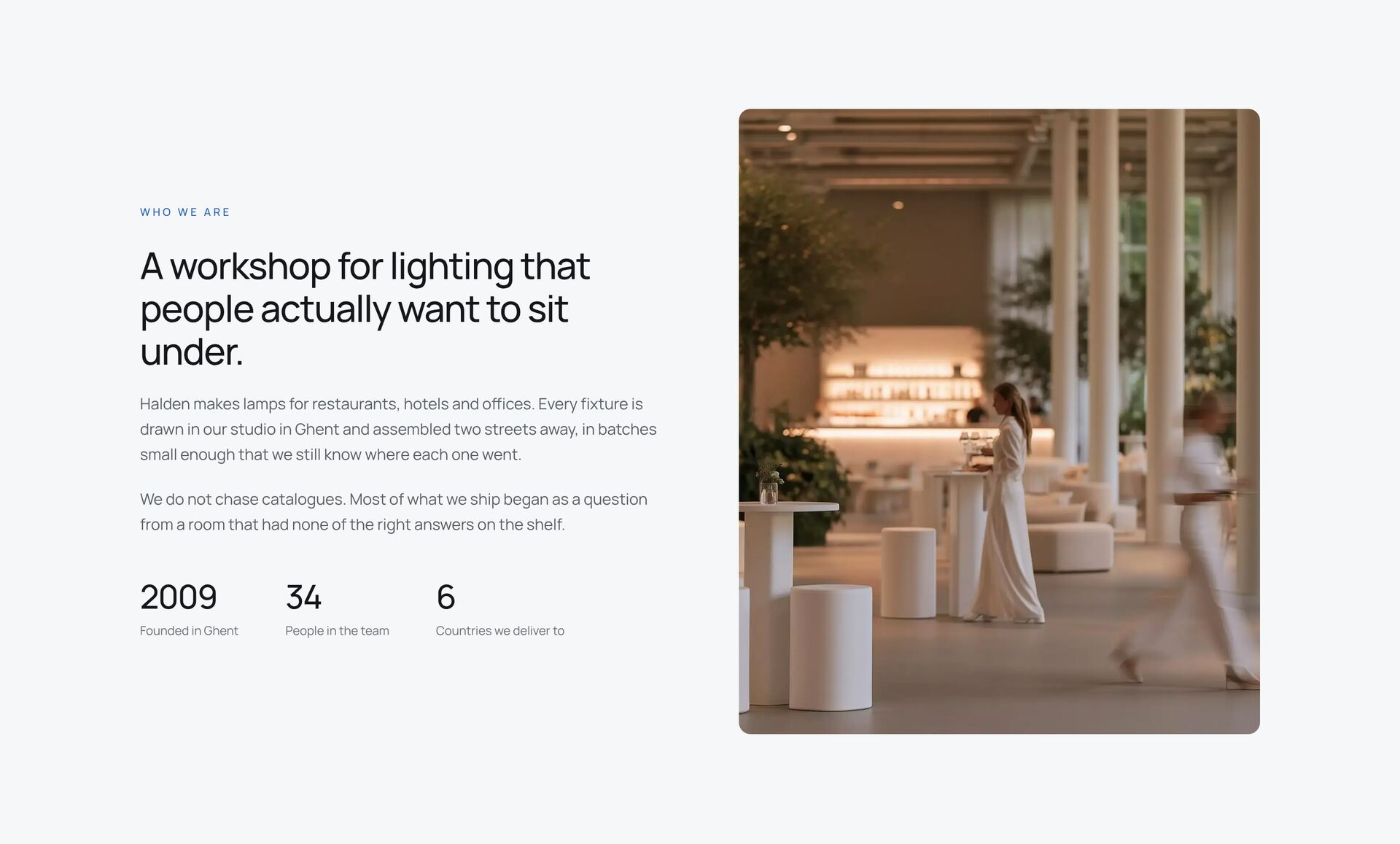
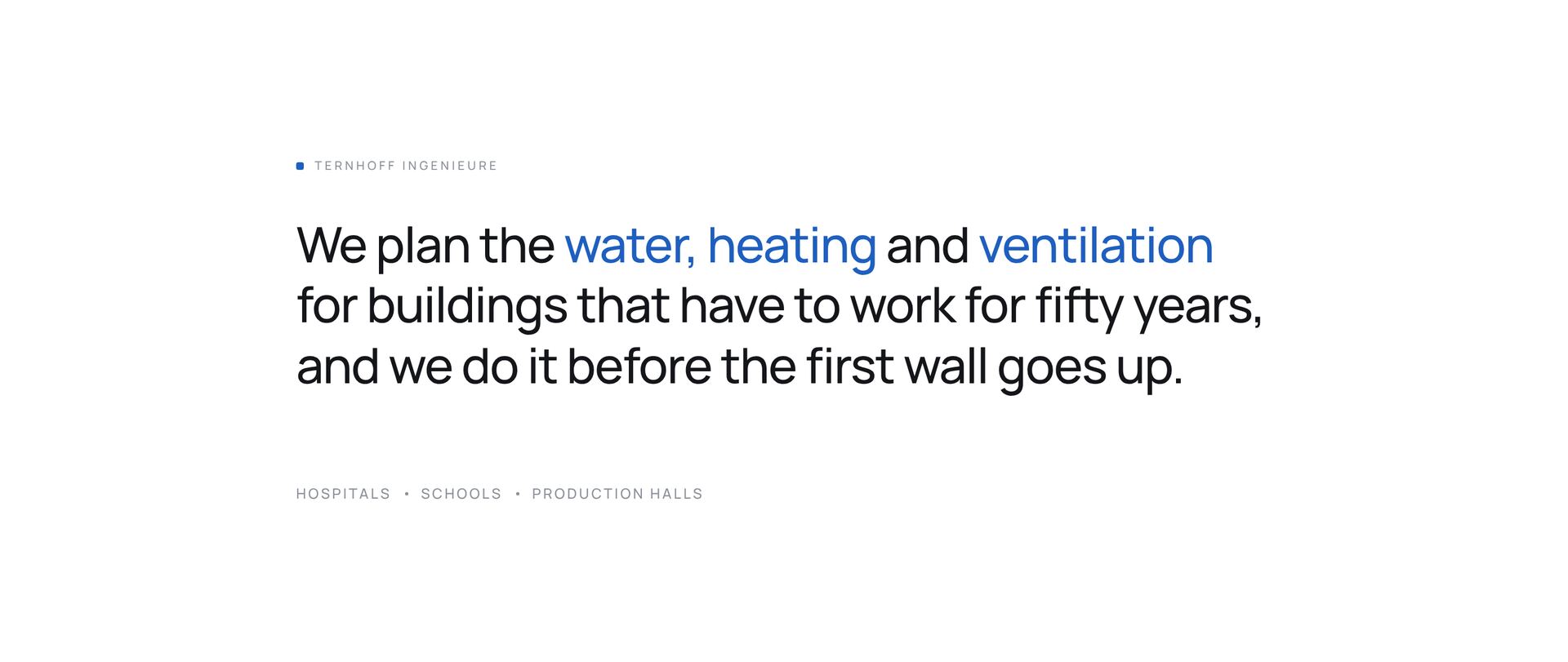
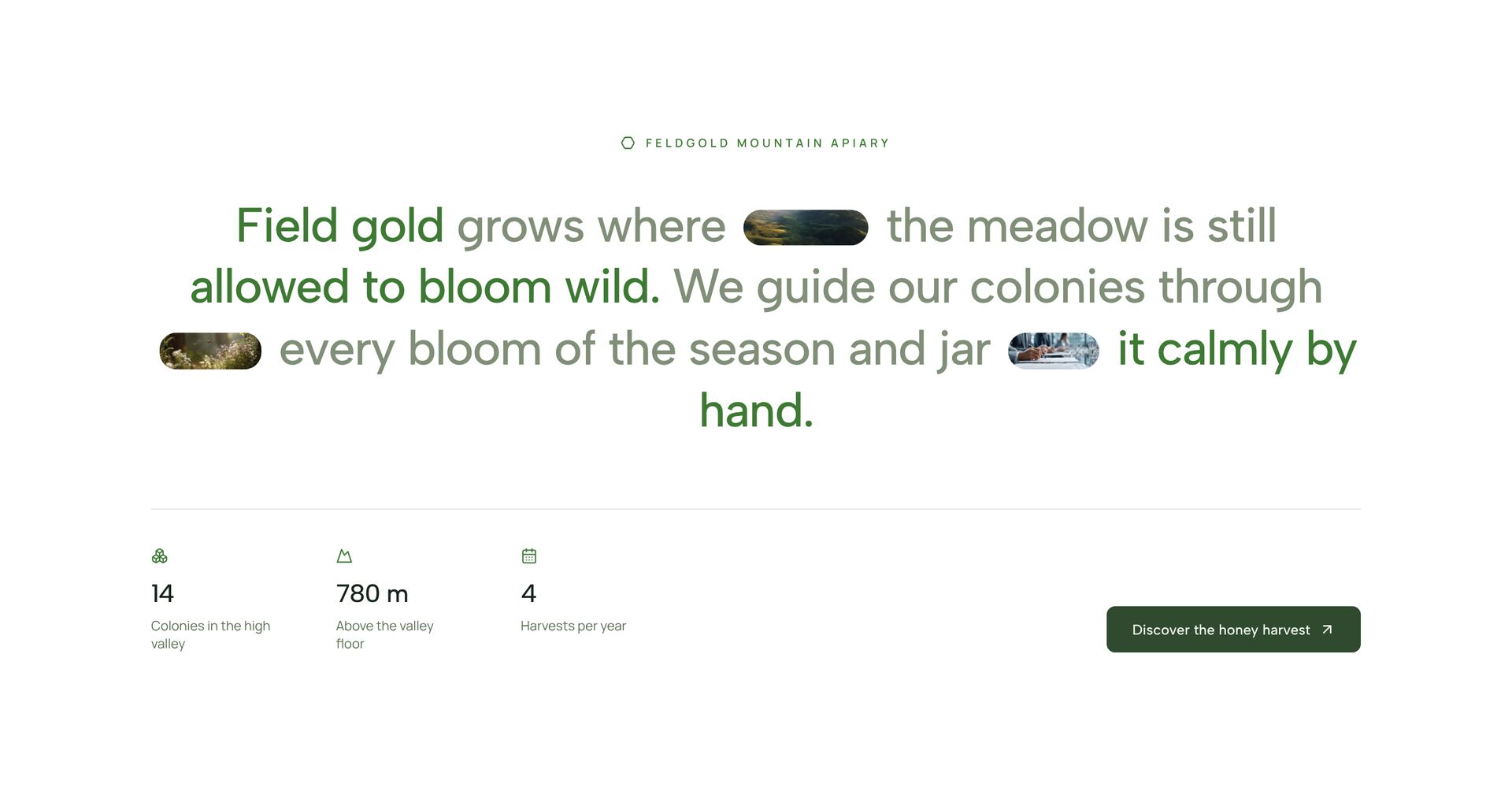
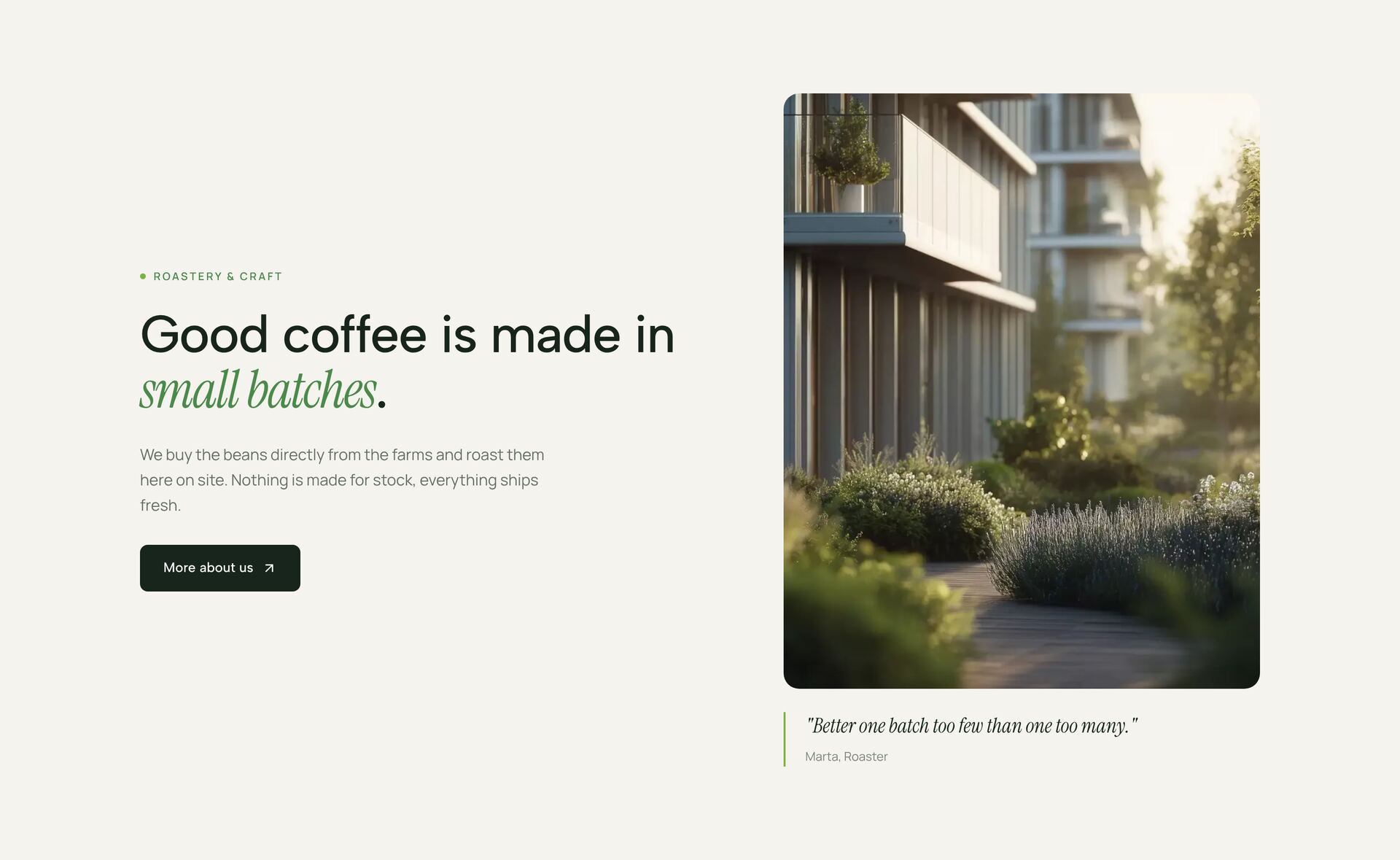
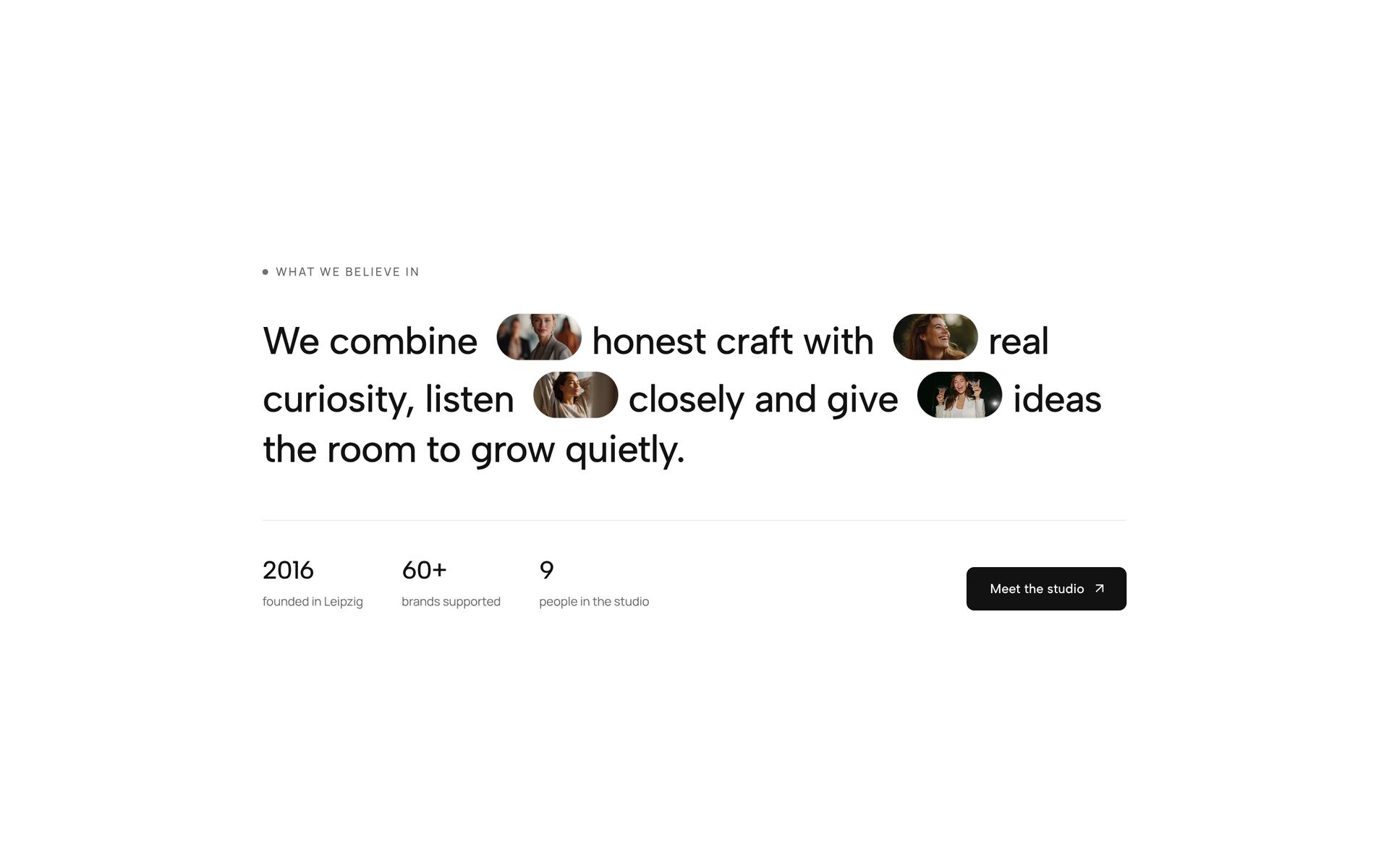
An intro section comes right after the hero and says, in a sentence or two, who the page is for and why it matters. It is the bridge between the headline and the details. The sections here do it with one large statement, a sentence with small images set into the line, words that change colour as you scroll, a few facts beside an image, or a row of cards that names the audience.
Use it when the hero is short or very visual and visitors need context before the features. Keep it to 30 to 60 words. Large type does the work, so one clear sentence beats a paragraph. Every intro is a React file with Tailwind classes, and scroll effects simply show the finished text when reduced motion is on.
More section categories
Frequently asked questions
30 to 60 words. One statement in large type is read in full; three paragraphs get skimmed. Details belong in the feature sections that follow.
Not always. If the hero names the product, the audience and the result, go straight to the features. An intro helps when the hero is mostly an image or a single word.
Yes. With reduced motion turned on in the system, the text appears in its final state. You can also remove the motion part and keep the layout.
Didn't find your question? We're happy to help.
Get in touch