How do you design a contact form that gets filled out?
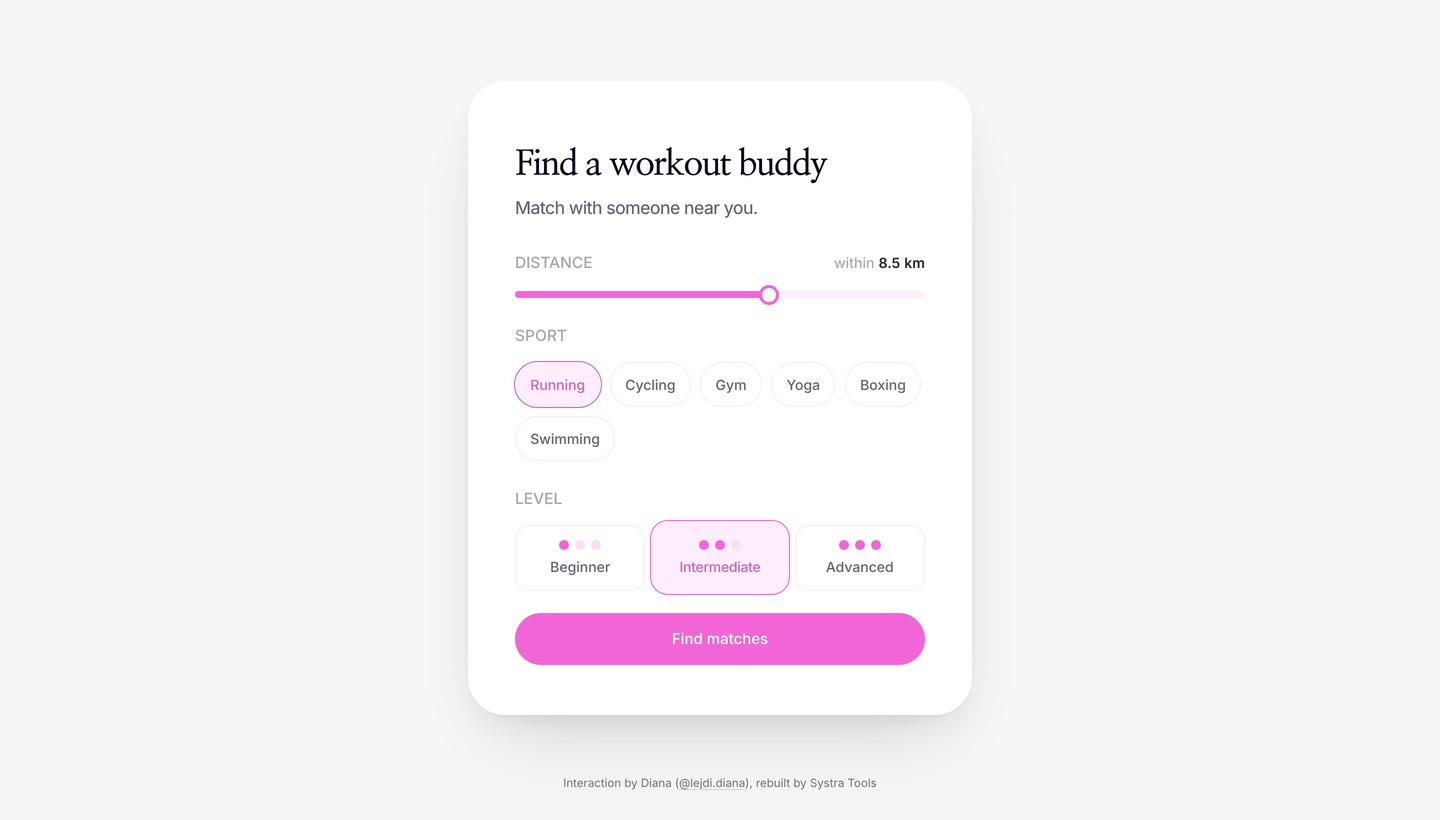
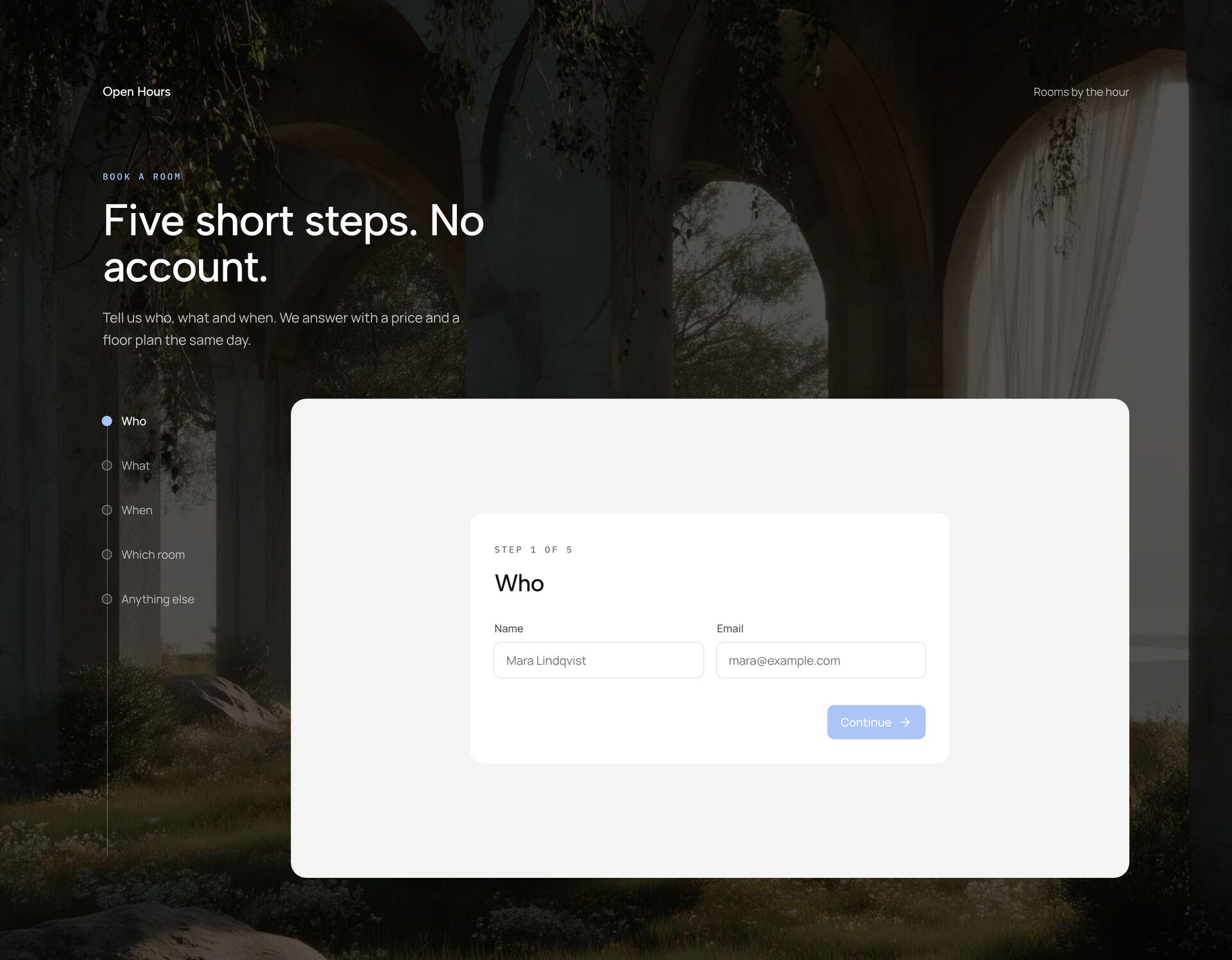
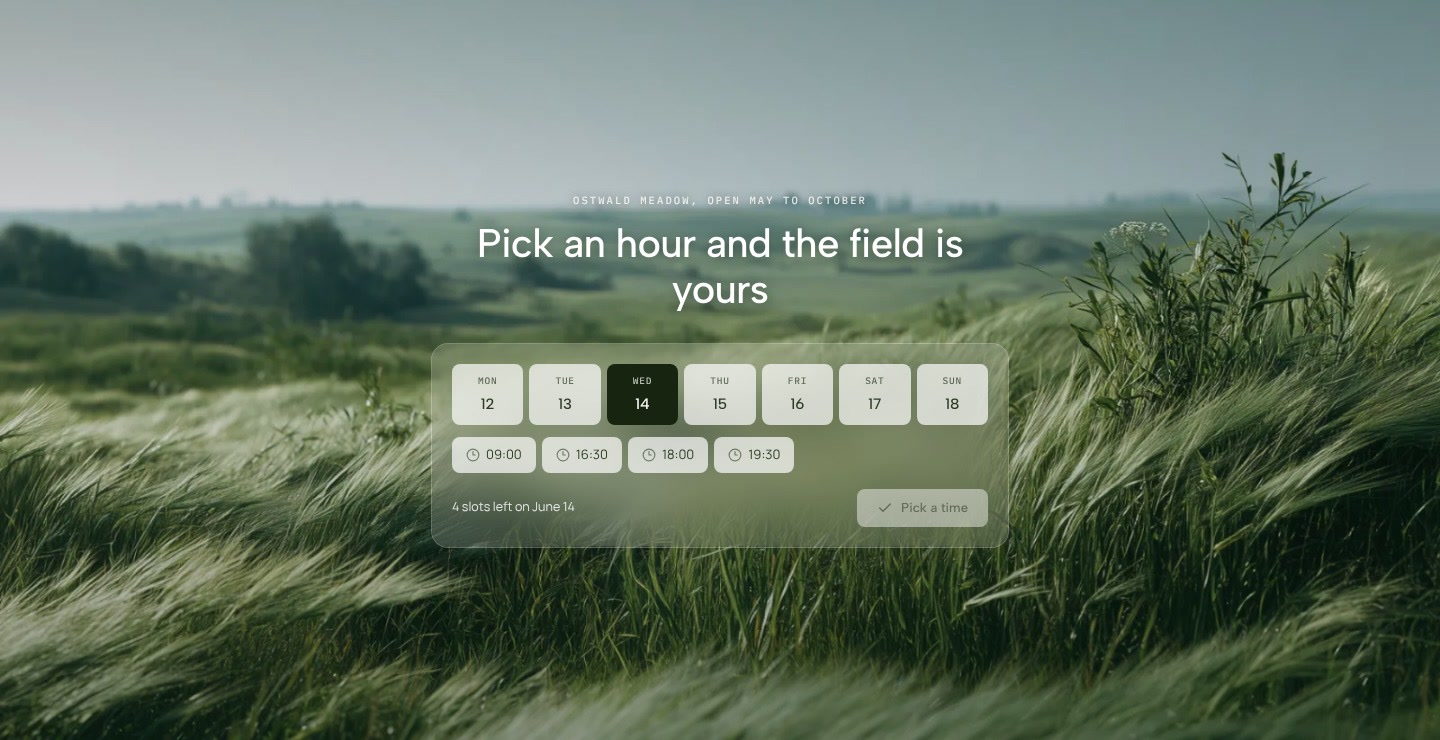
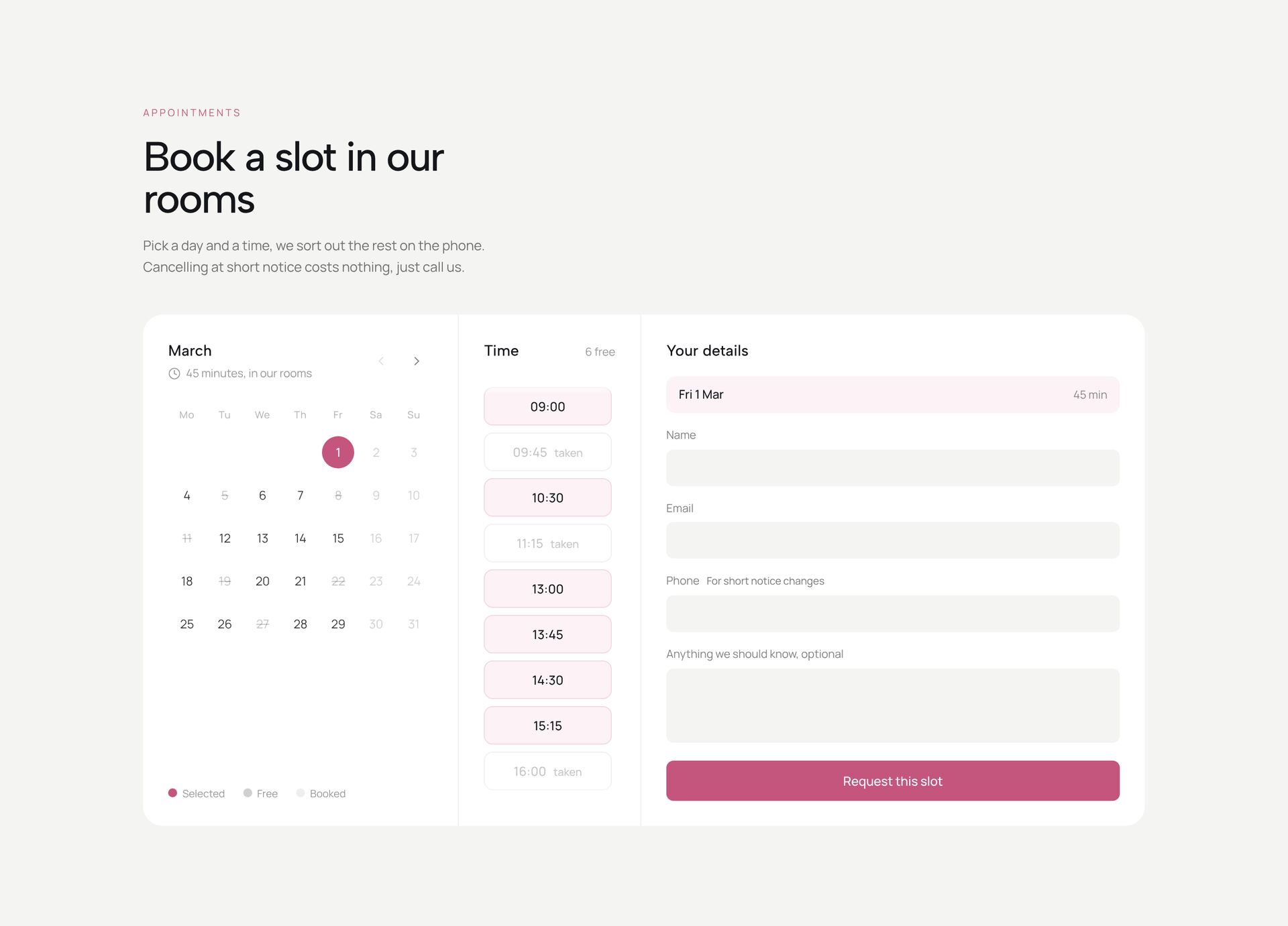
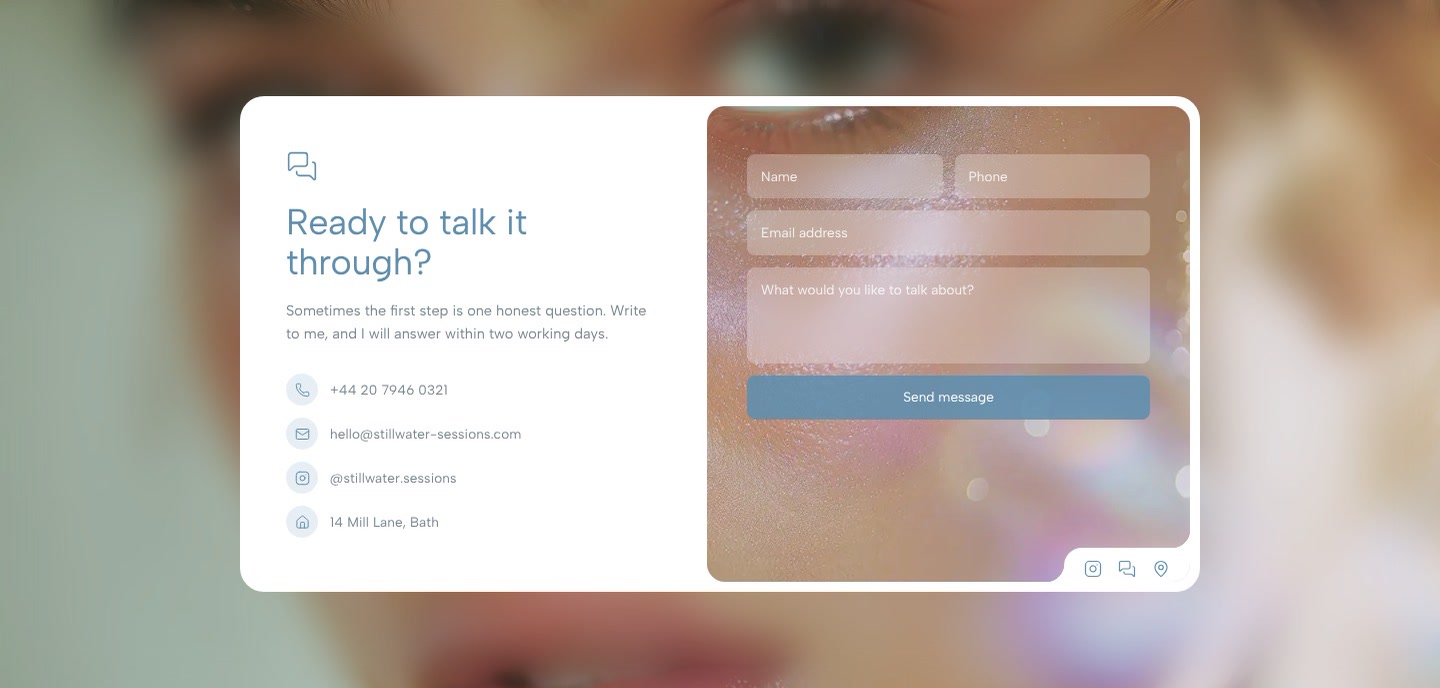
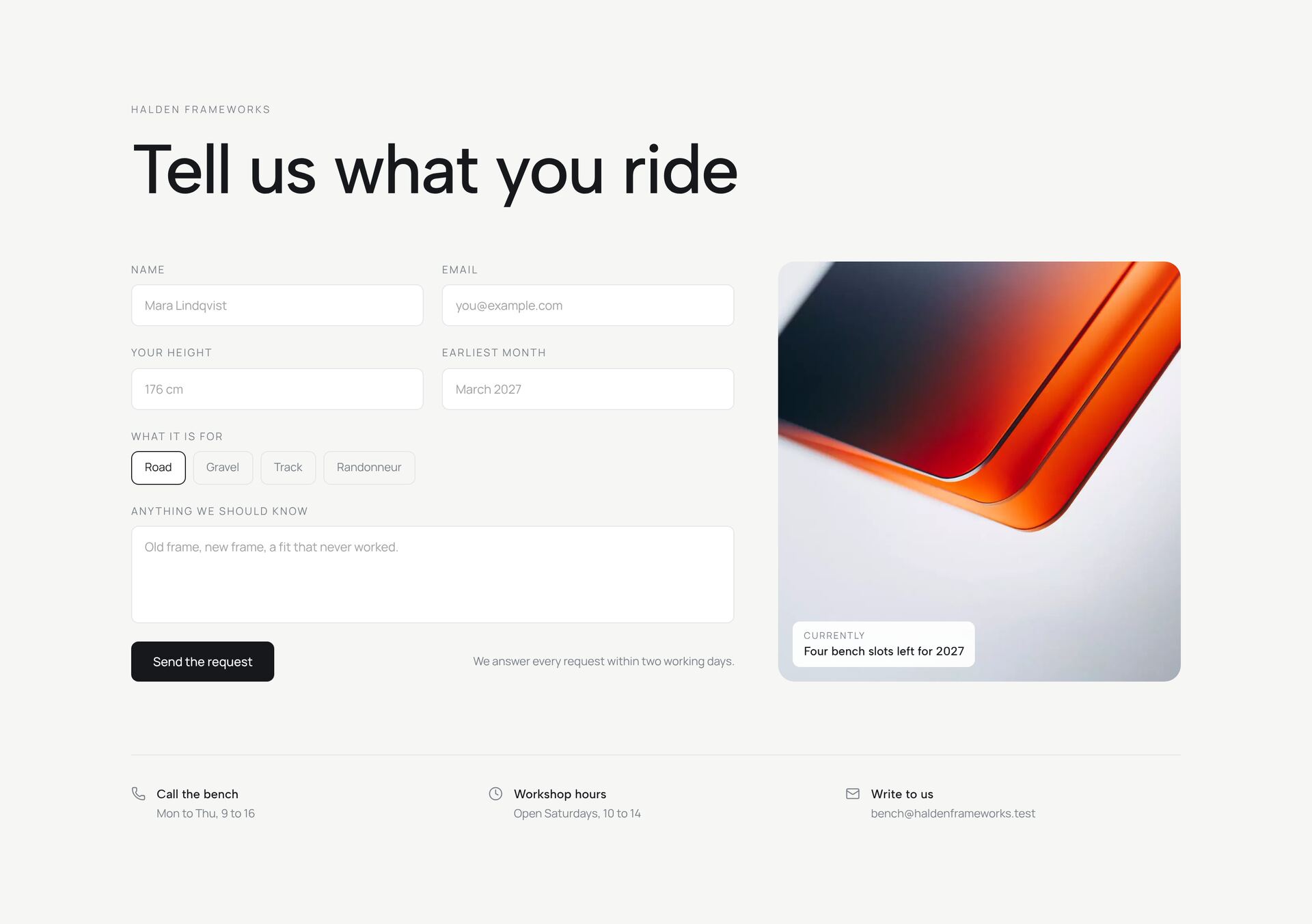
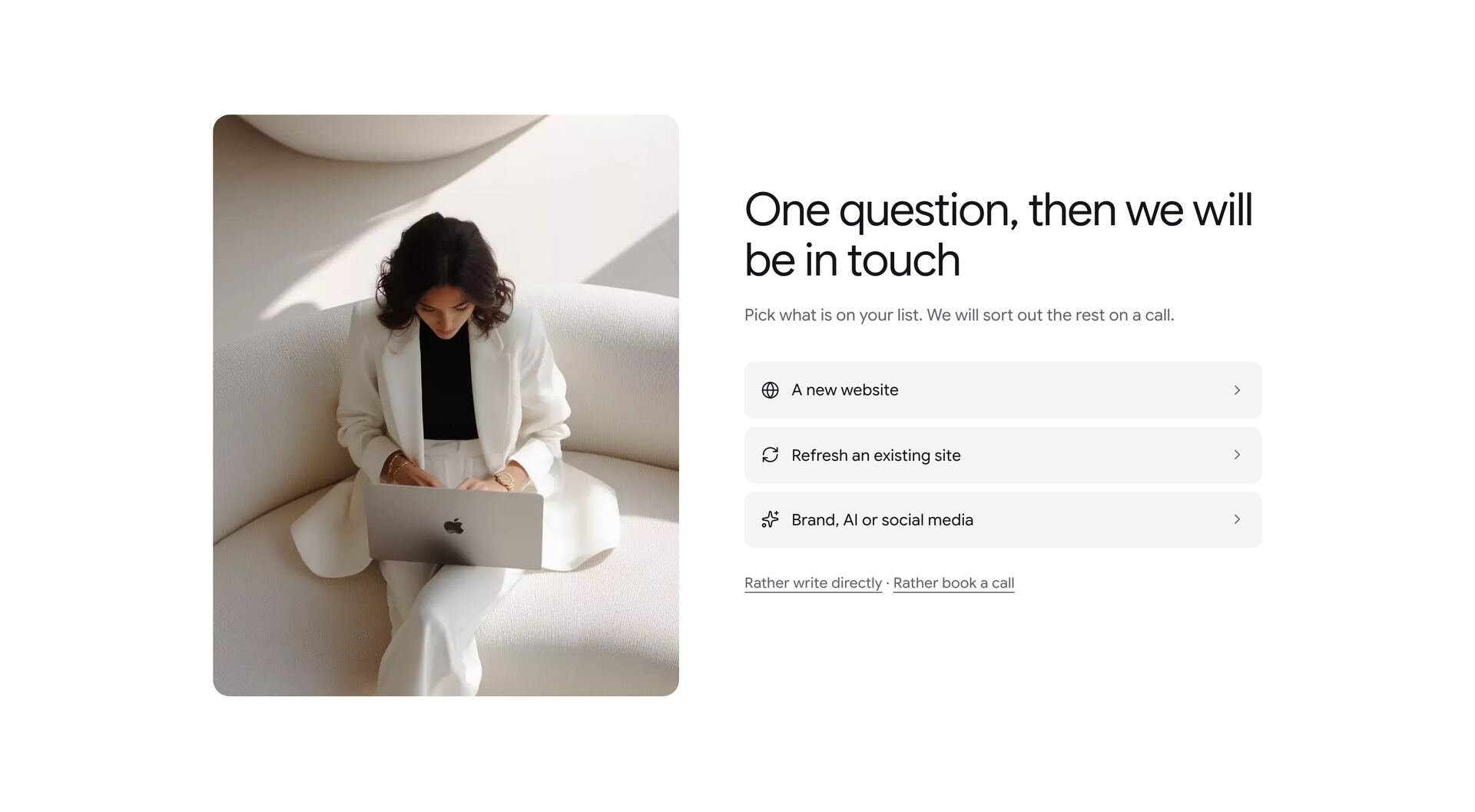
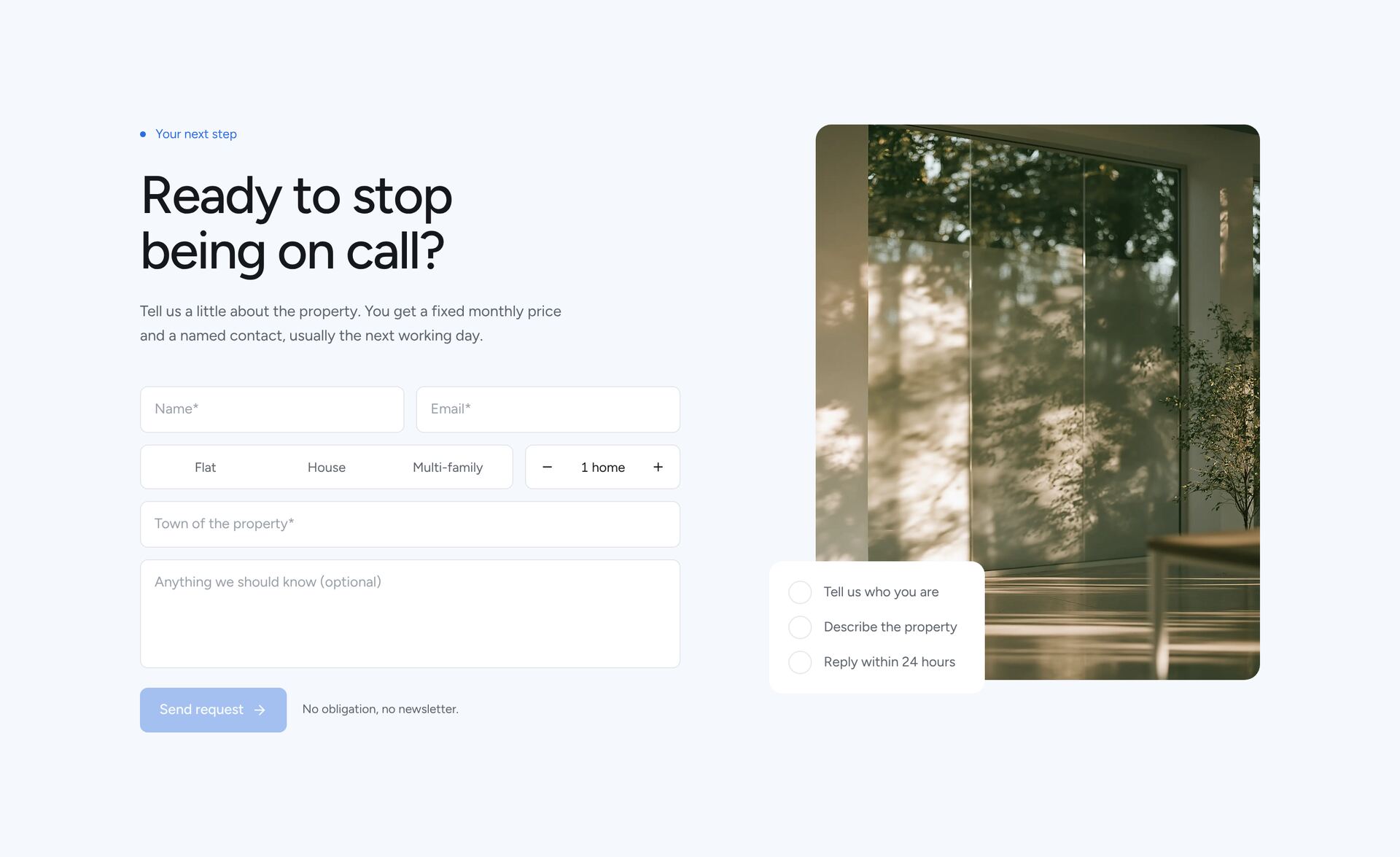
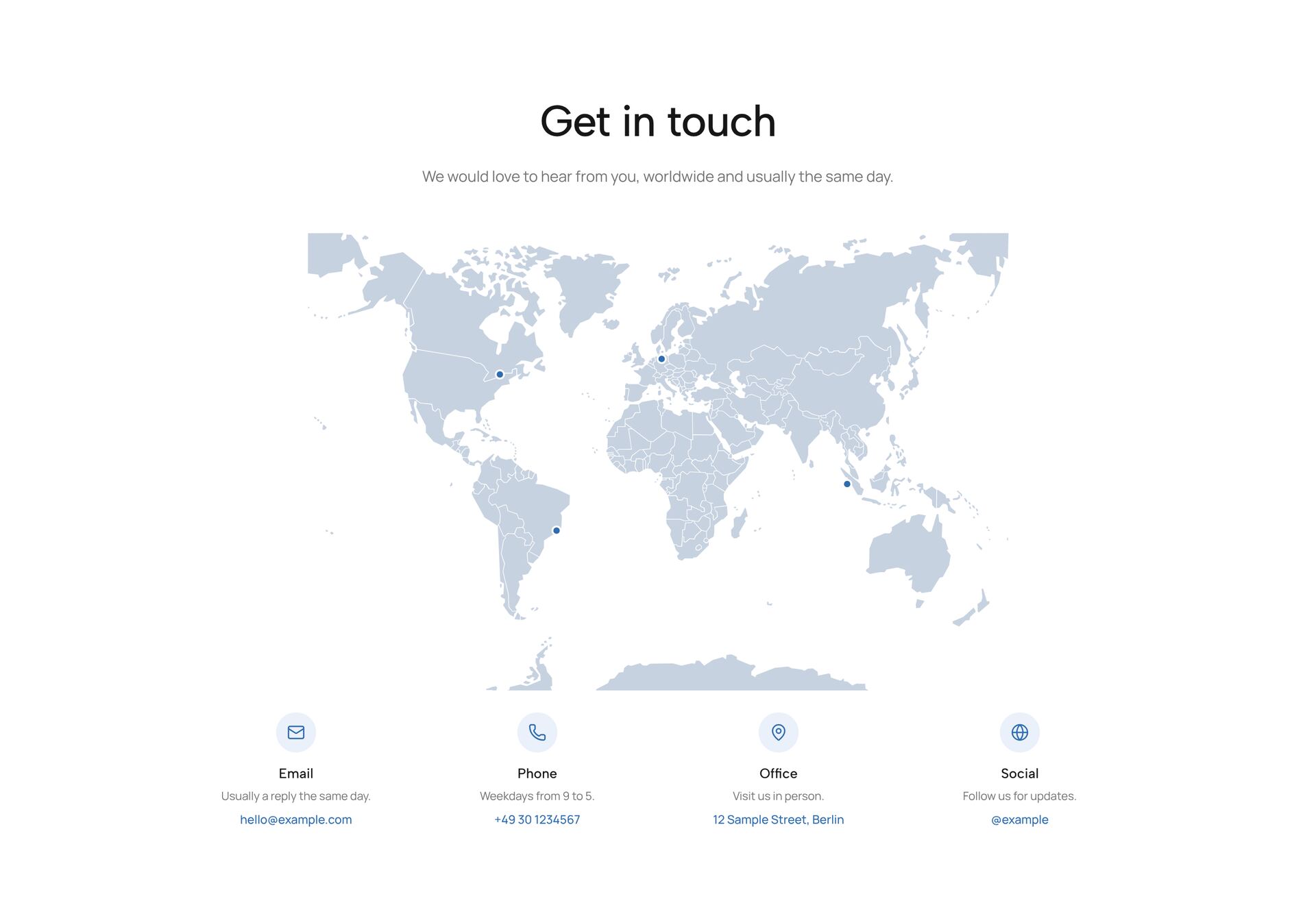
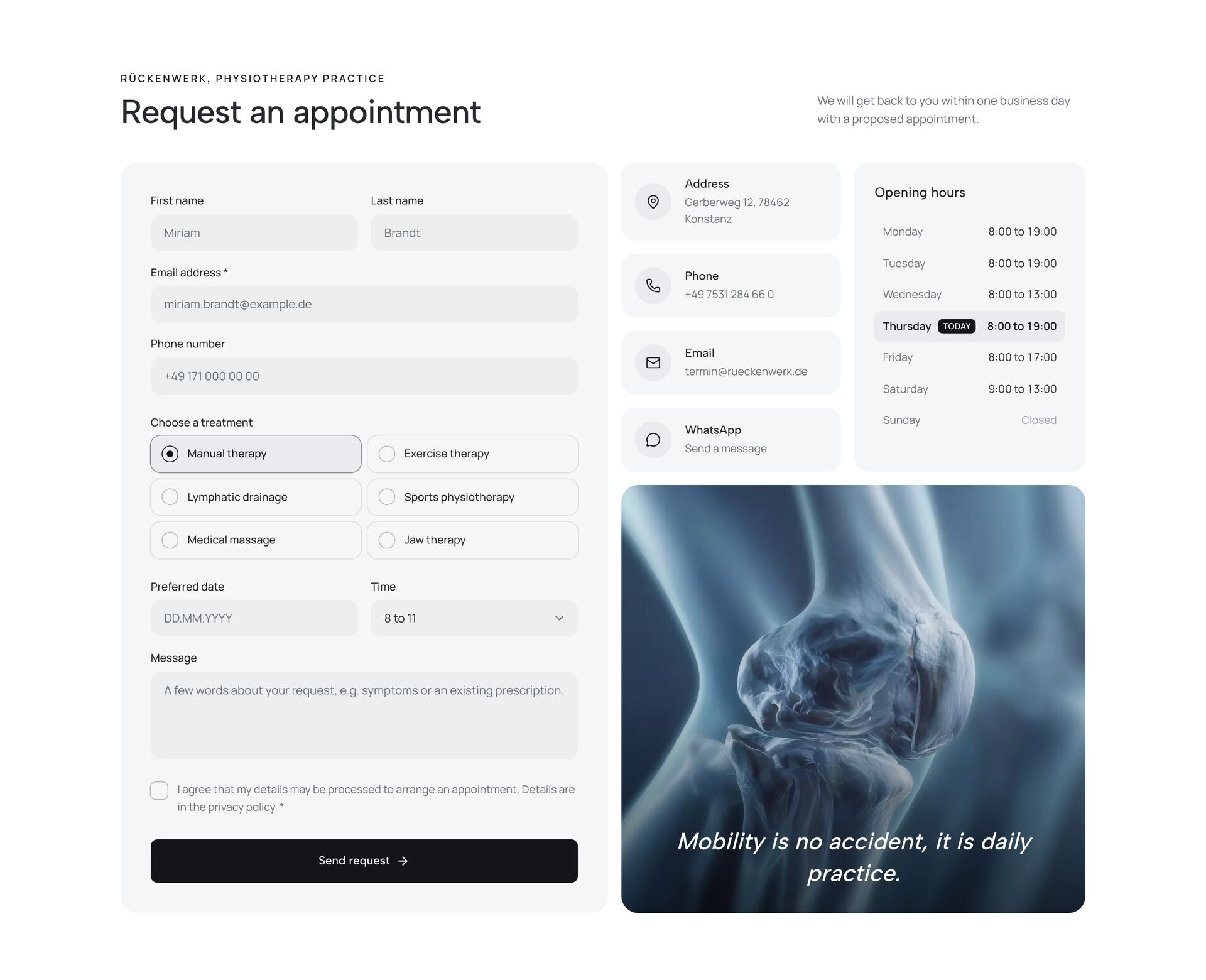
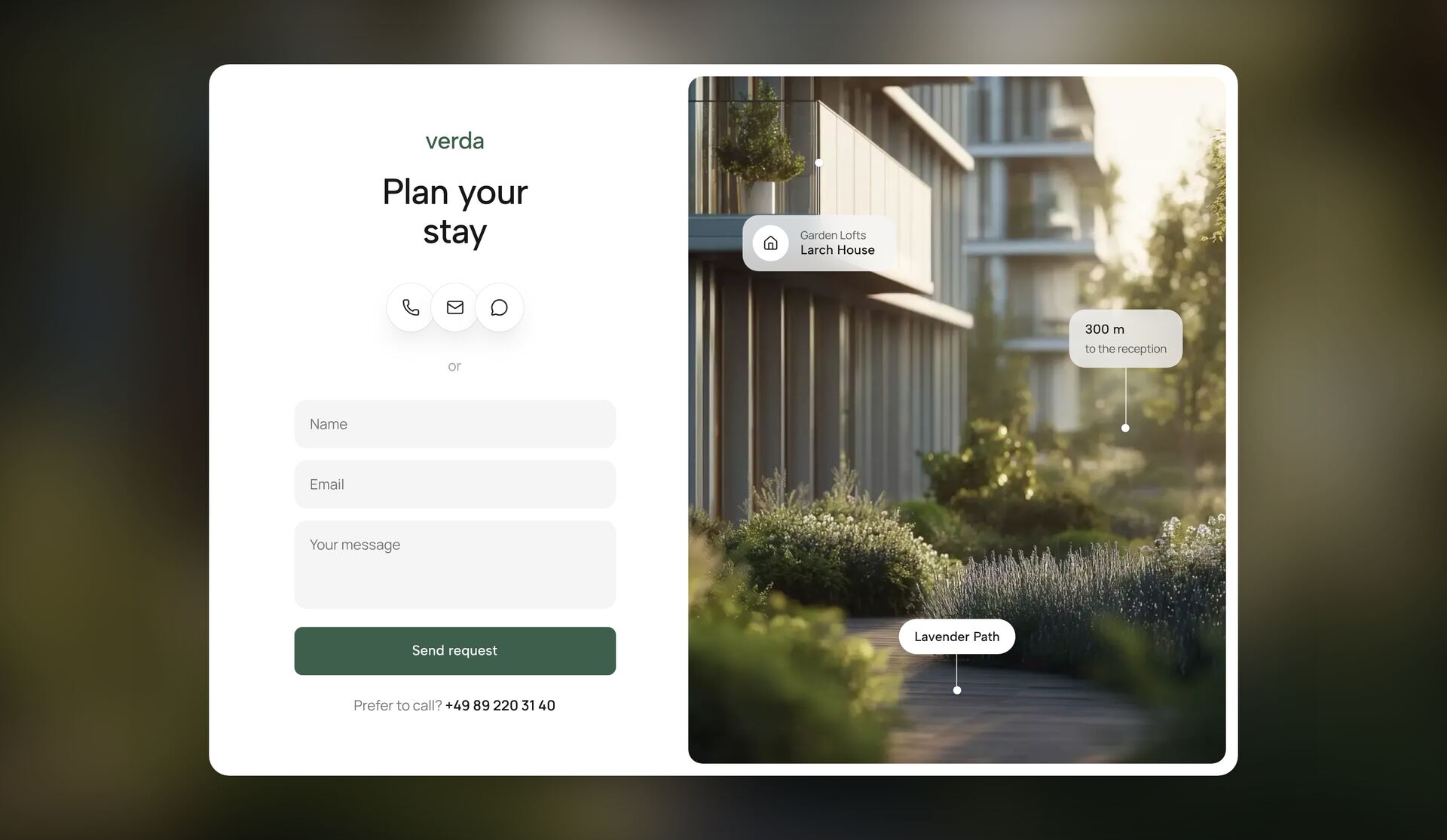
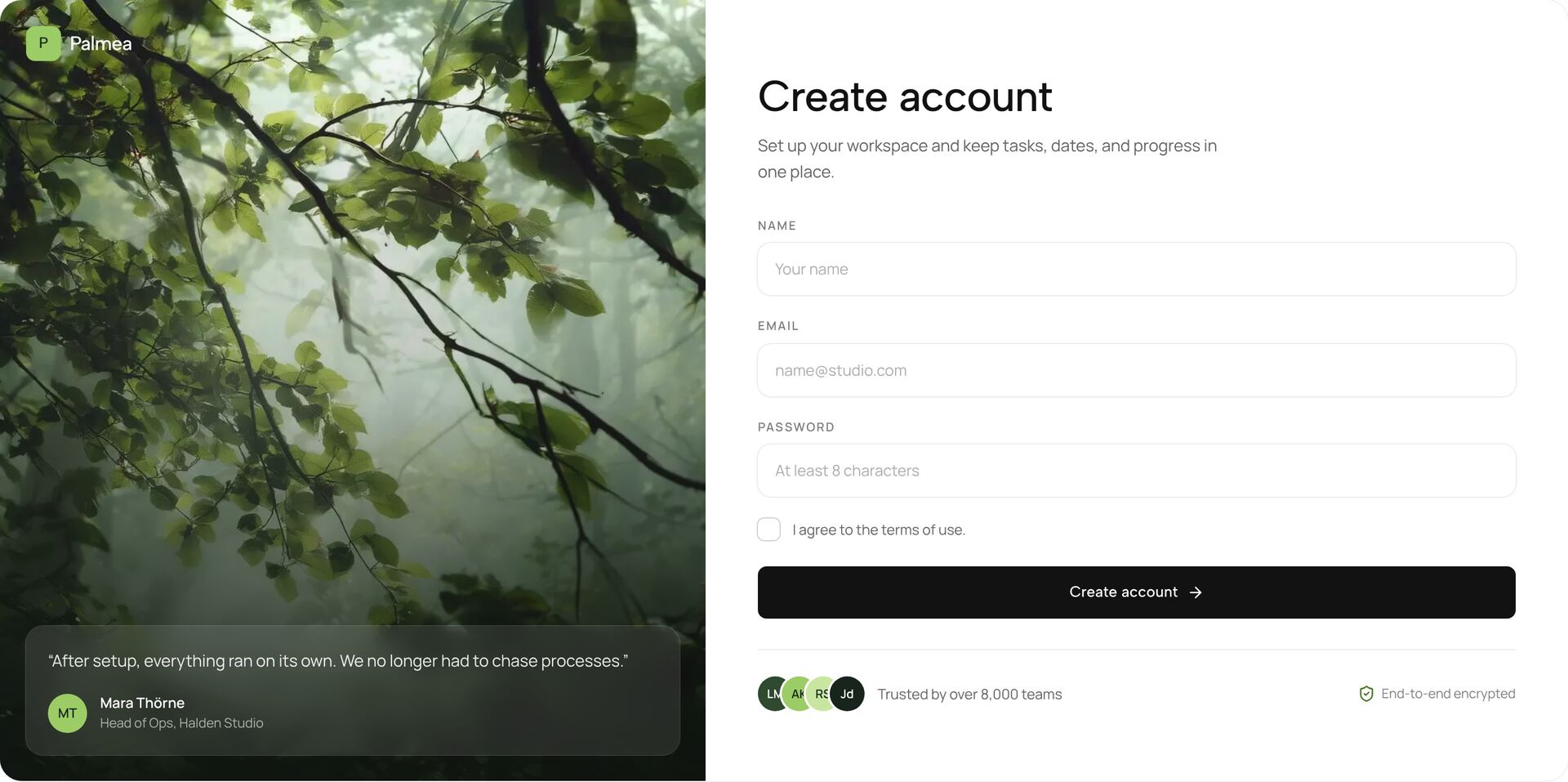
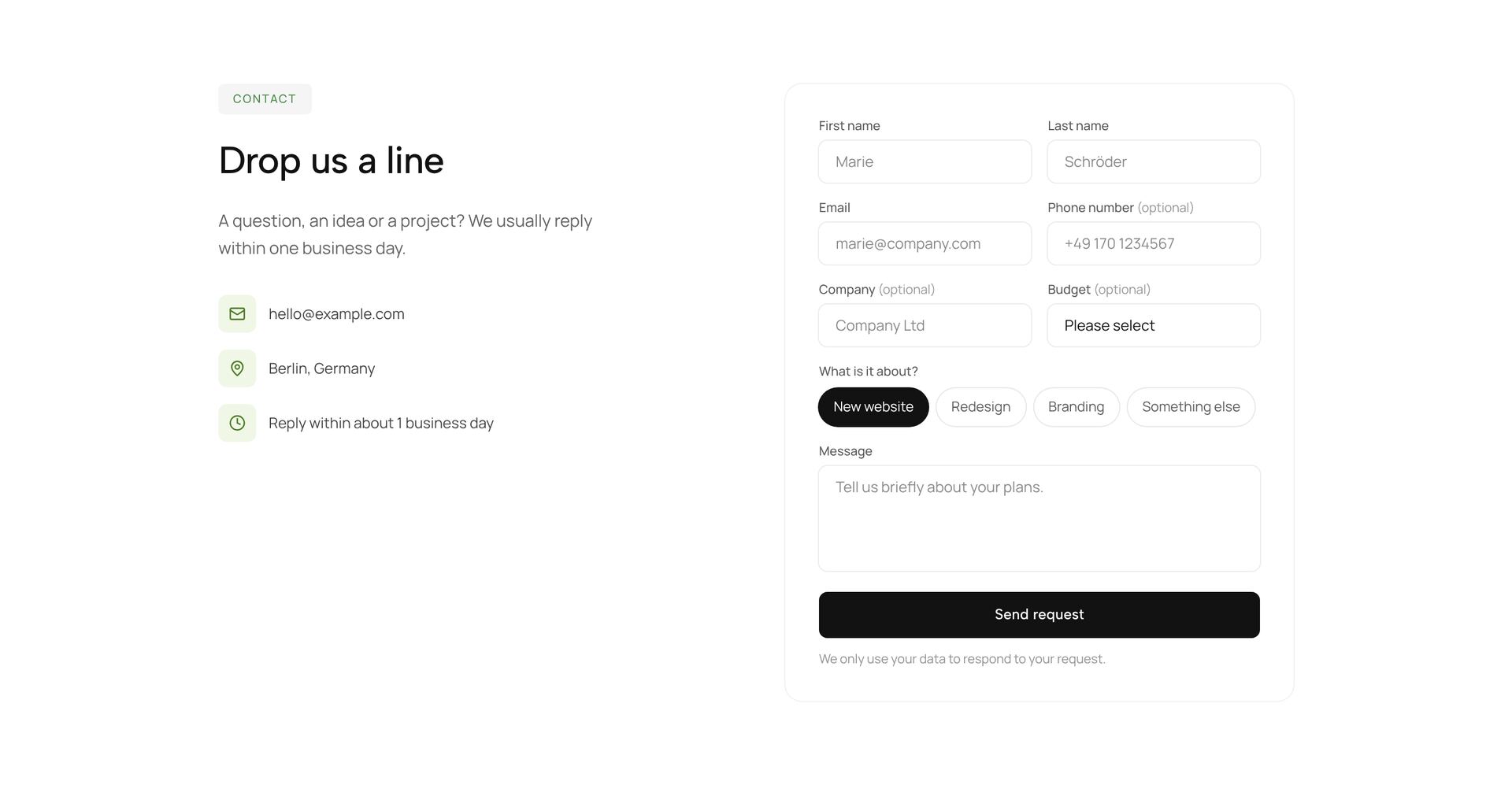
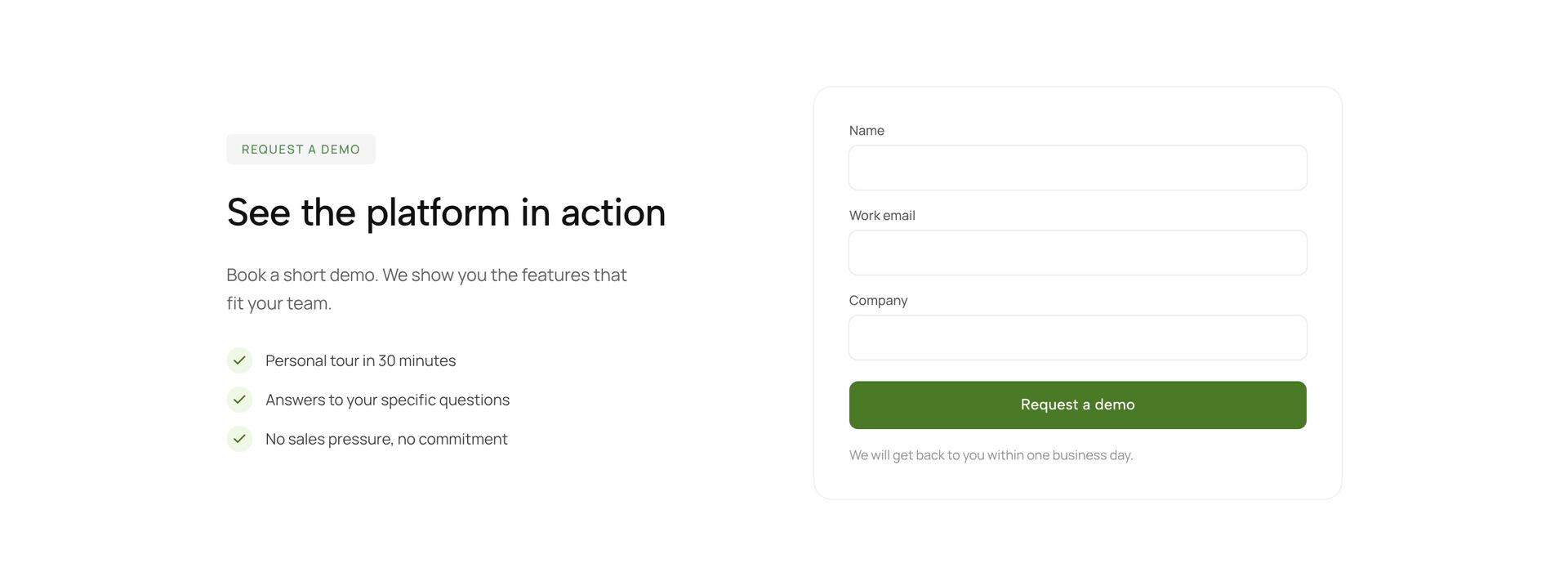
A form is where a visitor turns into a lead, so every extra field costs replies. The sections here include contact forms beside an image or a map, split layouts with contact details, lead capture with a single field, sign-up panels, a multi-step form, a workshop intake and booking calendars with time slots.
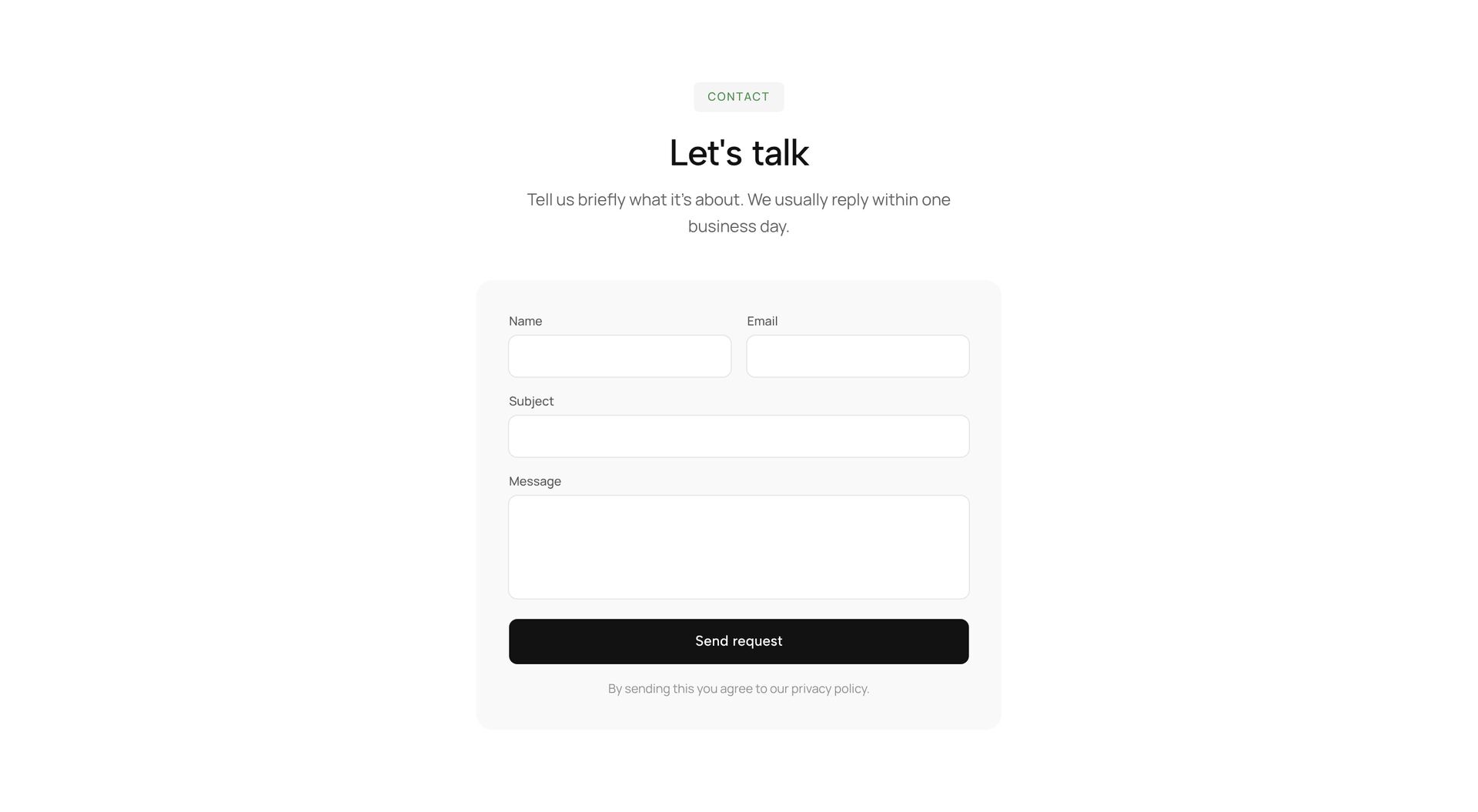
Ask only what you need for the next step: name, email and a message are enough for most contact forms. Split longer requests into steps and show progress. Labels stay visible above the fields, error messages say how to fix the input, and the button names the action, such as “Send request”. The forms are plain React with a submit function you connect to your email service or backend.
Related guides


More section categories
Frequently asked questions
Three to five. Name, email and message cover most requests. Every additional required field lowers the number of people who send the form.
Wherever you connect them. Each form has one submit function. Point it at your backend, a form service such as Formspree or an API route that sends an email.
They are built on native form elements and can be used with a keyboard. Add your own validation messages and test with a screen reader before launch.
Didn't find your question? We're happy to help.
Get in touch