AI
AI features you can operate: a suggestion, a review and the sources behind it.


How do you present AI features on a website?
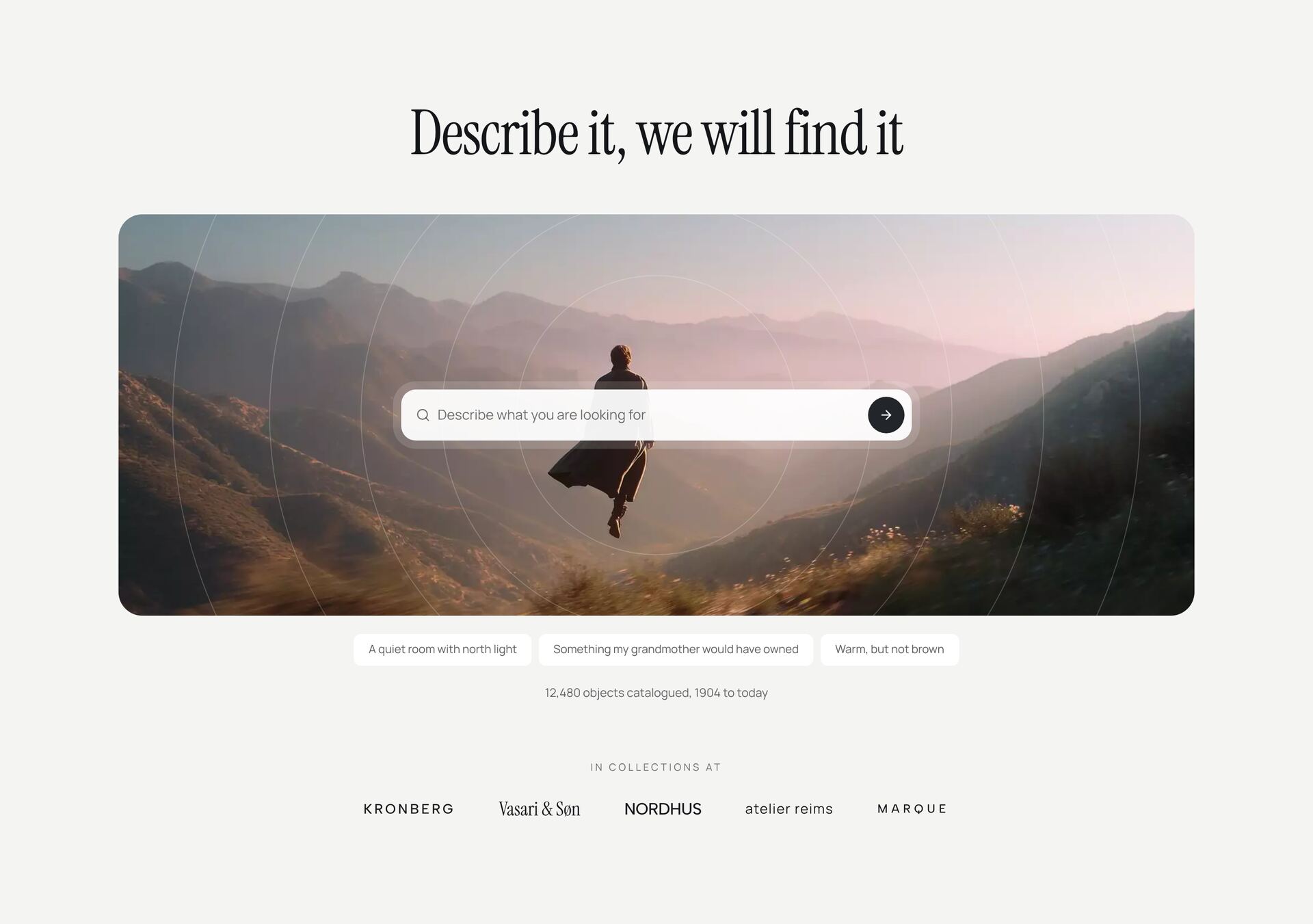
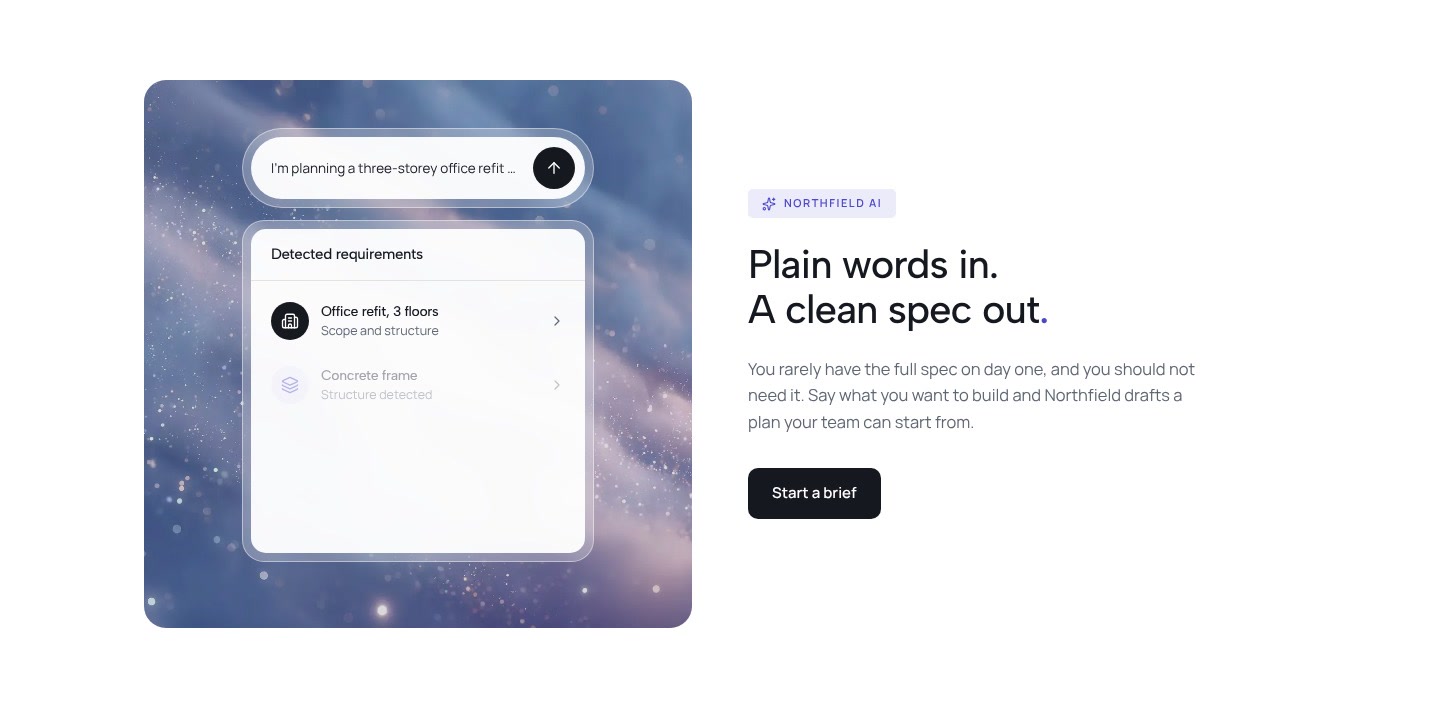
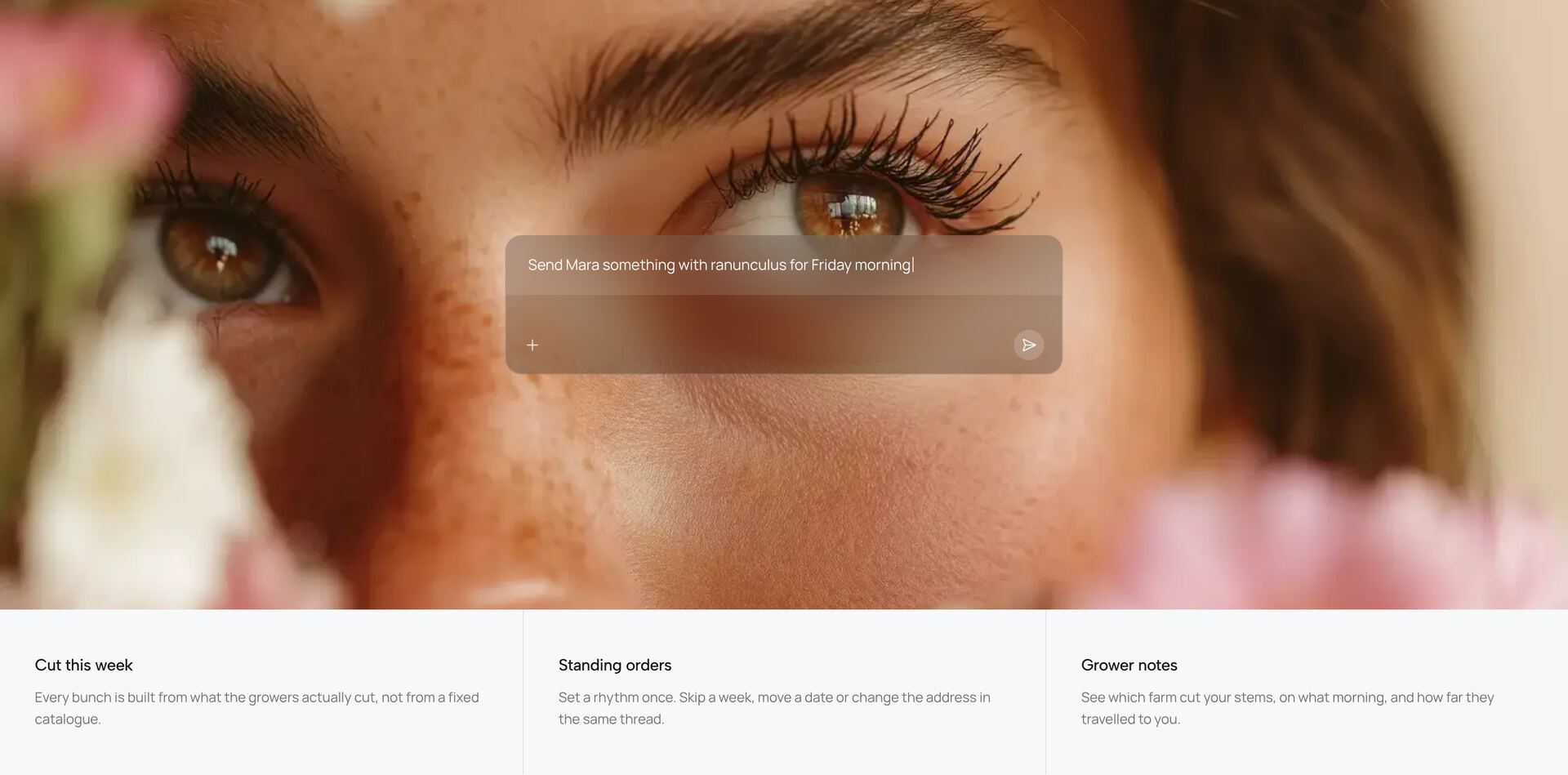
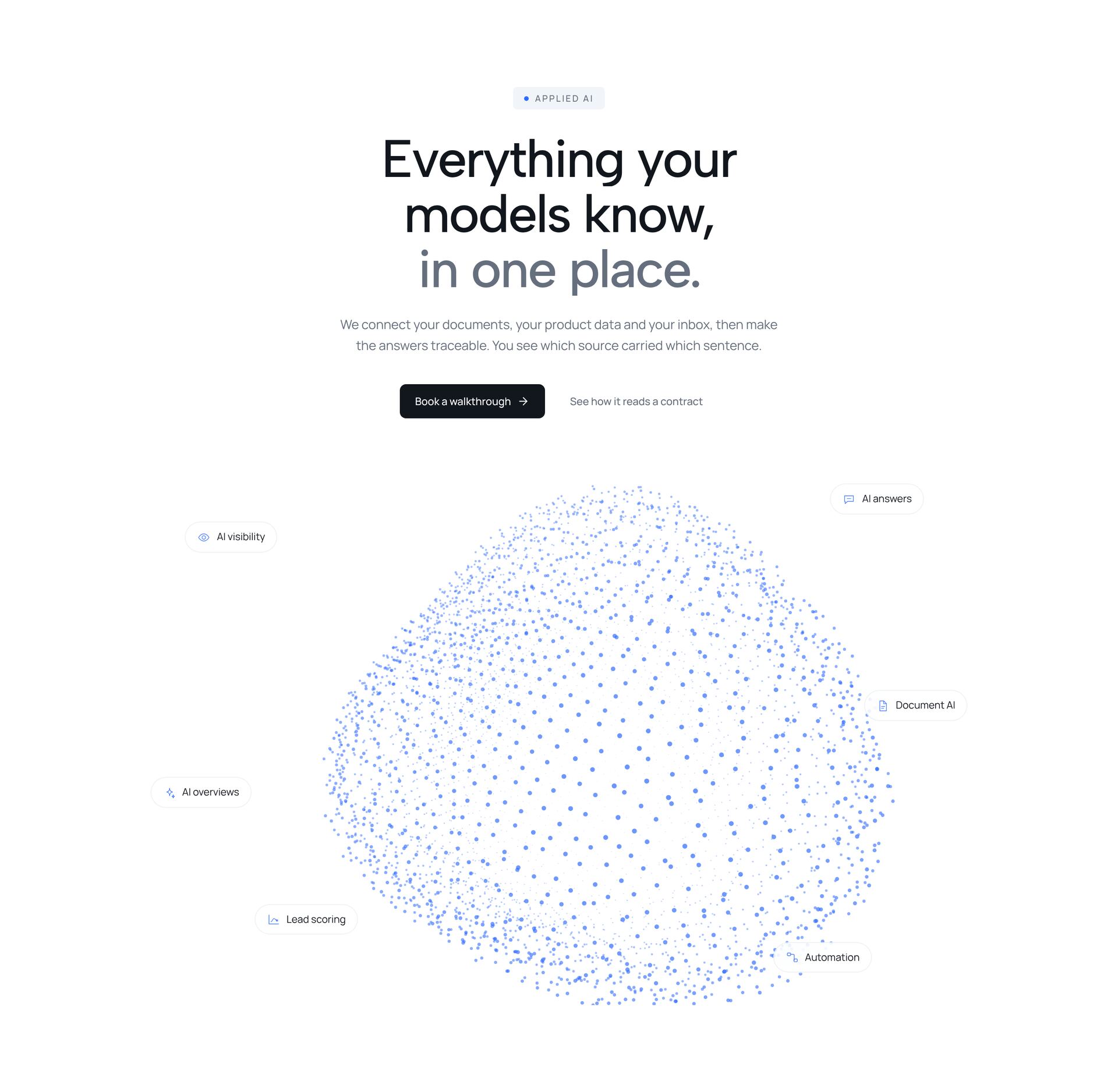
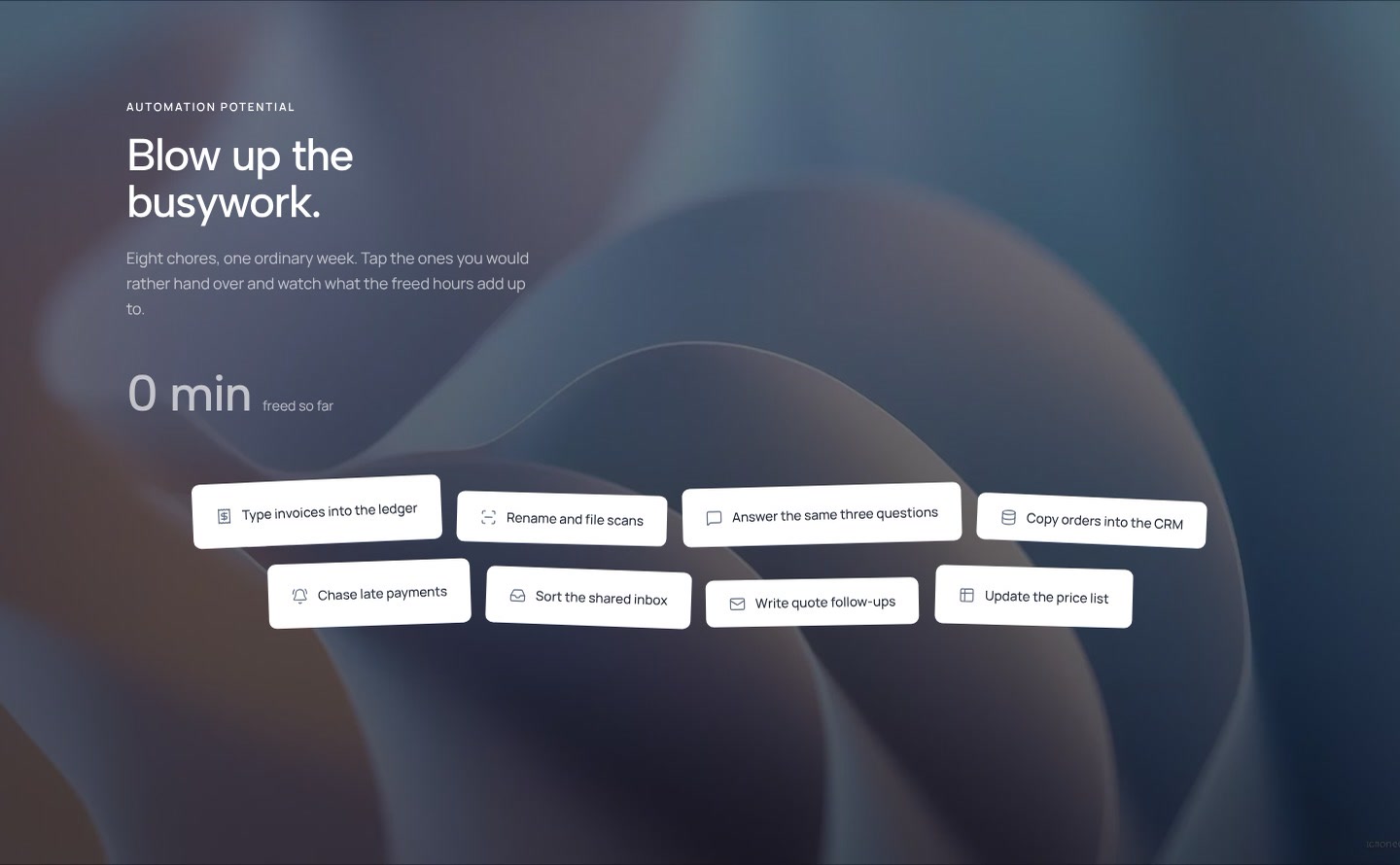
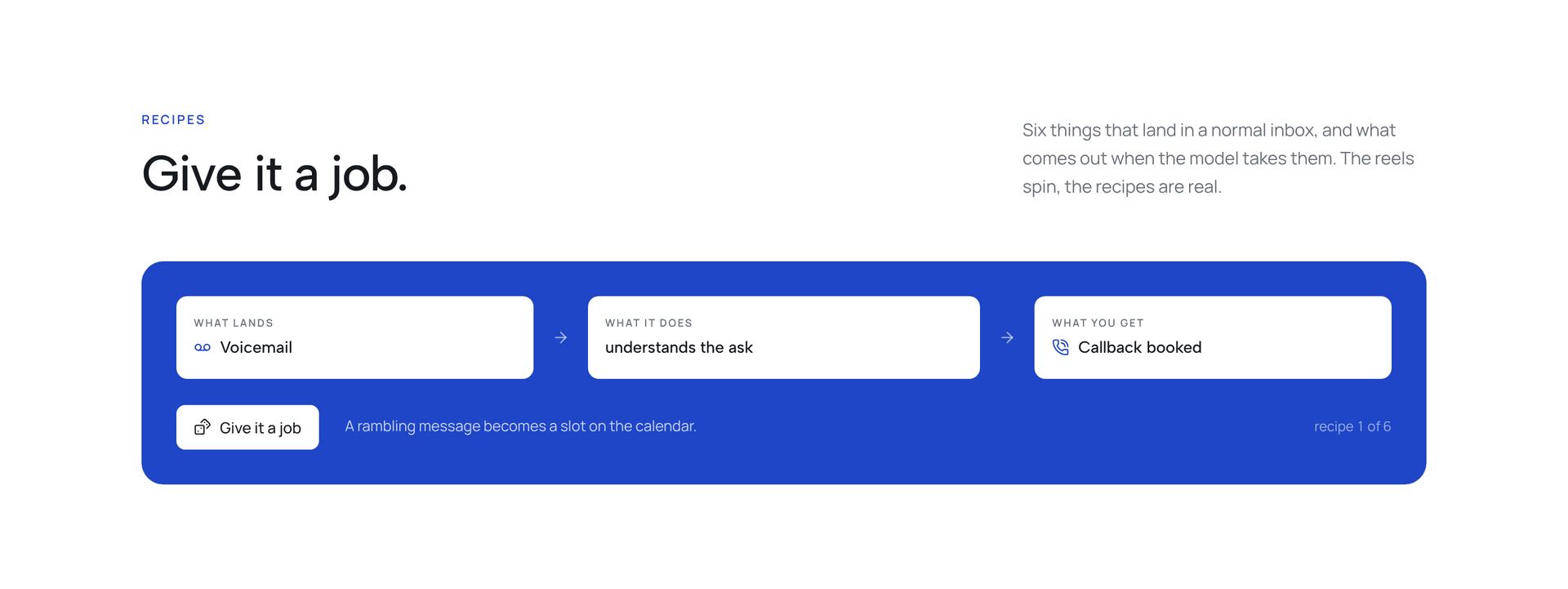
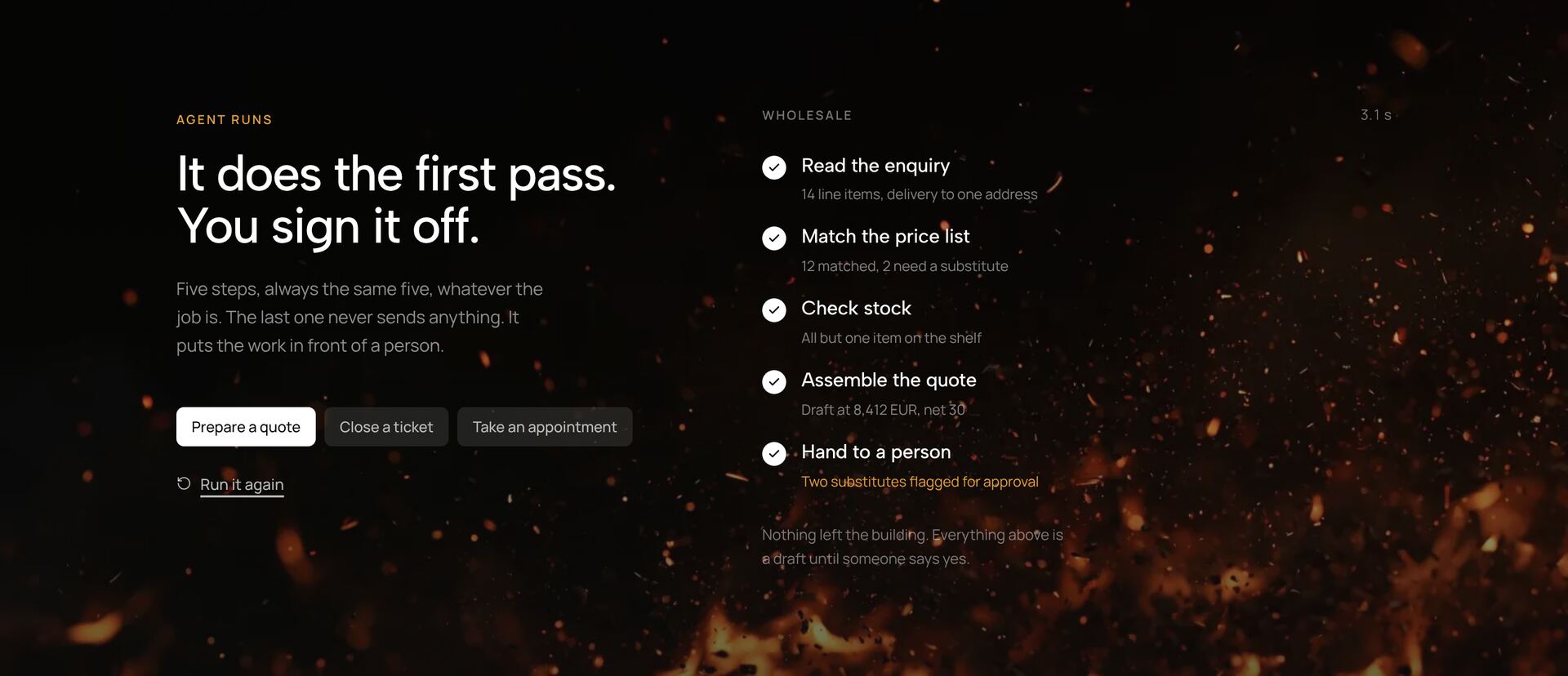
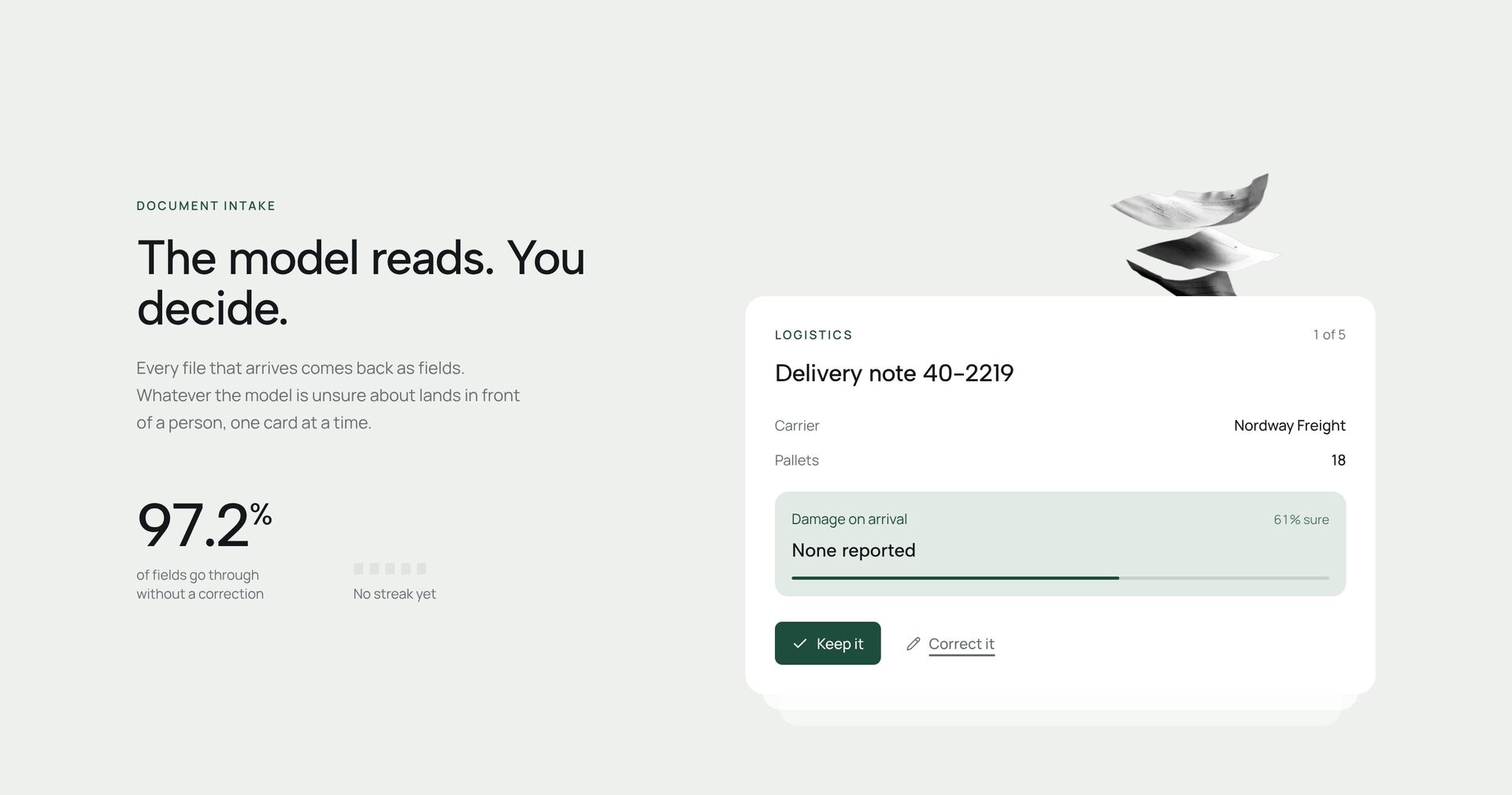
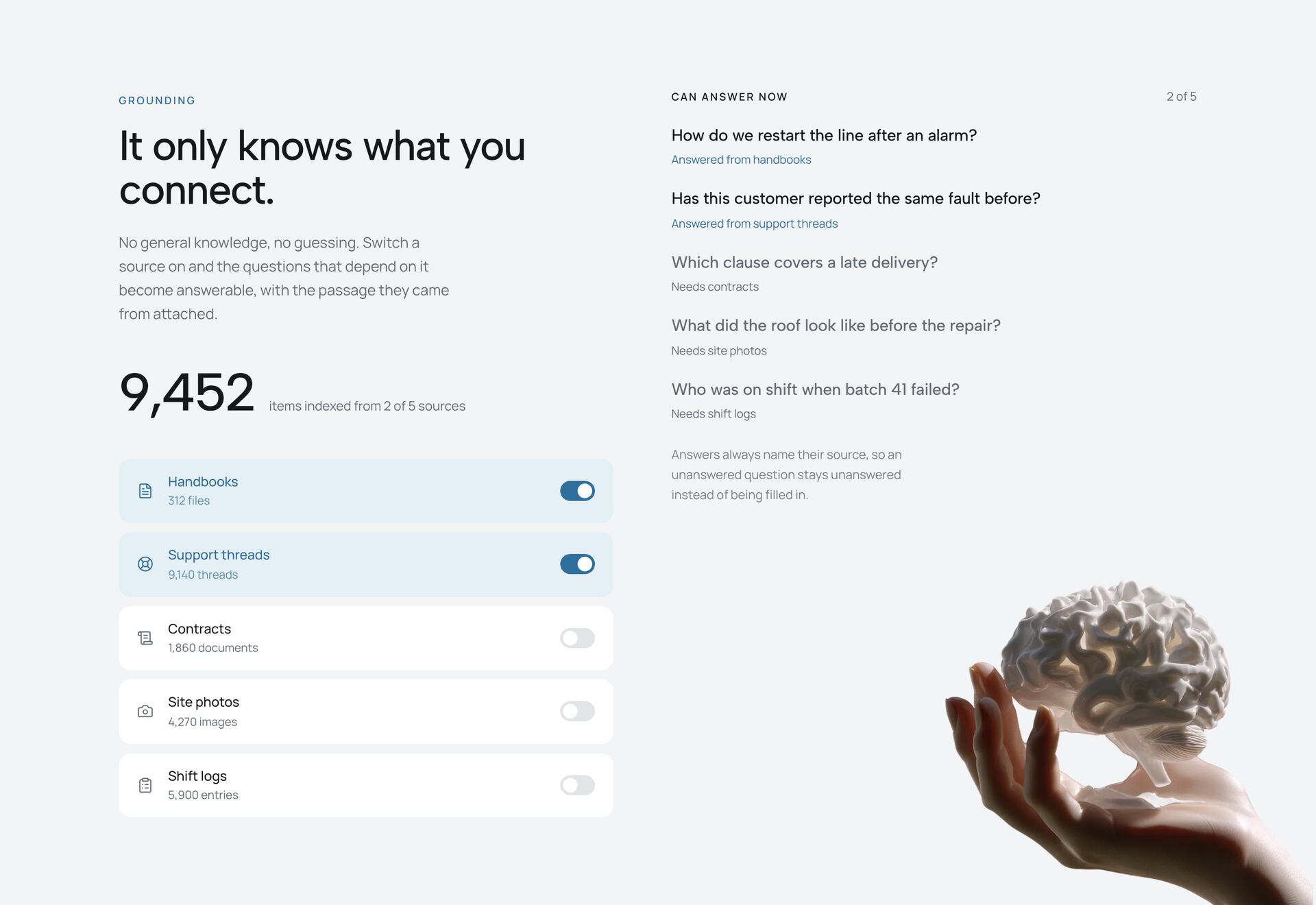
AI features are hard to explain with a headline alone, because people want to see what the tool does with their input. The sections here show it in use: a prompt field over an image, an assistant that asks follow-up questions, a review queue with suggestions to accept or reject, an agent working through steps, scene detection on a video timeline and a knowledge core with its sources.
Show a real example instead of a claim. A visible input, the result and where it came from build more trust than words like smart or powerful. Mark what the AI did and what a person confirmed. The sections are demos with prepared answers, so no AI service is called; each one is a single React file you connect to your own model or API.
More section categories
Frequently asked questions
No. They run on prepared example data and work without an API key. To make them live, replace the example responses with calls to your model.
Show the source next to the answer, let people accept or reject a suggestion, and say which steps a person checks. The review and source sections here are built around exactly that.
A prompt field over an image or an agent running through steps work well near the top. Review queues and source views fit further down, where visitors look at details.
Didn't find your question? We're happy to help.
Get in touch