


When each one fits
The short answer, in case you only have one question.
Take Systra Tools if you stay in one environment and prefer curated React code.
- EnvironmentReact
- SelectionReviewed one by one
- StrengthDepth
Take BYQ Supply if you design in Figma, build in Webflow or Framer and need volume.
- EnvironmentMany tools
- SelectionVery large
- StrengthVolume
At a glance
The facts side by side, without judgement.
All information about BYQ Supply comes from their own website, checked on 08 August 2026. Prices and scope can change there at any time.

The difference
BYQ Supply calls itself a design toolkit for Webflow, Figma, Framer and vibe coding, and states over 2,400 styled building blocks and more than 150 templates. On top of that come GSAP effects, an HTML to Webflow converter and MCP access for Claude Code, Lovable and Cursor.
Systra Tools takes the other route: one environment, but every component built and reviewed by hand. 582 components, 353 of them whole sections, all in React 19 with Tailwind v4 and framer-motion.
So the question is not who has more. The question is whether you need building blocks for several tools or finished React code for one.

import { SpotlightHero } from "./SpotlightHero"; export default function Page() { return <SpotlightHero />;}
One file, one import, done.
What you copy is the source of the section, not an excerpt from it. It runs in your project as soon as it sits there.
- One file per componentProps, types and comments come with it. Nothing has to be assembled from a snippet.
- Three dependenciesreact, framer-motion and lucide-react. No further package, no licensing question.
- Or straight in your editorVia the MCP server your AI editor fetches the component itself, without a detour through the clipboard.
Where each one fits
Different strengths, different environments.
Where we fit
- No conversion step. You get React source, not a Webflow export and not a Figma file that somebody still has to build.
- Curated, not collected. Every component was designed, built and looked at. There are no auto generated variants.
- Dependencies you can count on. react, framer-motion, lucide-react. Nothing else, no GSAP either.
- Maintained in two languages. Every description, guide and legal page exists in German and English.
- A one-time payment if you do not want a subscription.
Where BYQ Supply is better
- Reach across tools. If you design in Figma today, build in Webflow tomorrow and move to Framer after that, you get everything from one place.
- Sheer volume. Over 2,400 blocks cover niches a curated library never reaches.
- Templates. More than 150 finished pages is more than we offer.
- The free tier. You can start without paying.
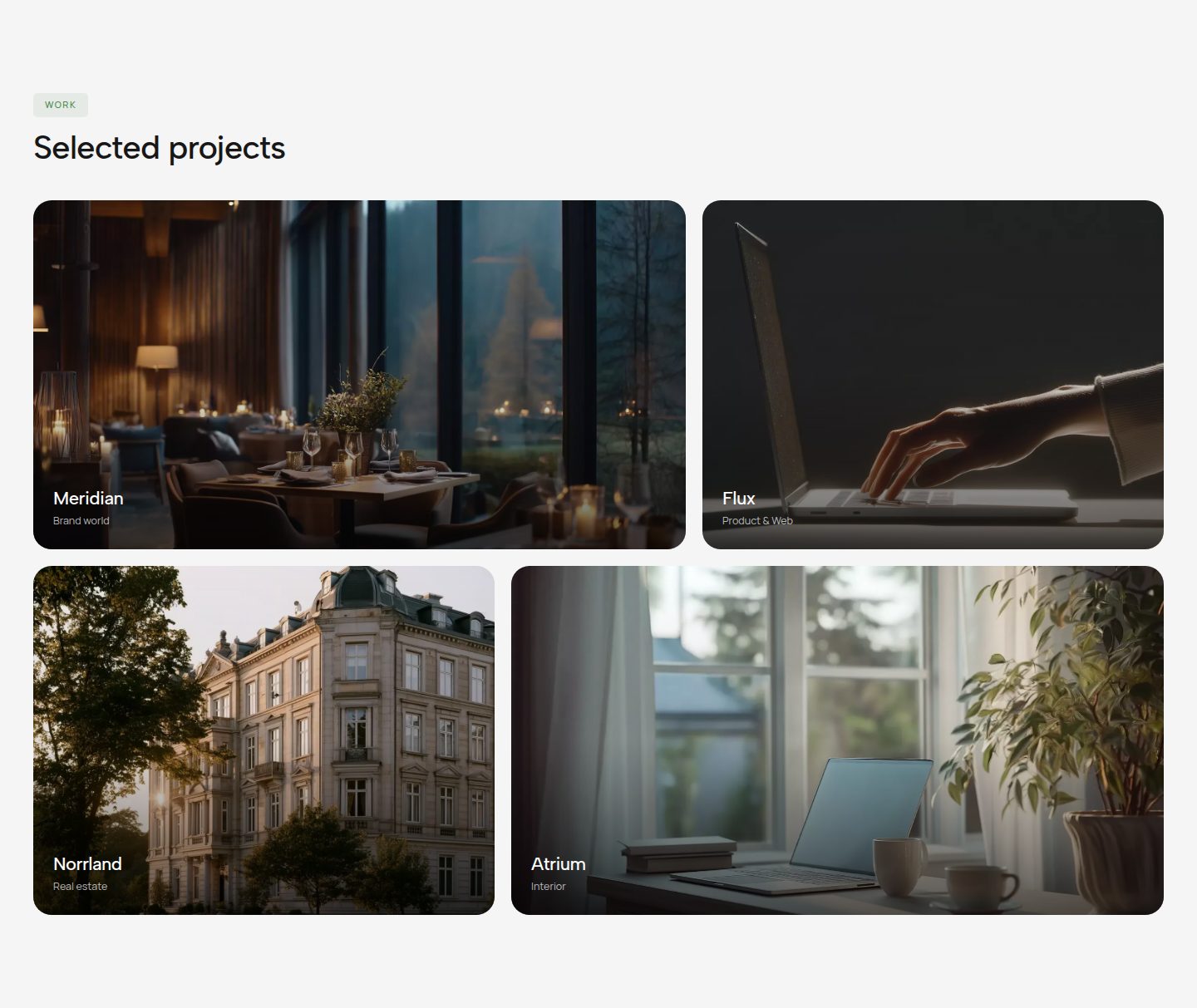
Skip the blank screen.
Six sections per category run live and full size on the overview, without an account and without payment. The rest and the source code are premium.