
How do you design a pricing section?
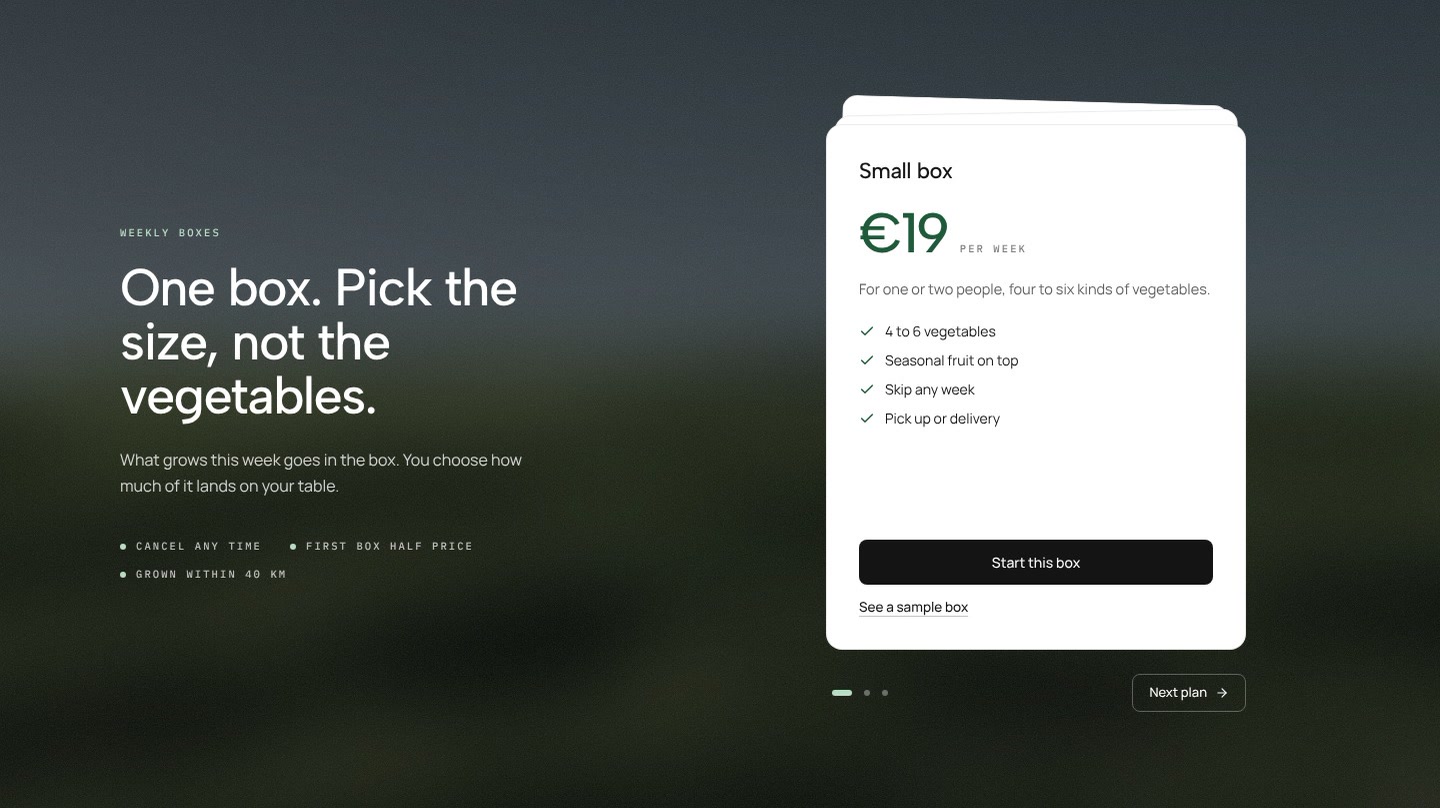
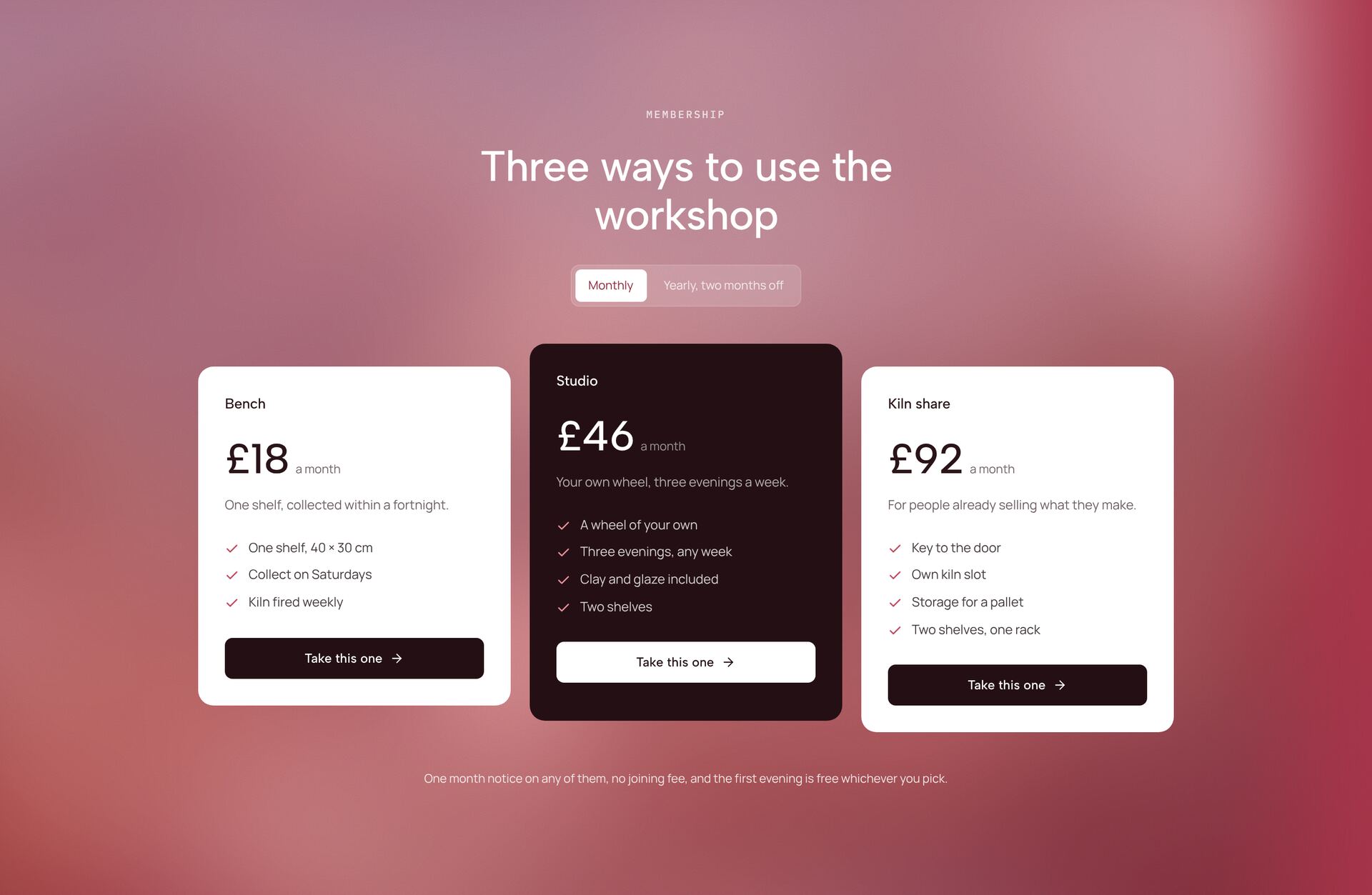
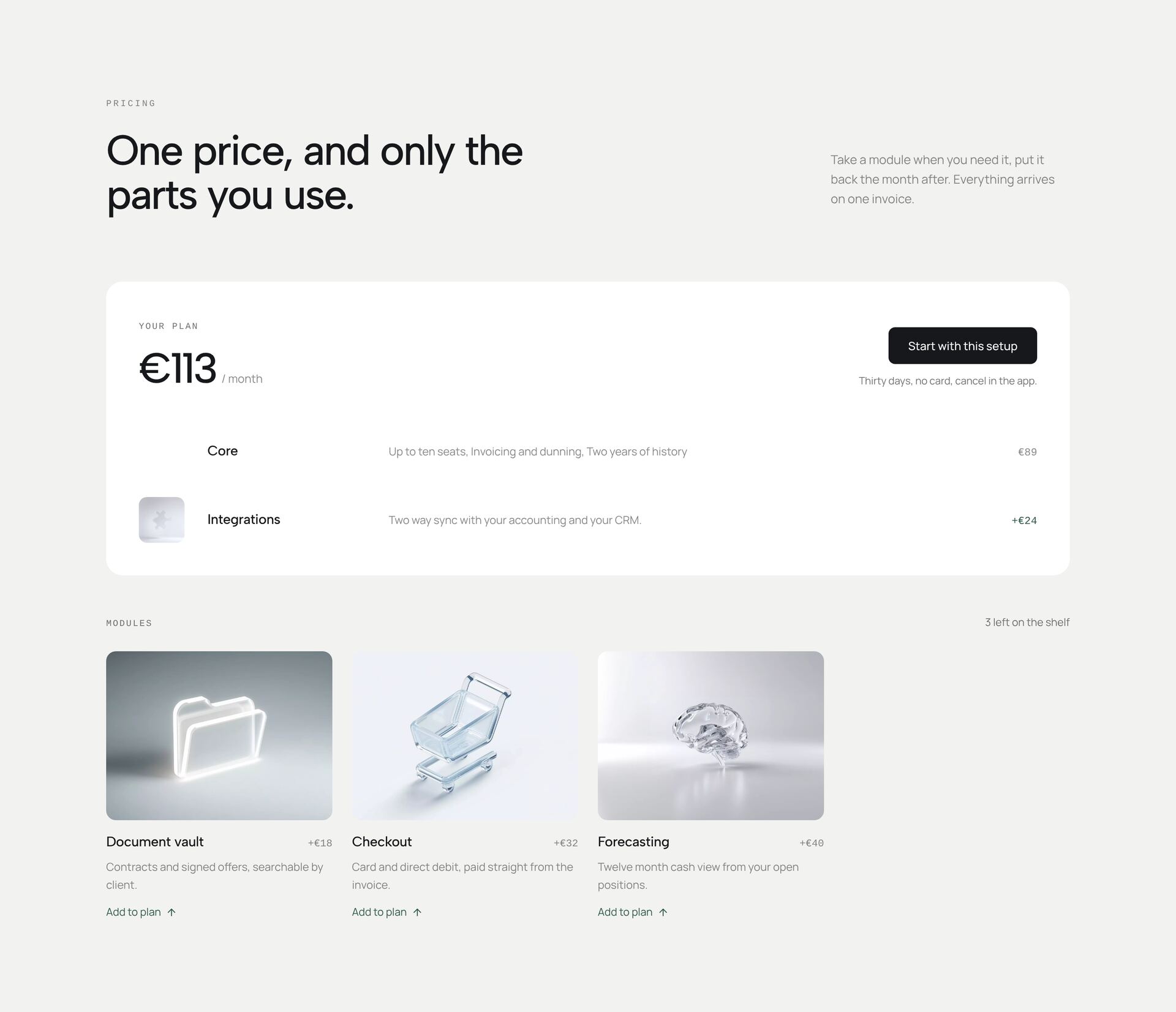
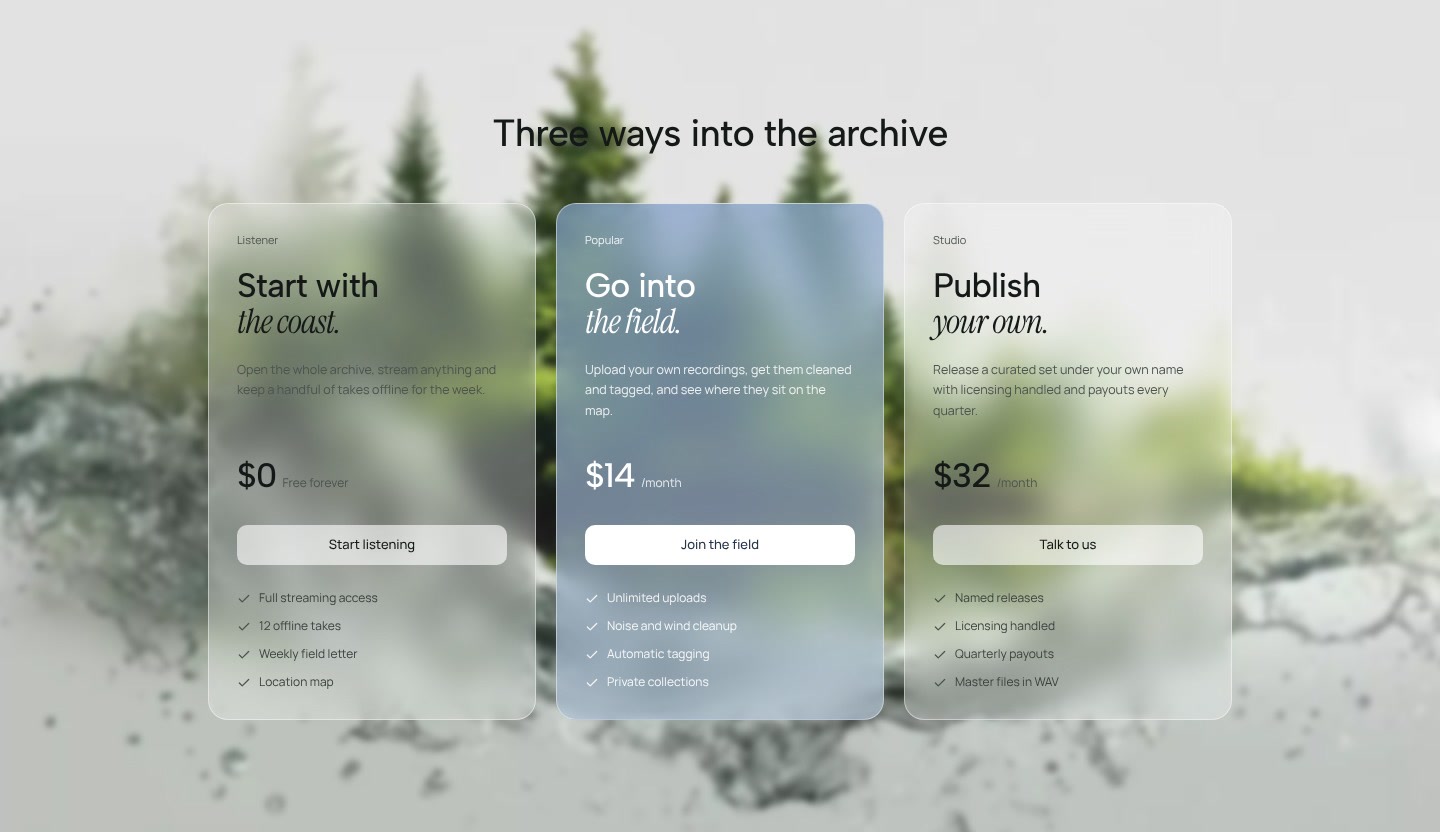
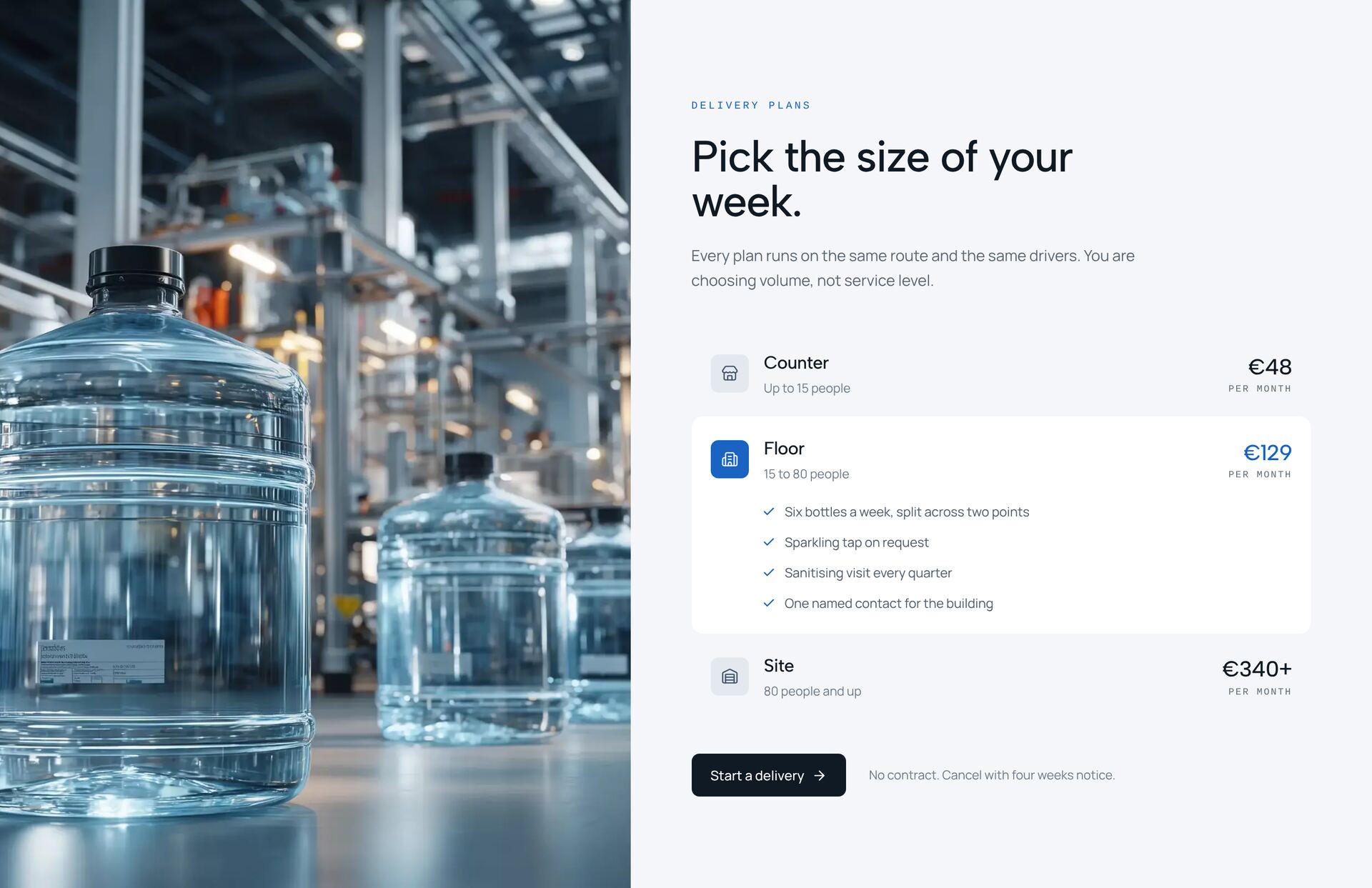
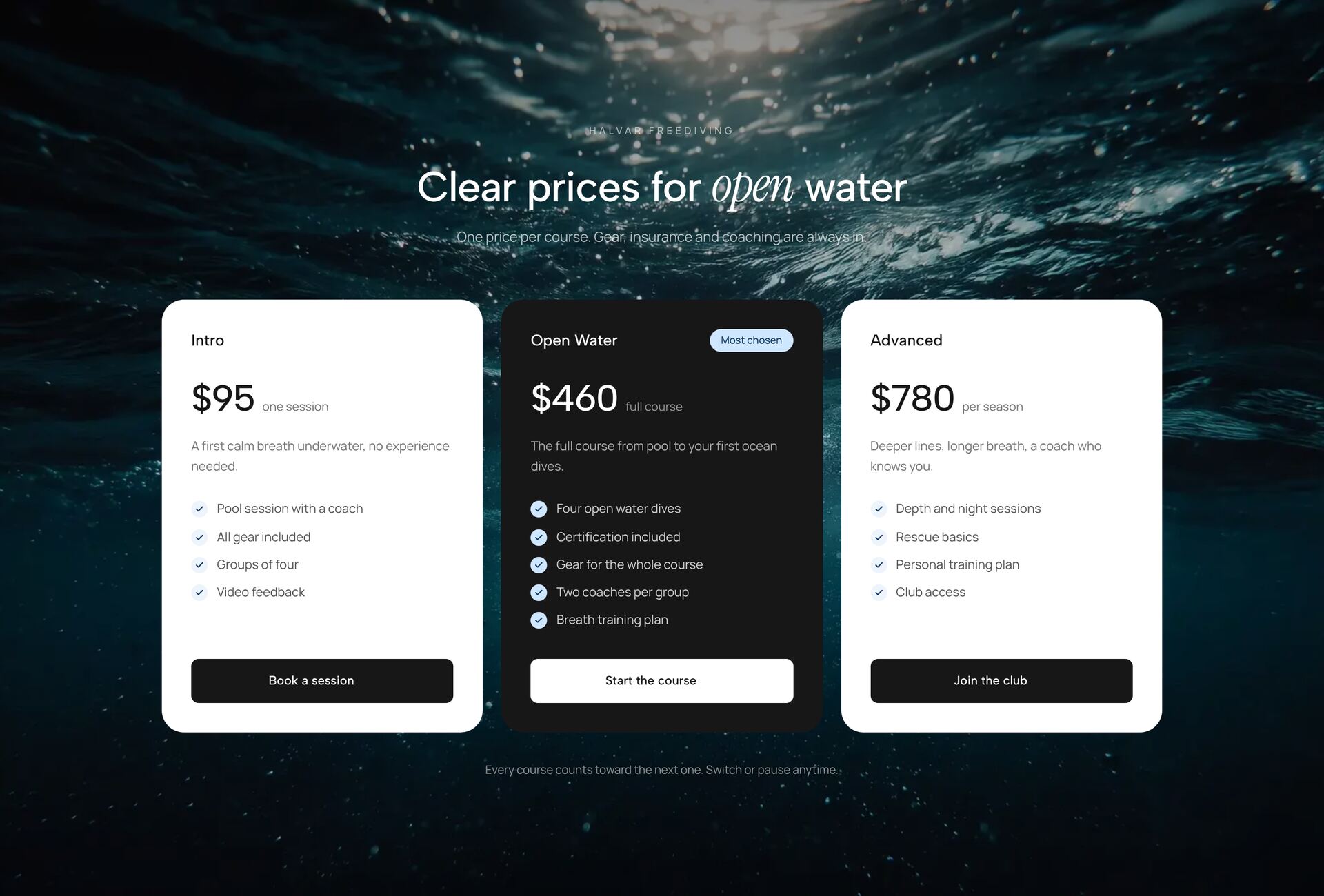
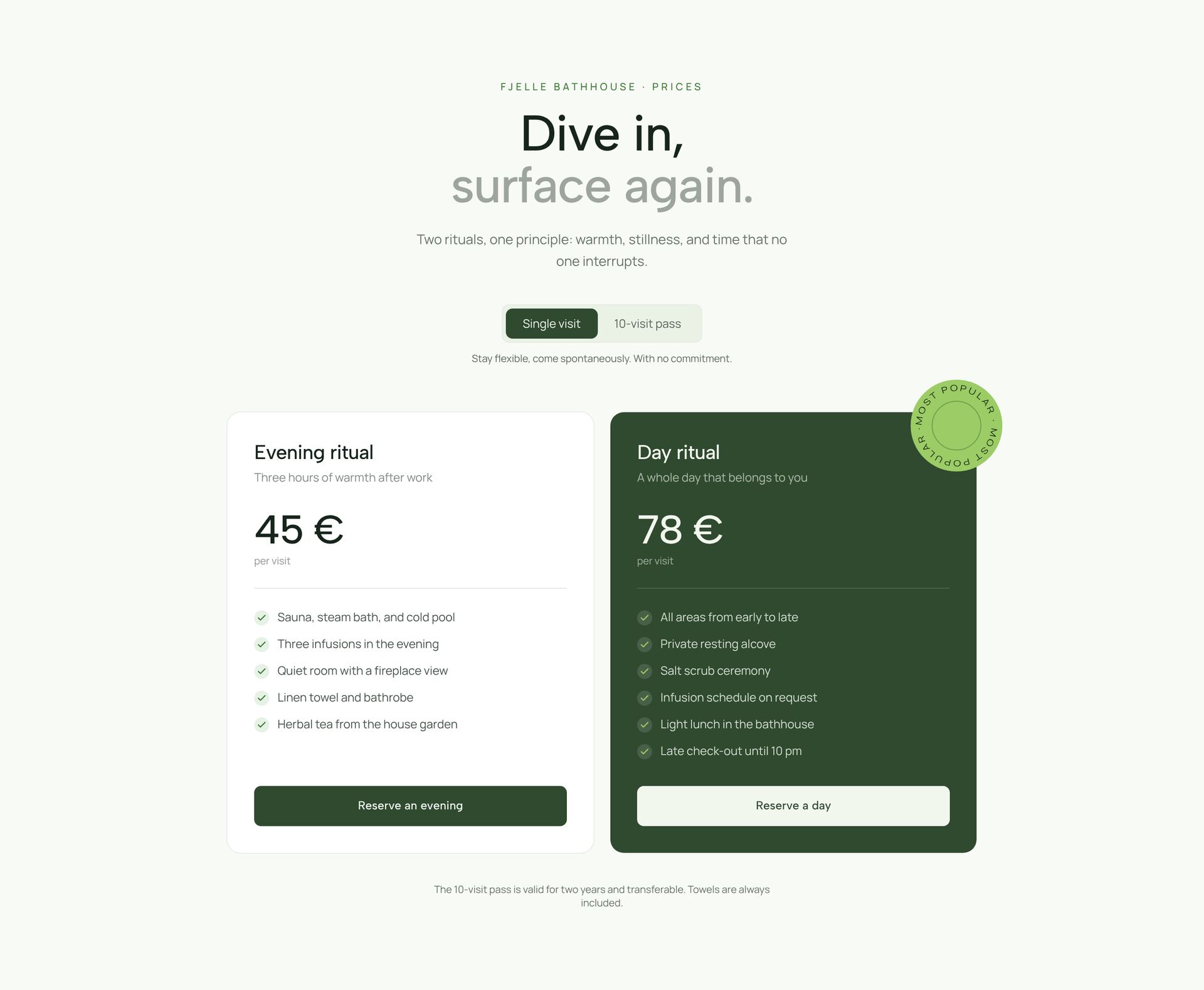
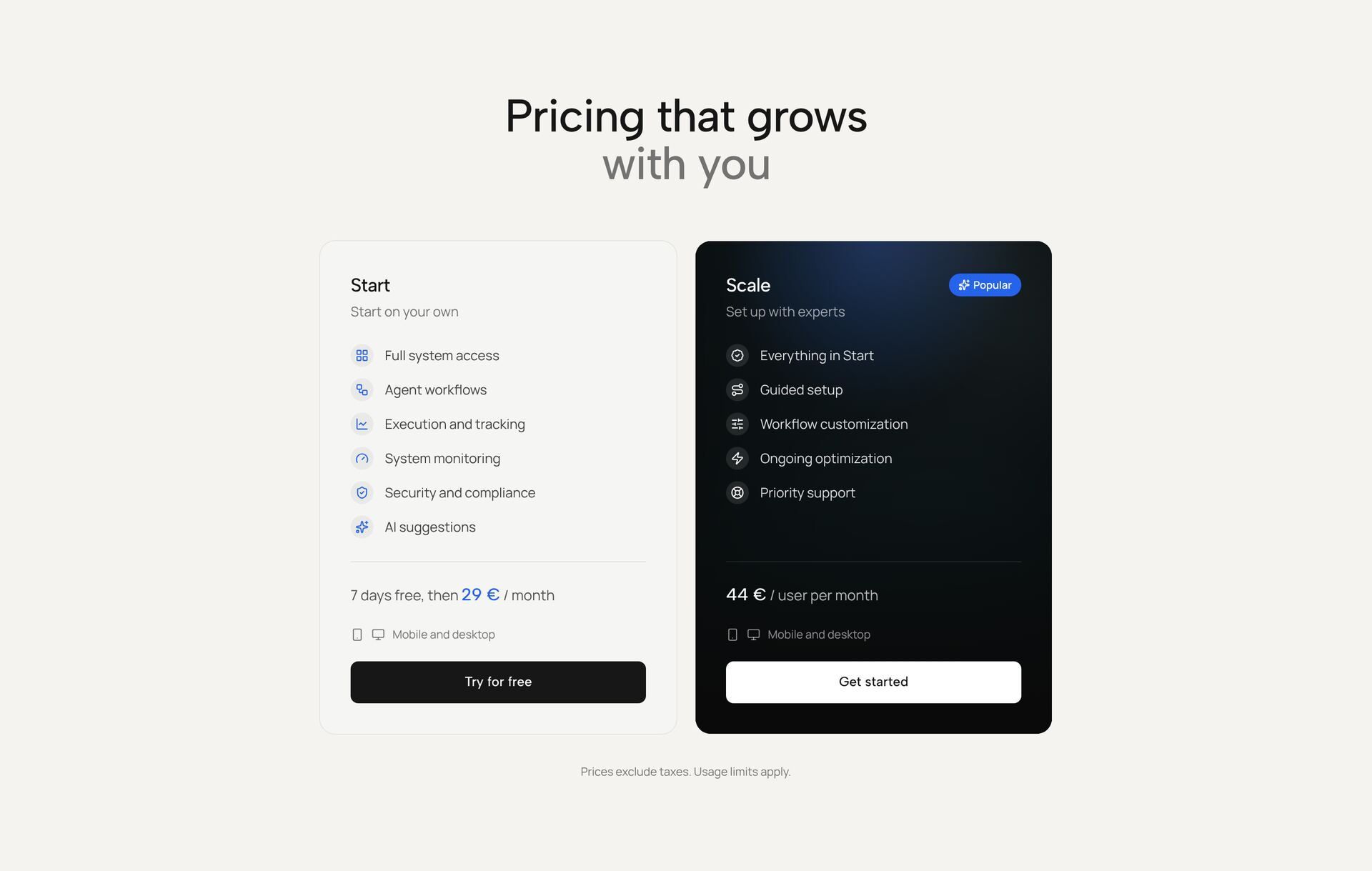
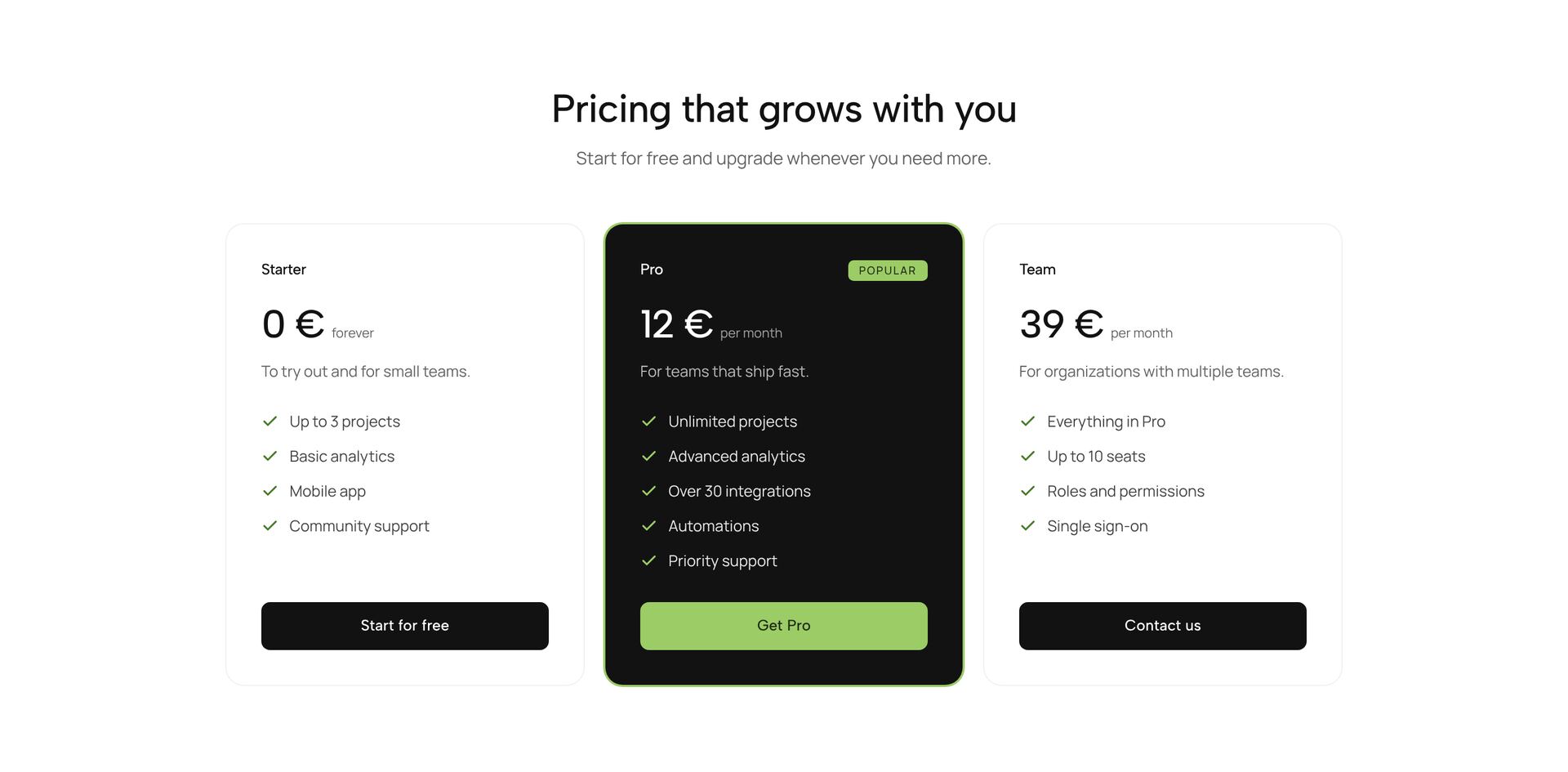
A pricing section turns interest into a decision, so the options have to be easy to compare. The sections here include classic three-column tables, stacked cards, a slider that calculates a quote, add-ons you put into a basket, tiers for subscriptions and memberships, and rows that compare plans point by point.
Three plans are the usual choice: an entry plan, a recommended plan that is visibly marked, and one for larger needs. List what is included as short lines a buyer can check against their own needs, and put the price and billing period in the same place on every card. Each section is one React file with Tailwind classes, with prices and features as plain values in the file.
Related guides
More section categories
Frequently asked questions
Three in most cases. Two leave no middle option, four or more make comparing hard. Mark the plan you recommend.
Both, with a switch, if you offer both. Show the yearly price per month and name the saving, for example “2 months free”.
Yes. Prices are plain values in the file. Change the number and the currency sign, or format them with Intl.NumberFormat for other locales.
Didn't find your question? We're happy to help.
Get in touch