GSAP
Motion beyond framer-motion: lines that draw themselves, sections that hold while you scroll, momentum on drag, shapes that morph.
These sections do their motion with GSAP. Install it once and they all run. That is why the note is not repeated on every card.
Lenis smooths the mouse wheel. That is not a per-section thing: you set it up once for the page and it applies everywhere after that. Scrolling then runs through JavaScript instead of the browser, and on heavy pages it can stutter with a trackpad. That is why the previews here scroll without it. Everything works without Lenis.






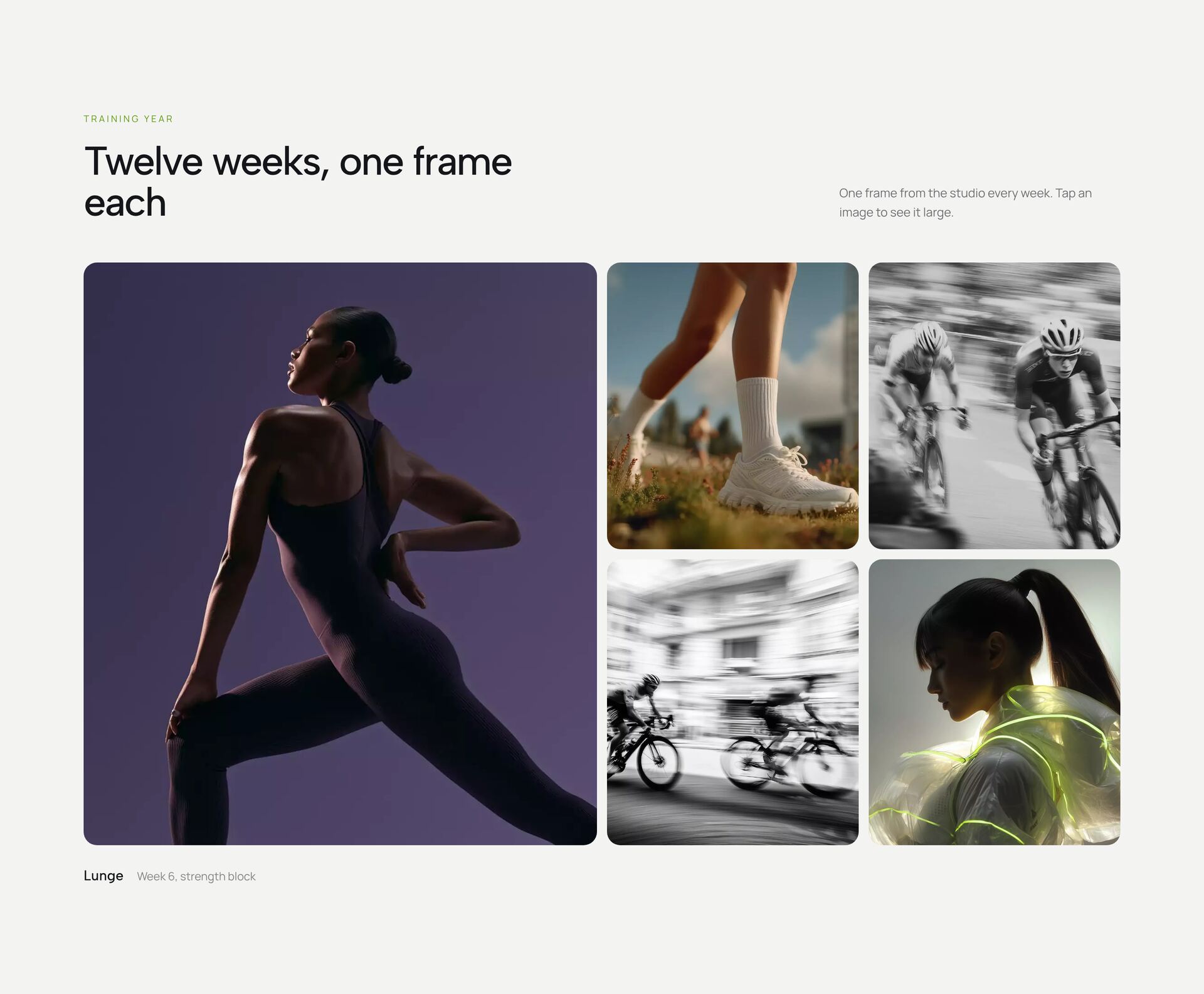
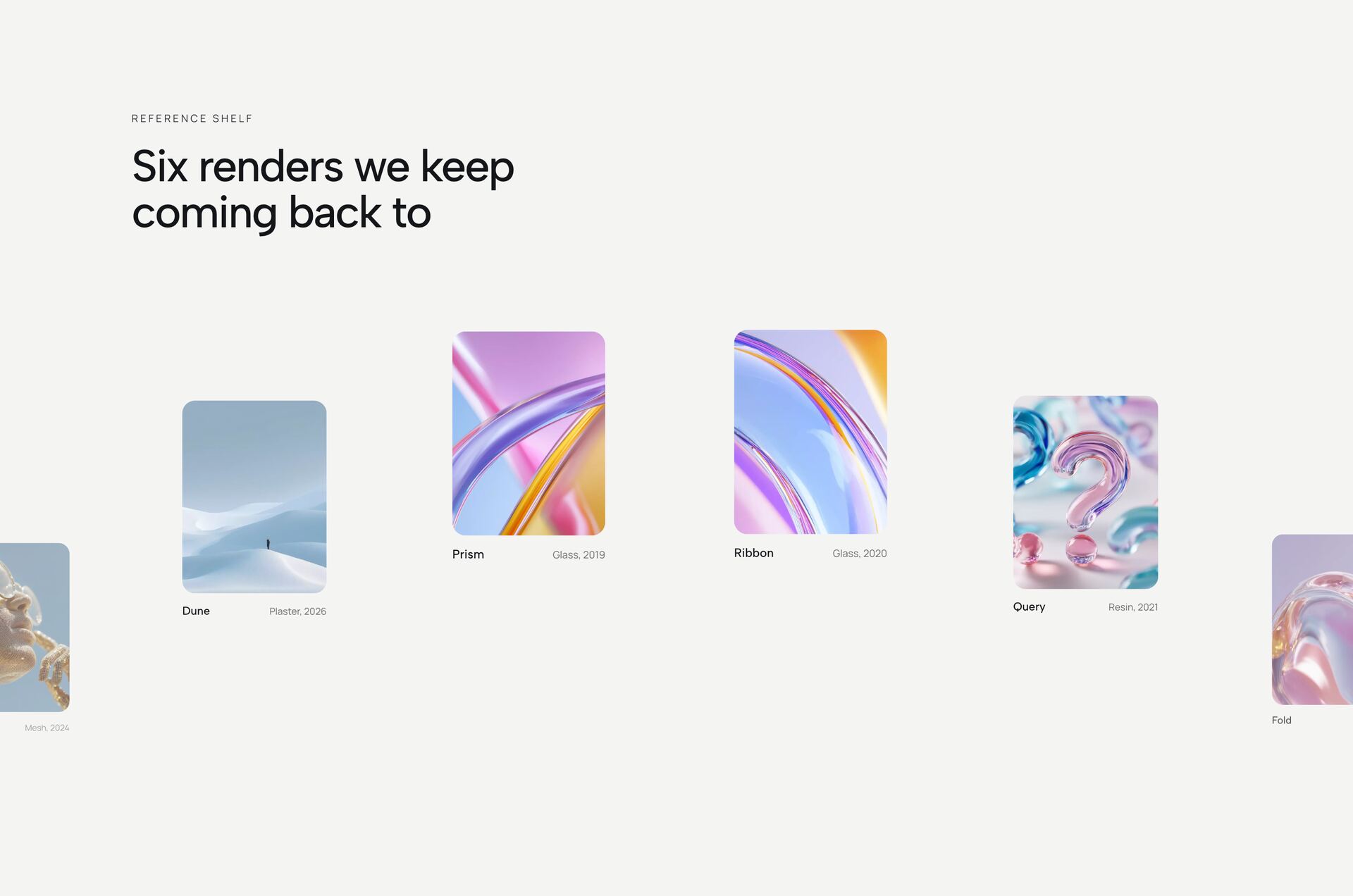
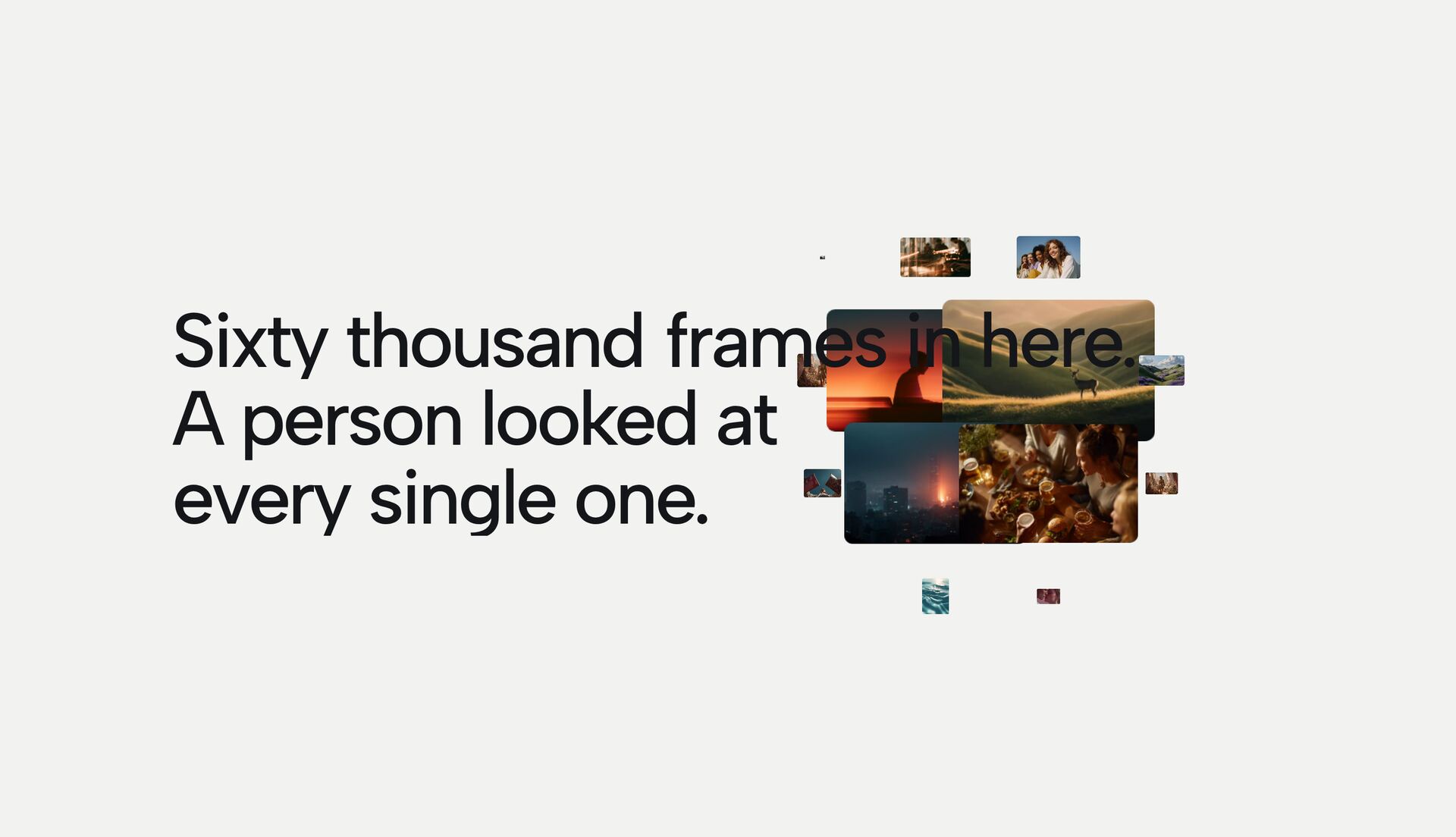

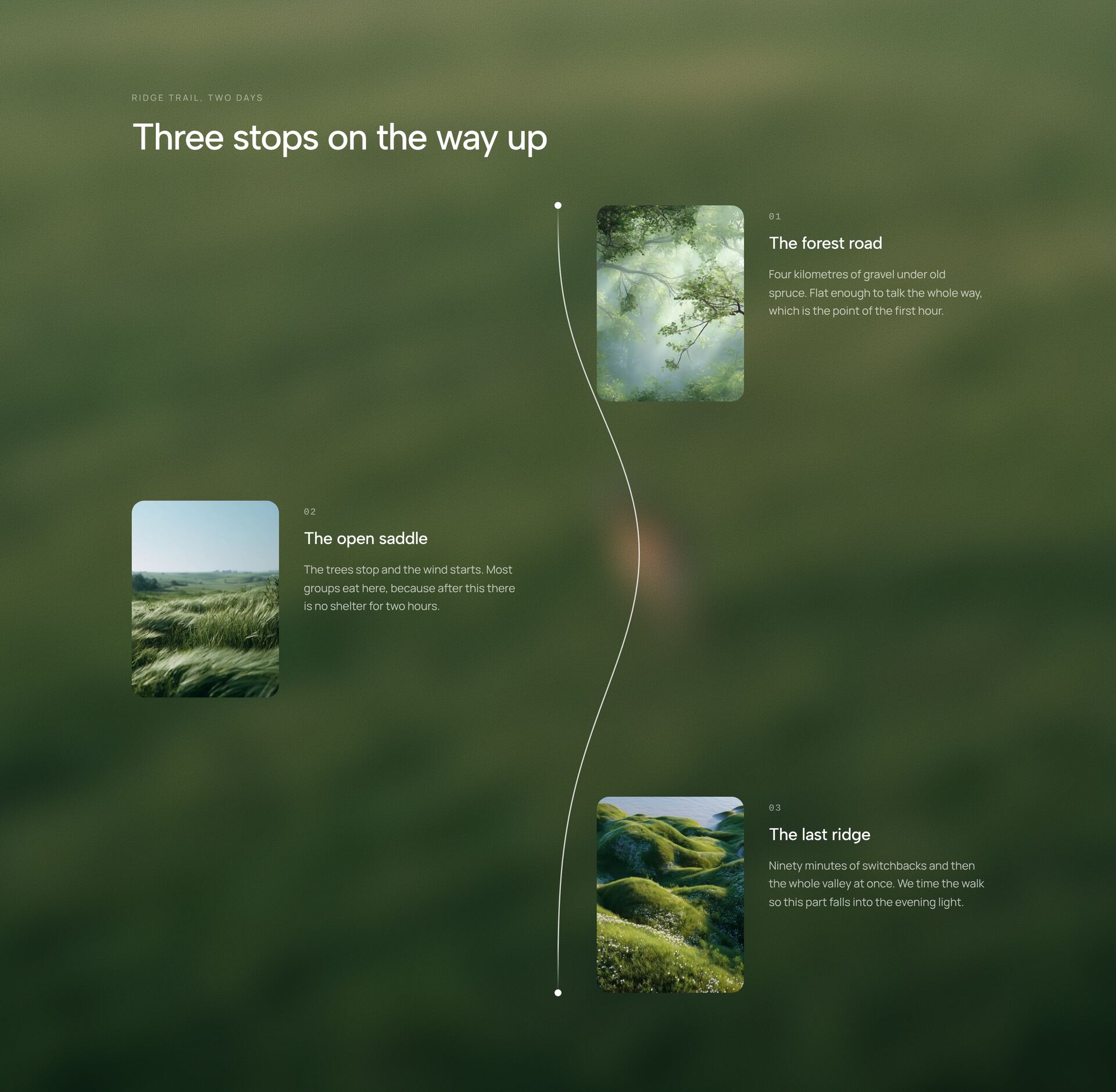




What are GSAP sections and when do you need them?
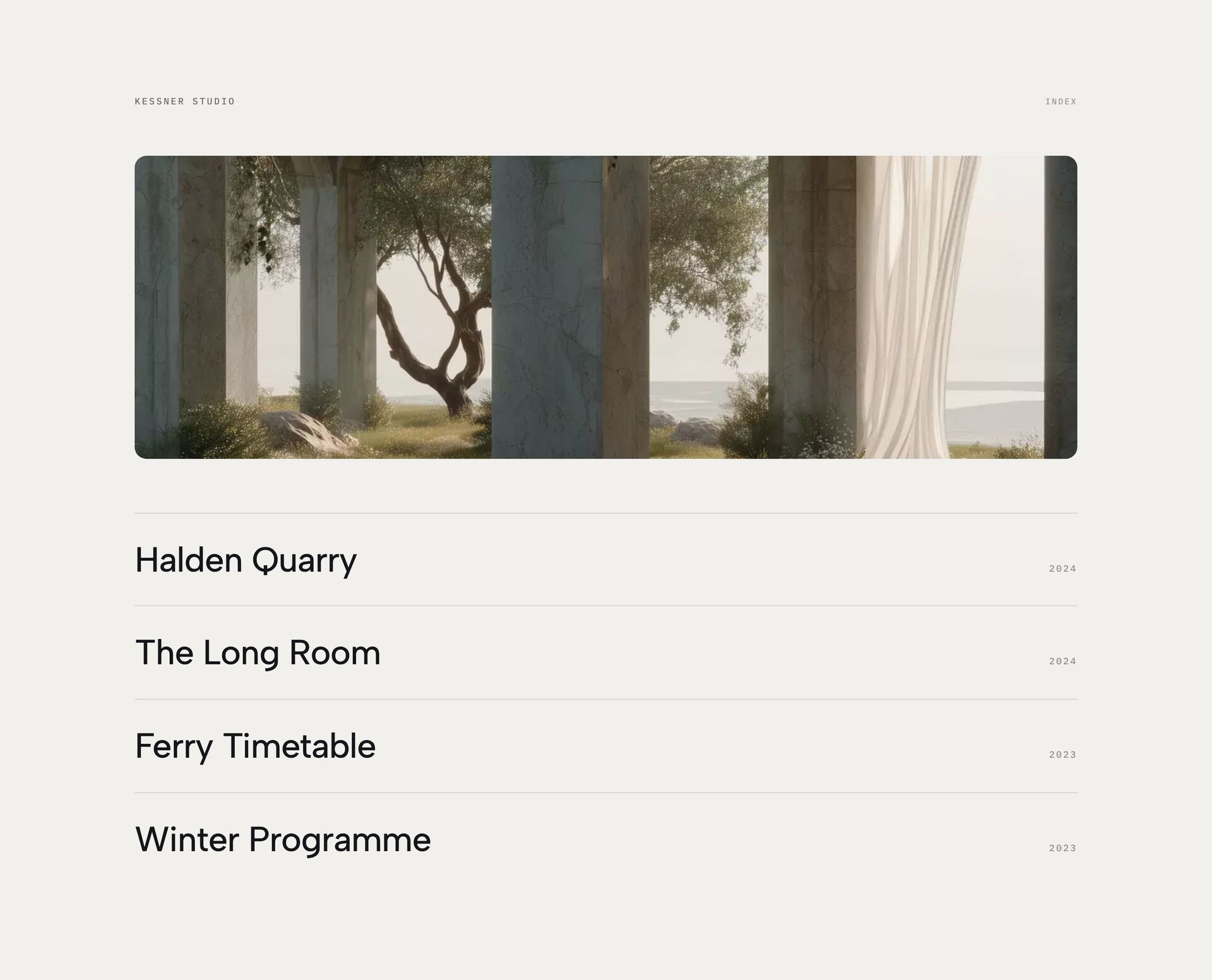
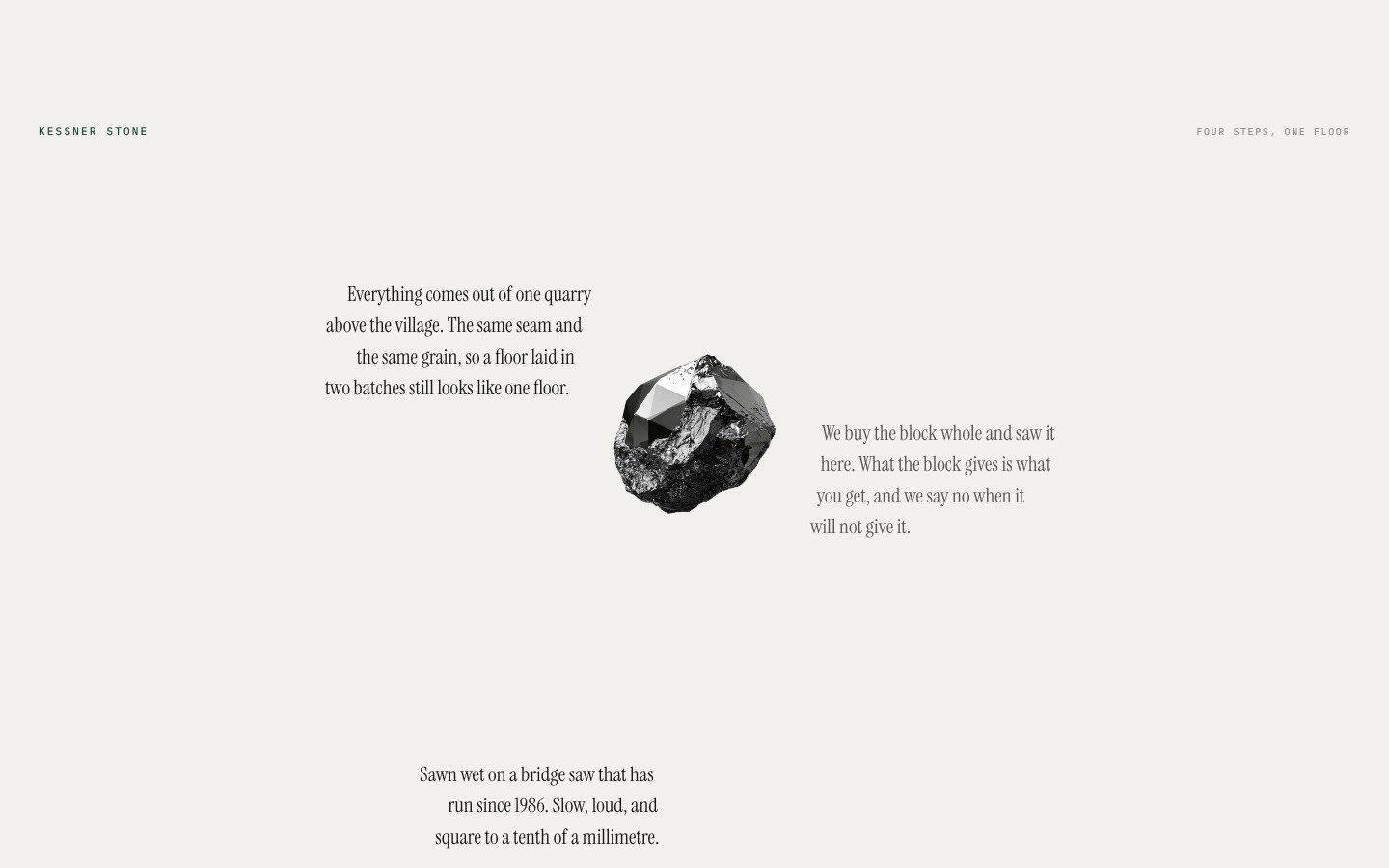
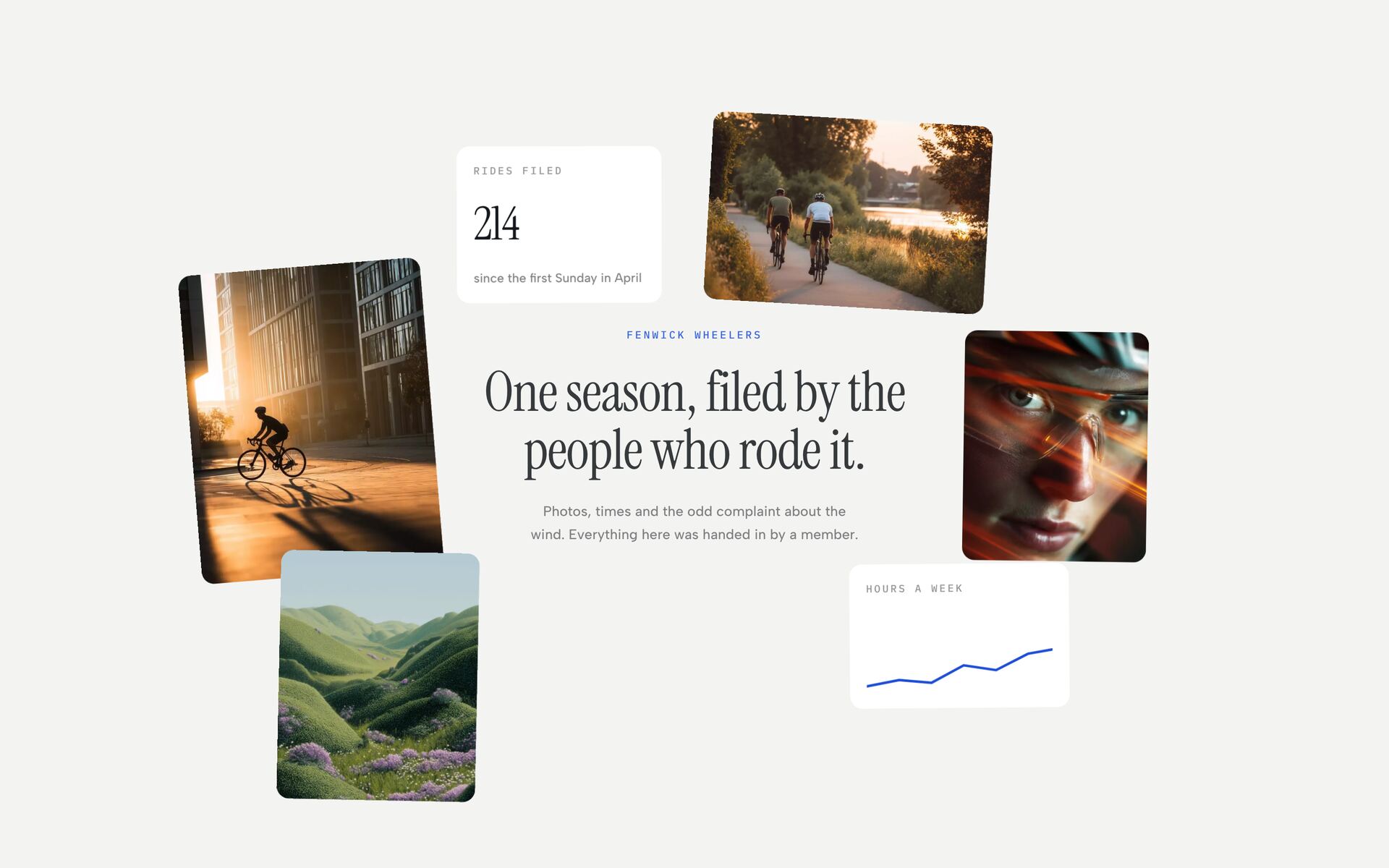
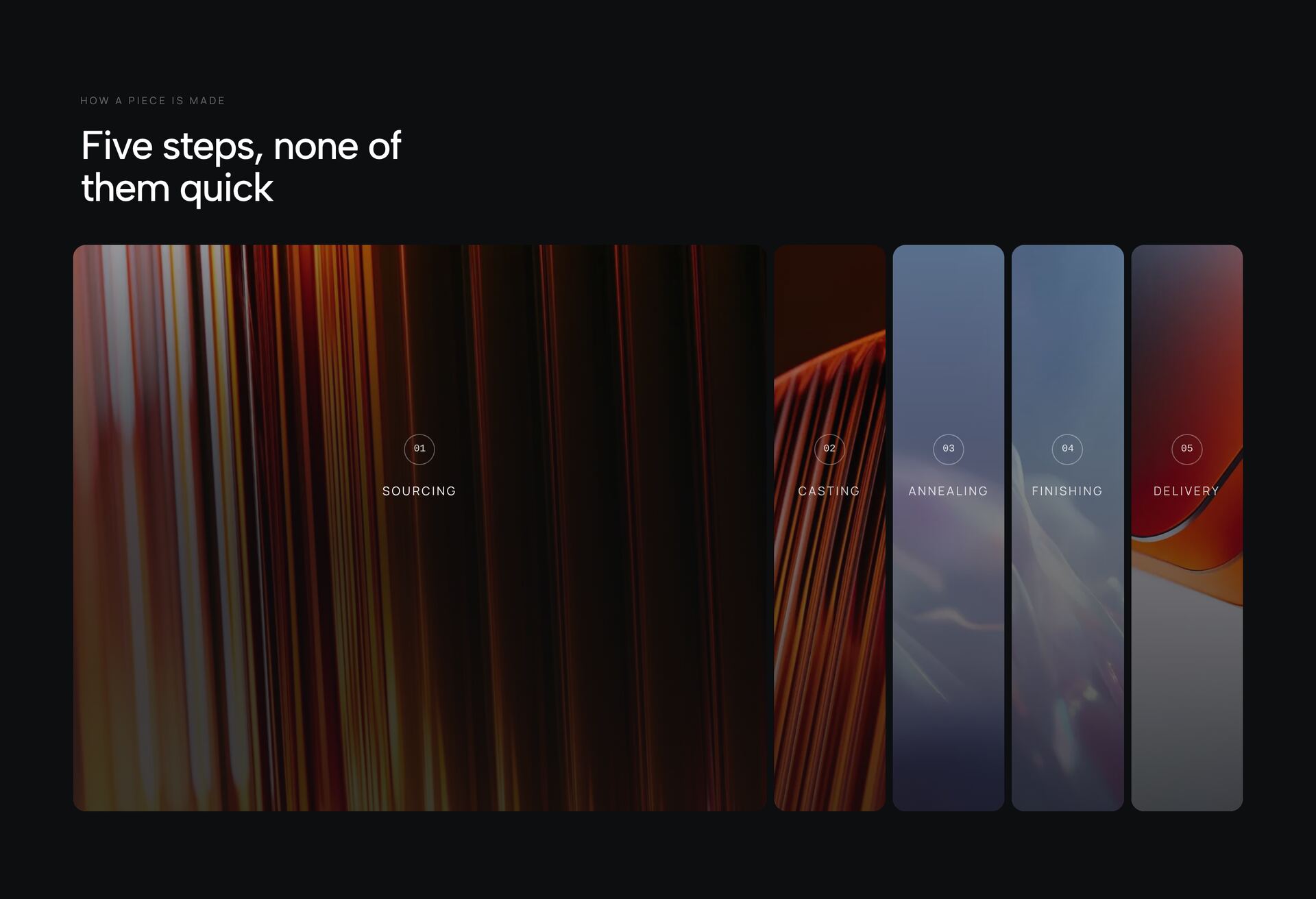
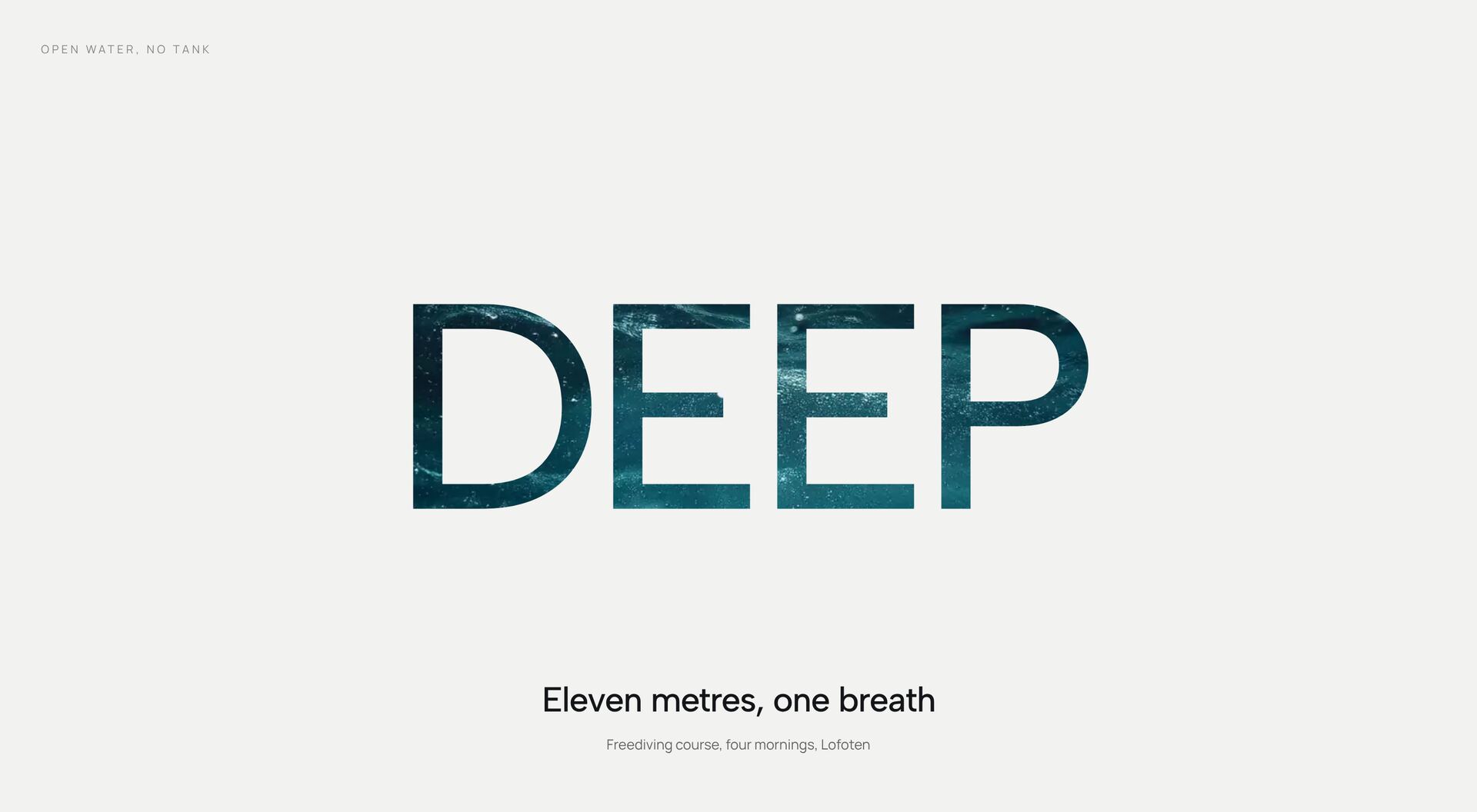
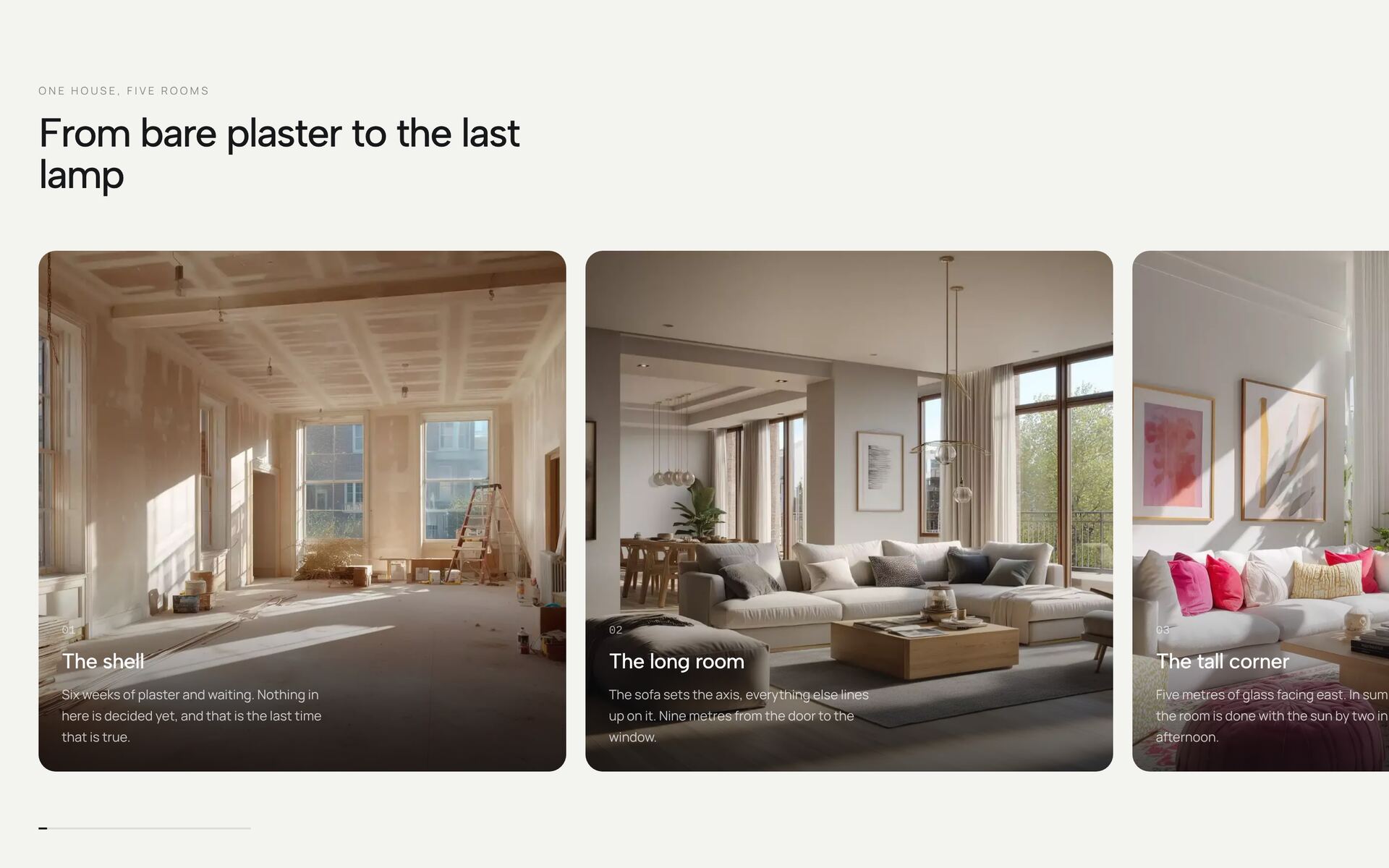
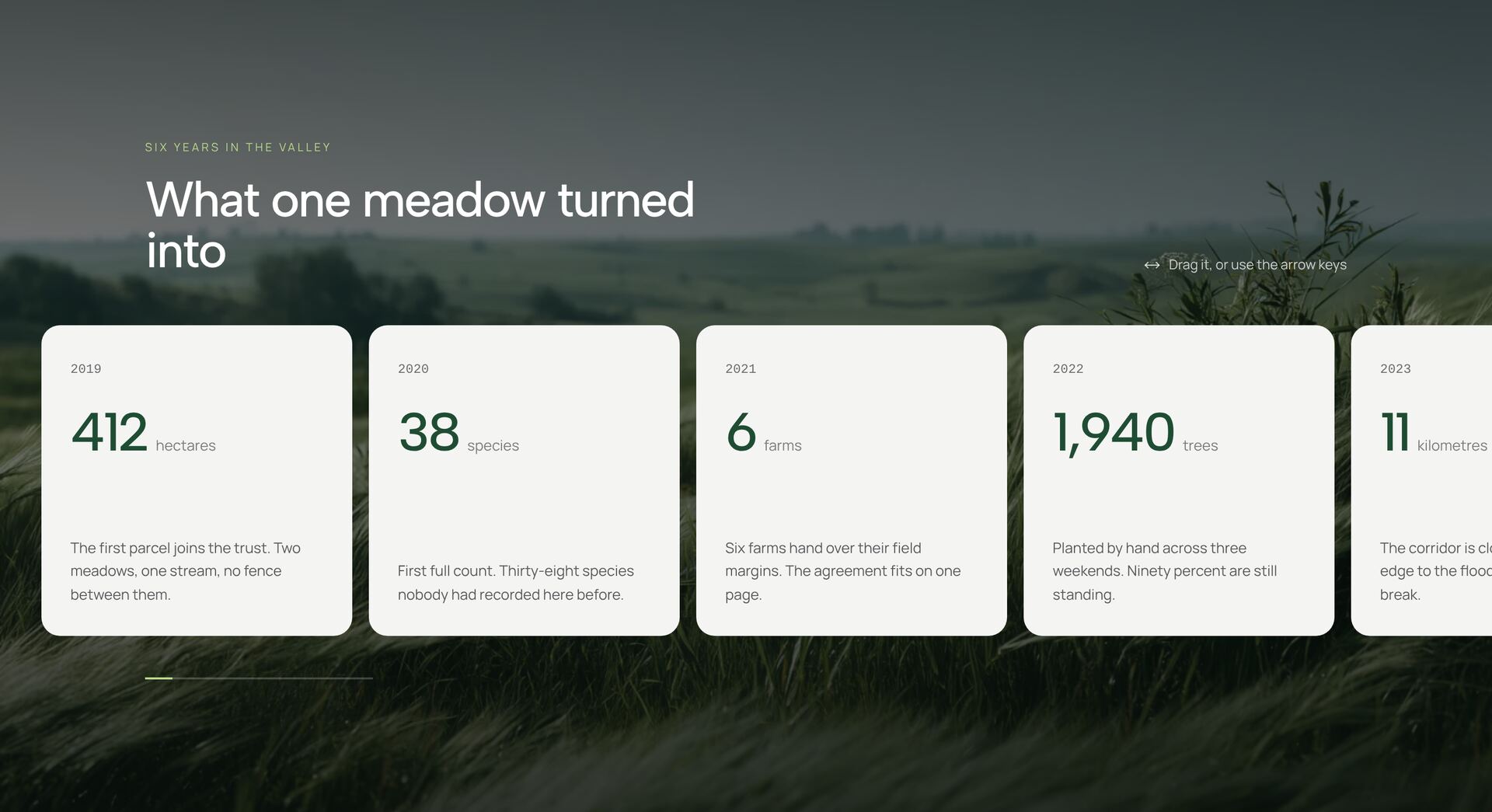
The GSAP sections use the GreenSock Animation Platform for scroll-driven effects that go beyond what CSS and framer-motion handle comfortably: chapters that stay pinned while the content changes, horizontal galleries driven by vertical scroll, words that split and reveal, paths that draw along the scroll, and image walls that react to the cursor.
Use them for one or two moments on a page, such as a product story or a portfolio stretch, and keep the rest calm. GSAP is a separate dependency: install the gsap package from npm; most sections also use the ScrollTrigger plugin. GSAP and all its plugins are free, also for commercial projects. Each section is a single React file with Tailwind classes and respects reduced motion.
Related guides


More section categories
Frequently asked questions
No. GSAP and its plugins are free to use, including in commercial projects. Install the gsap package from npm.
Yes. Let one library own each element: GSAP for the scroll-driven scenes, framer-motion for small interface motion. If both animate the same property, the element jumps.
Yes, they follow normal touch scrolling. With reduced motion turned on, the sections show their content without the effect.
Didn't find your question? We're happy to help.
Get in touch