

What belongs in a website footer?
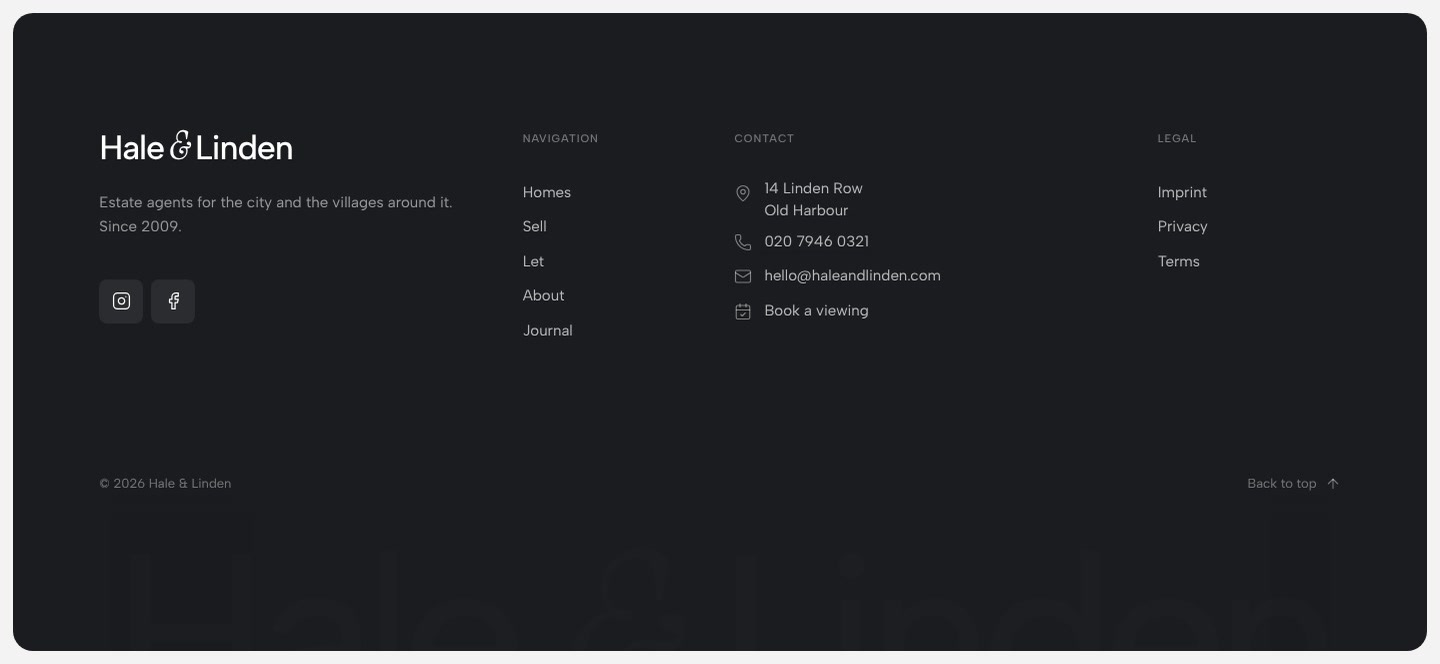
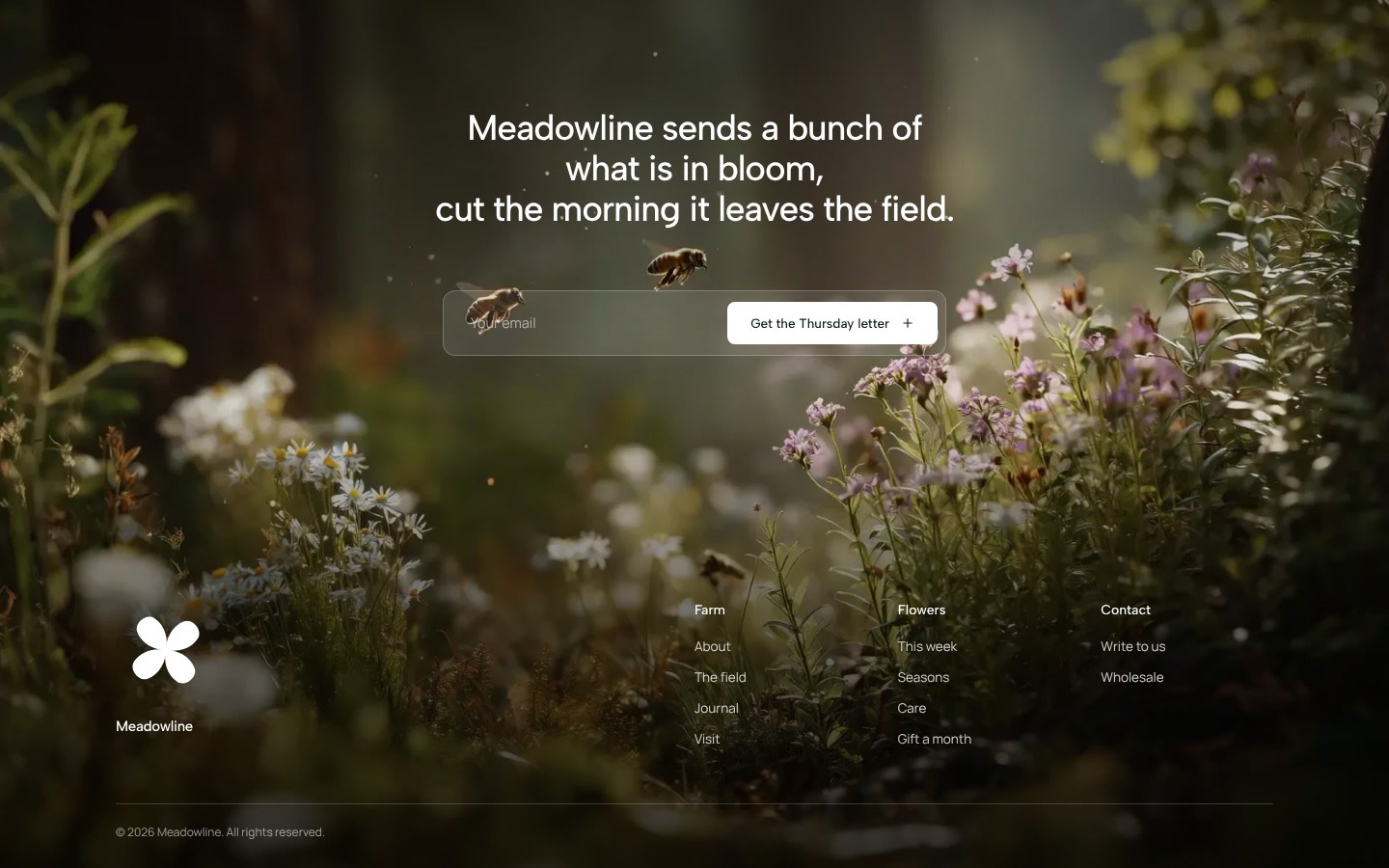
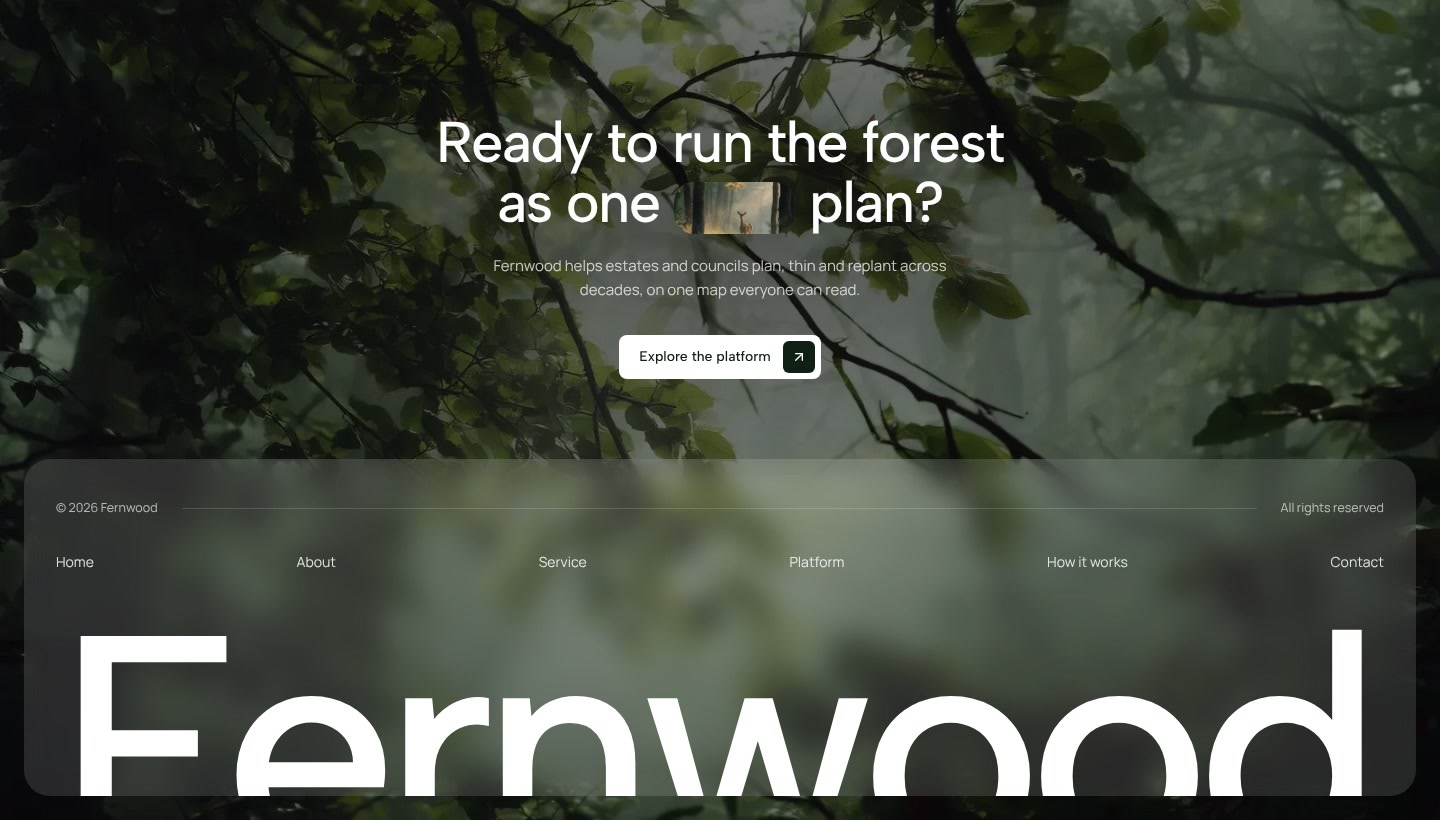
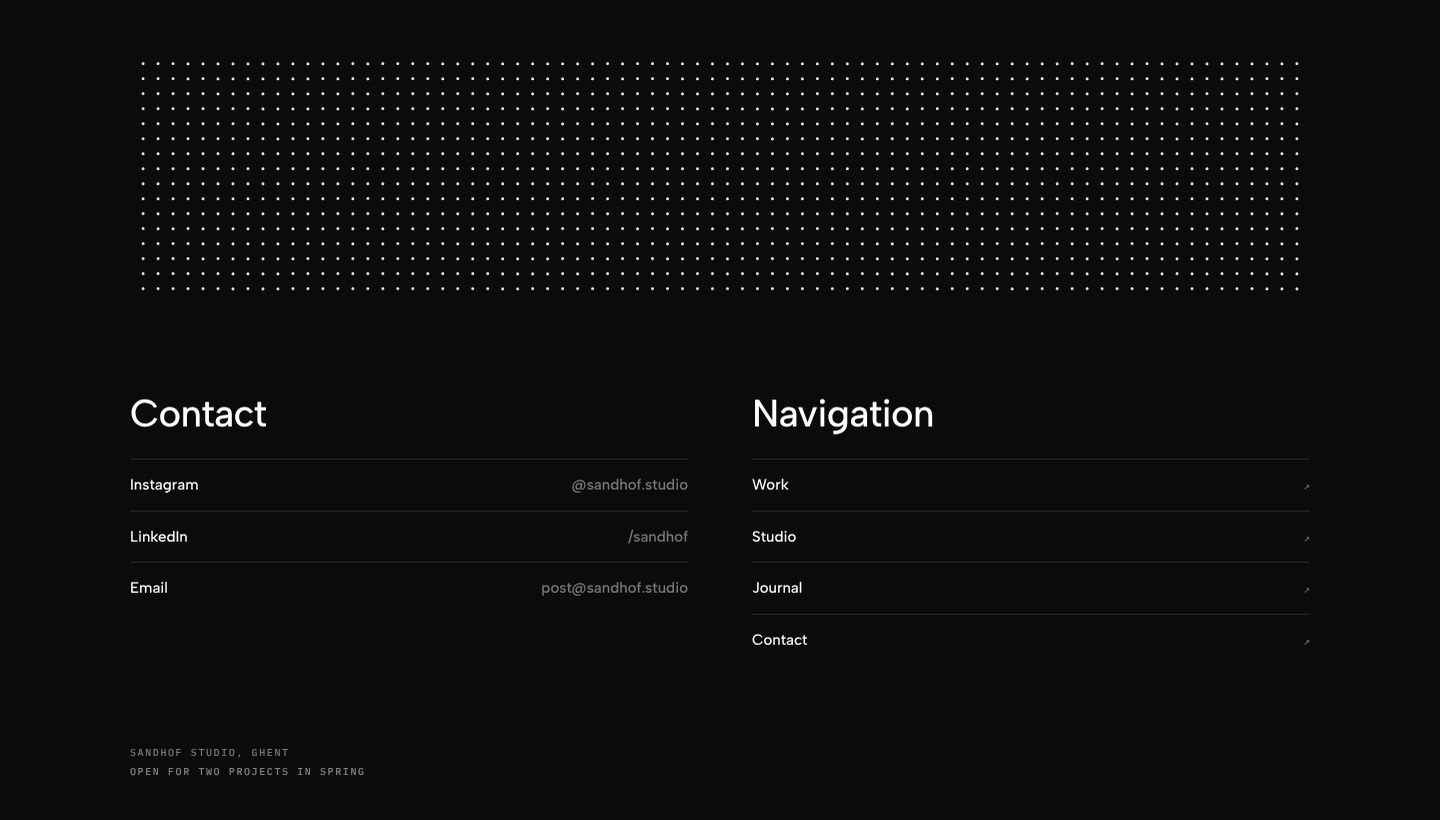
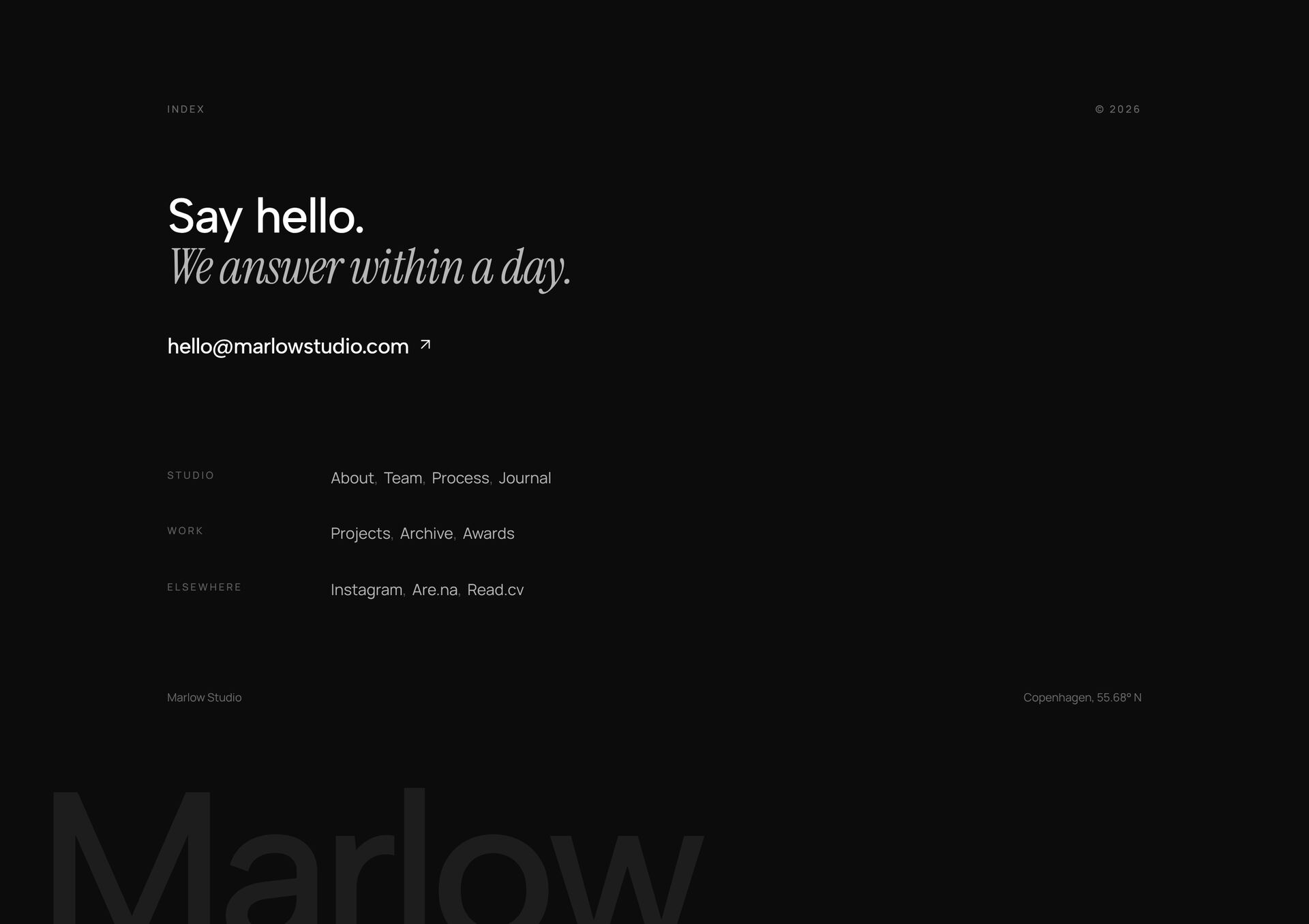
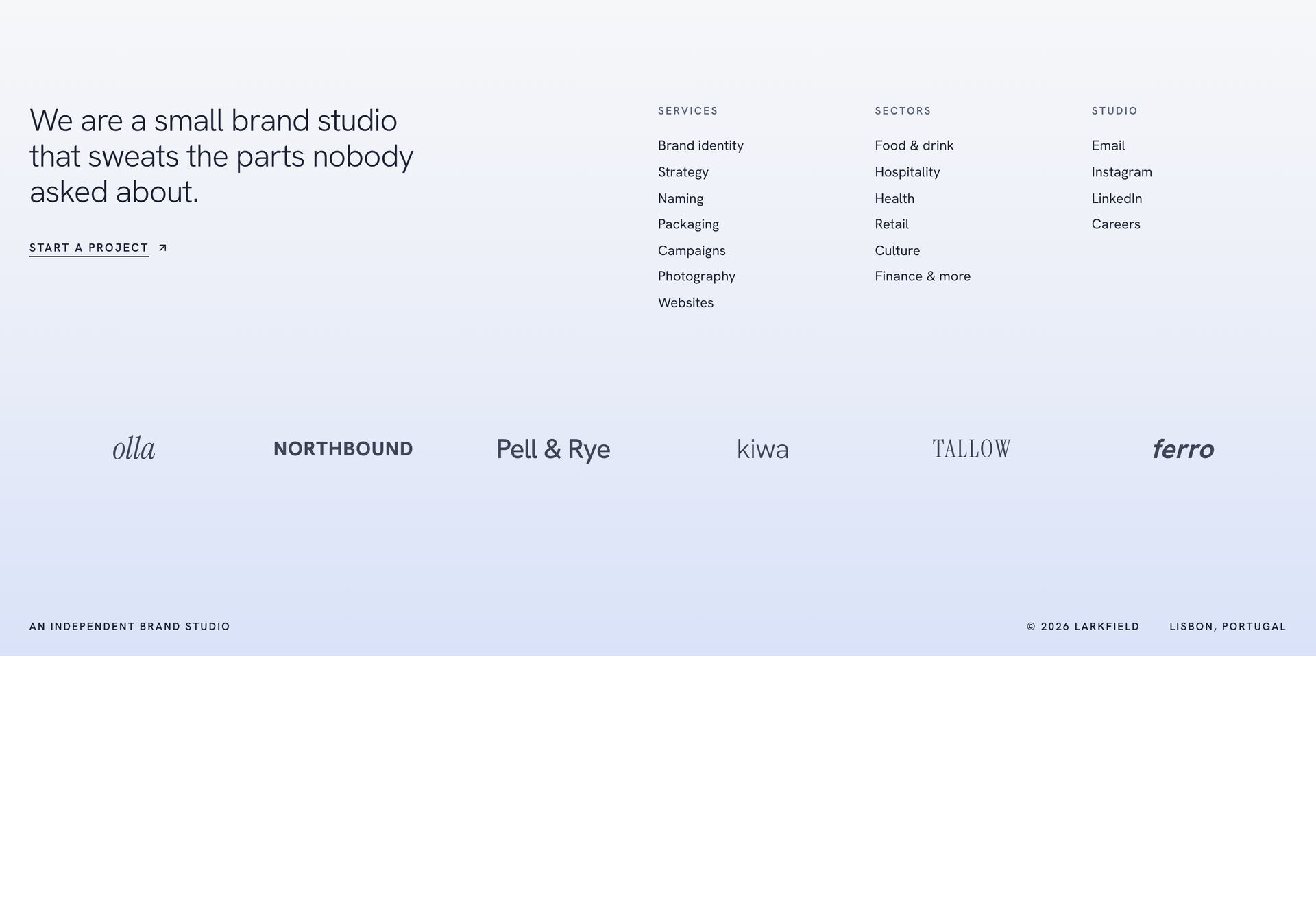
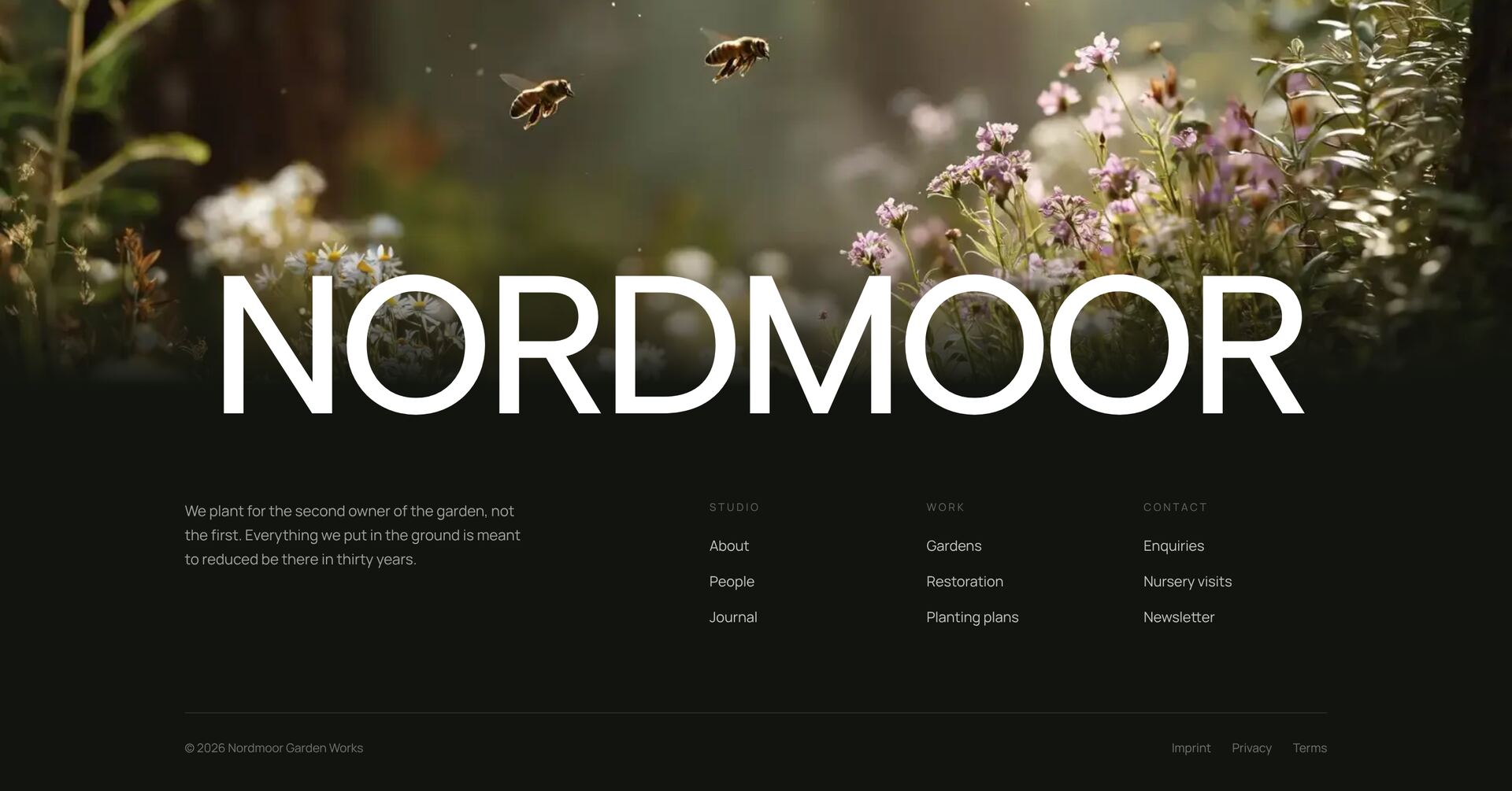
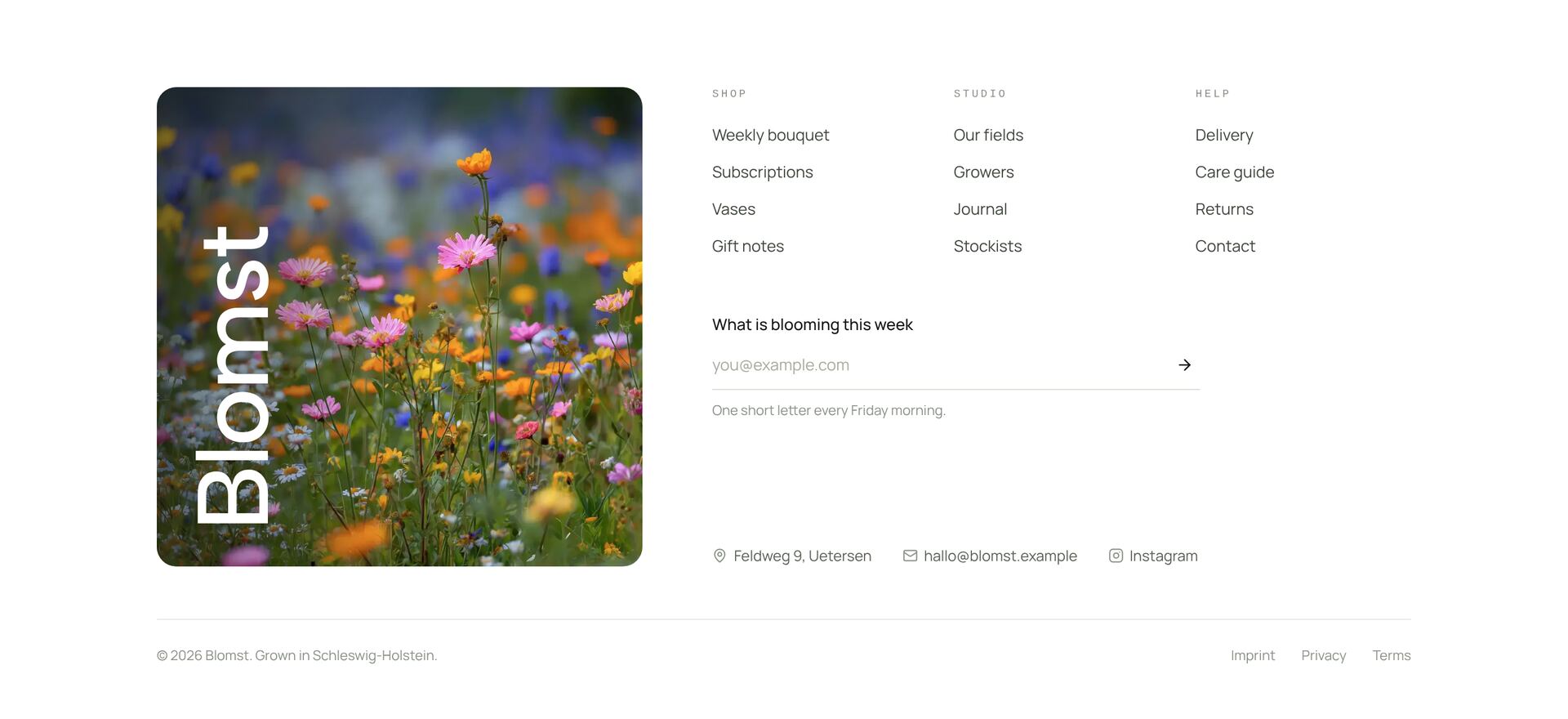
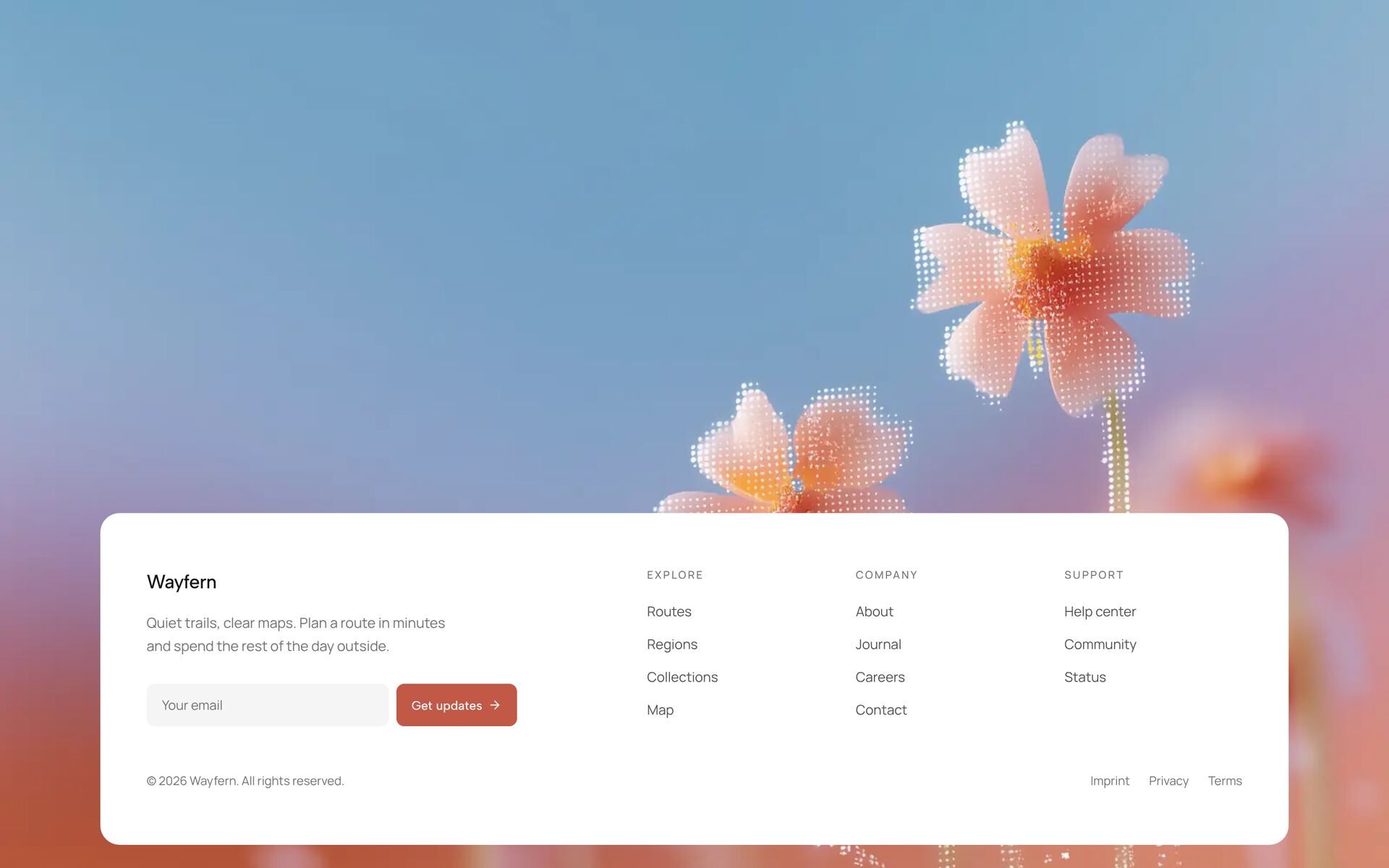
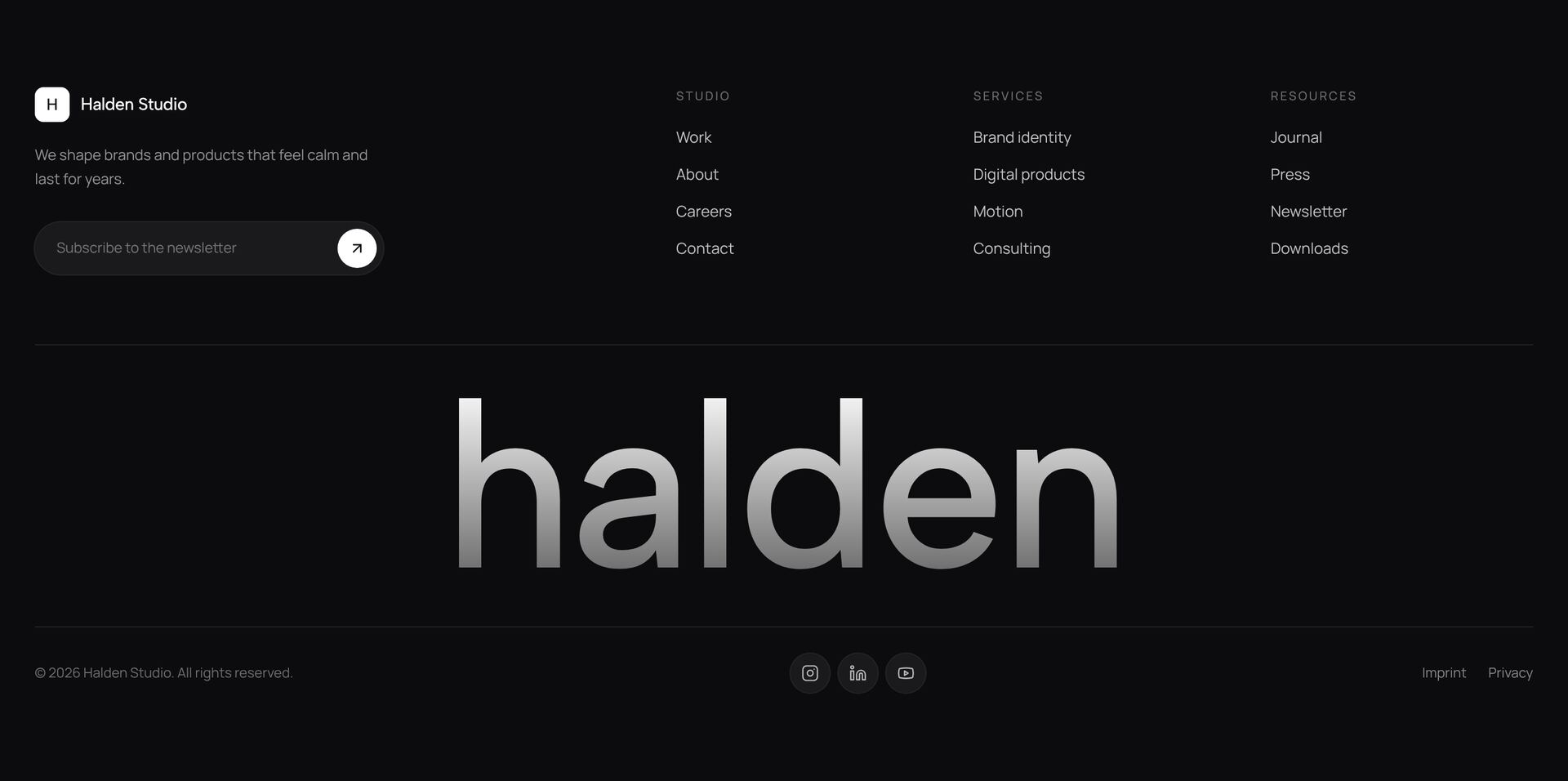
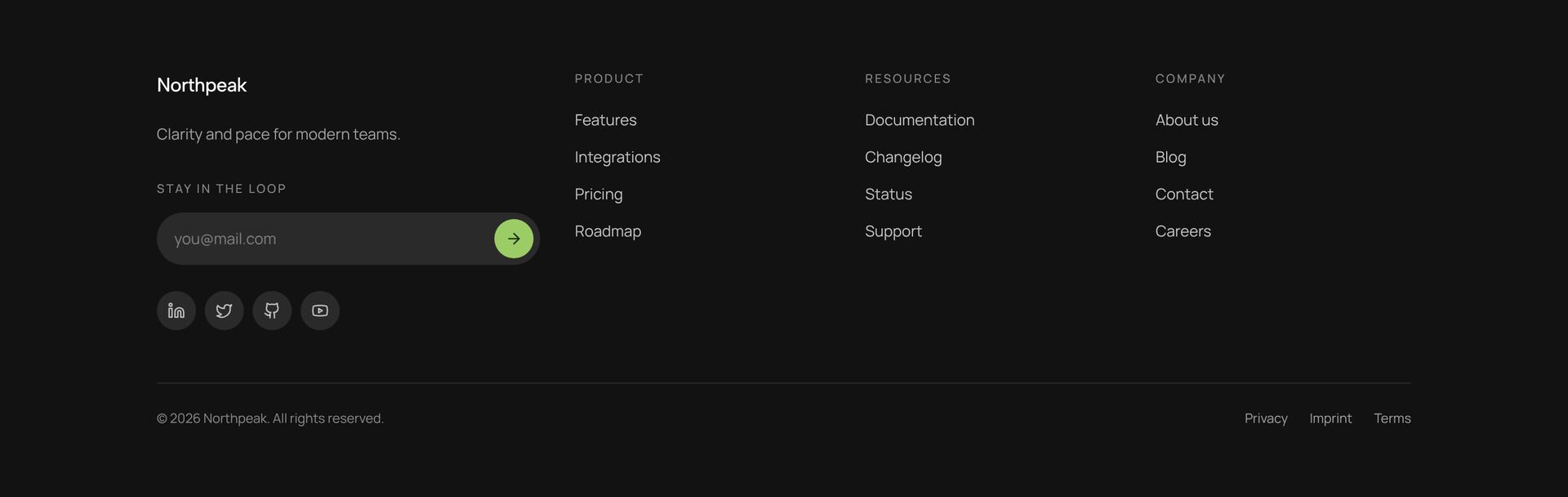
The footer is where visitors look for what they did not find in the navigation: contact details, legal pages, social links and the newsletter. The footers here range from compact link rows to large editorial footers with the brand name across the full width, image cards, a sign-up field, layers that move on scroll and a marquee.
Group the links into three to five short columns with clear headings, such as Product, Company and Help. Link the privacy policy, and in Germany and Austria the imprint, from every page; the footer is the usual place for it. A large wordmark or a final call to action can close the page with character, as long as the links stay easy to find. Each footer is a single React file with Tailwind classes.
More section categories
Frequently asked questions
Contact, the main pages, legal pages such as the privacy policy and, in Germany and Austria, the imprint, plus social profiles. Three to five columns with clear headings keep it easy to scan.
If you send a newsletter, yes. The footer is read by visitors who scrolled to the end and are interested. One email field and a button are enough.
Yes, several footers here move on scroll. Keep the links still and readable; the motion belongs to the wordmark or the images, and it stops when reduced motion is on.
Didn't find your question? We're happy to help.
Get in touch