


What should a 404 page do?
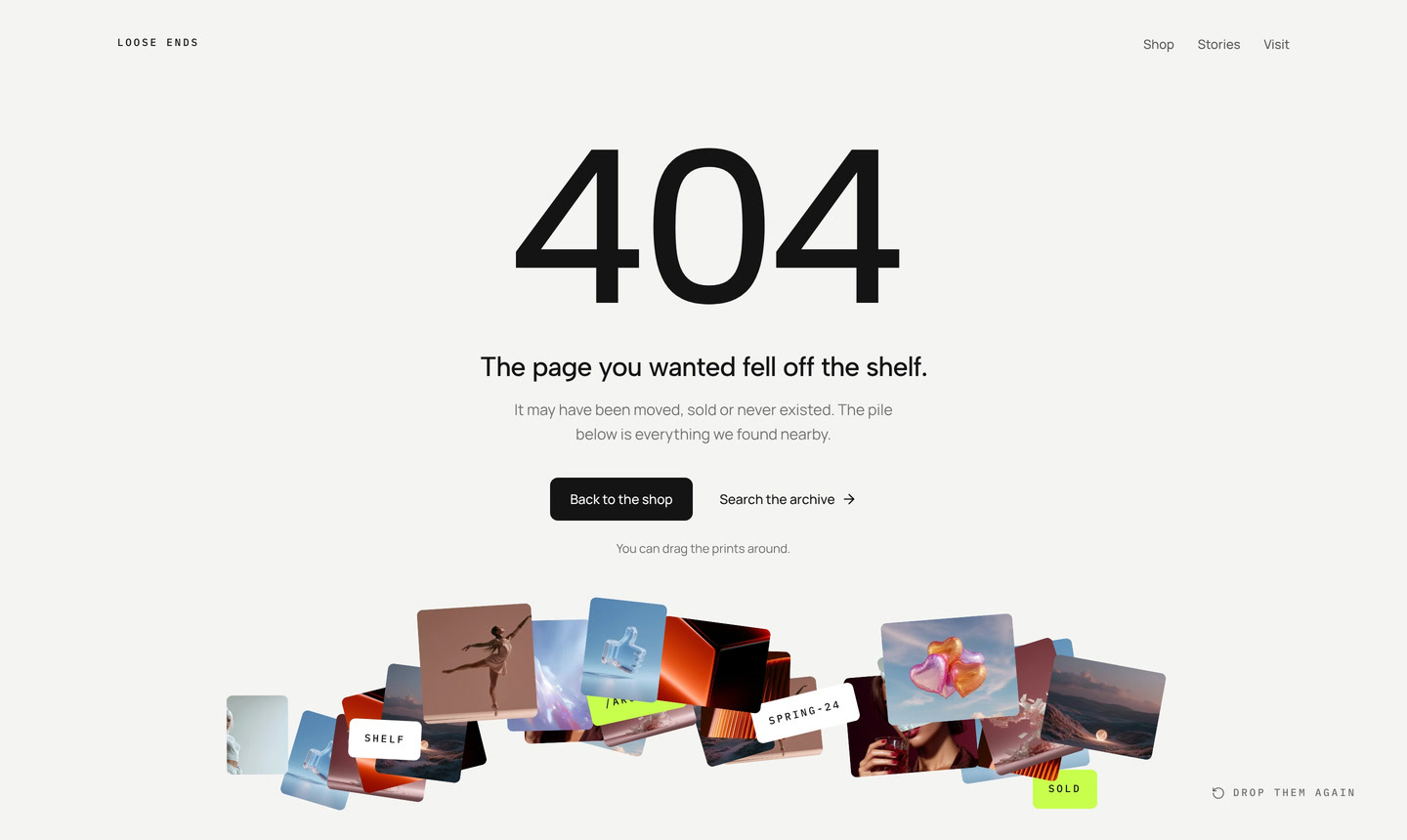
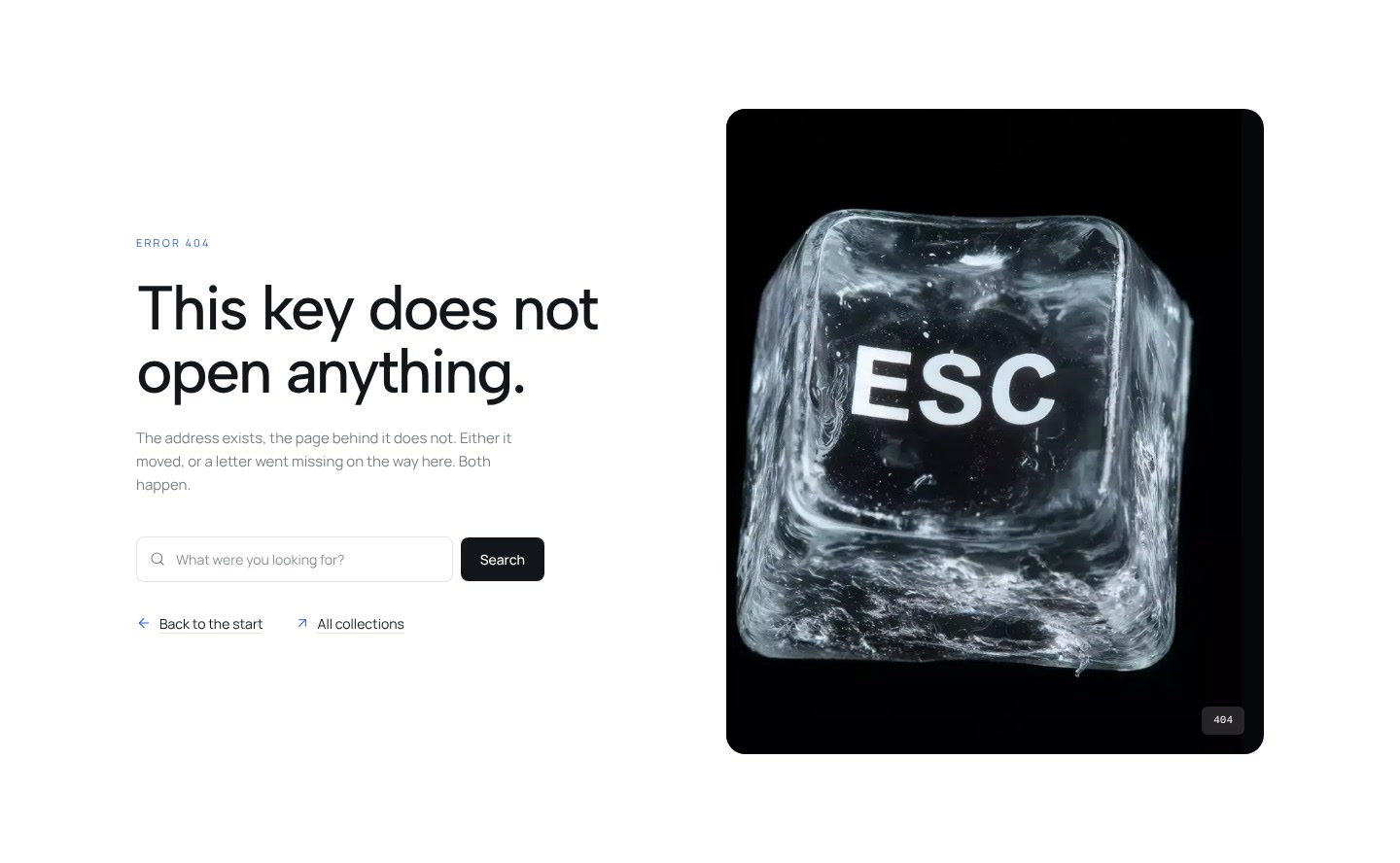
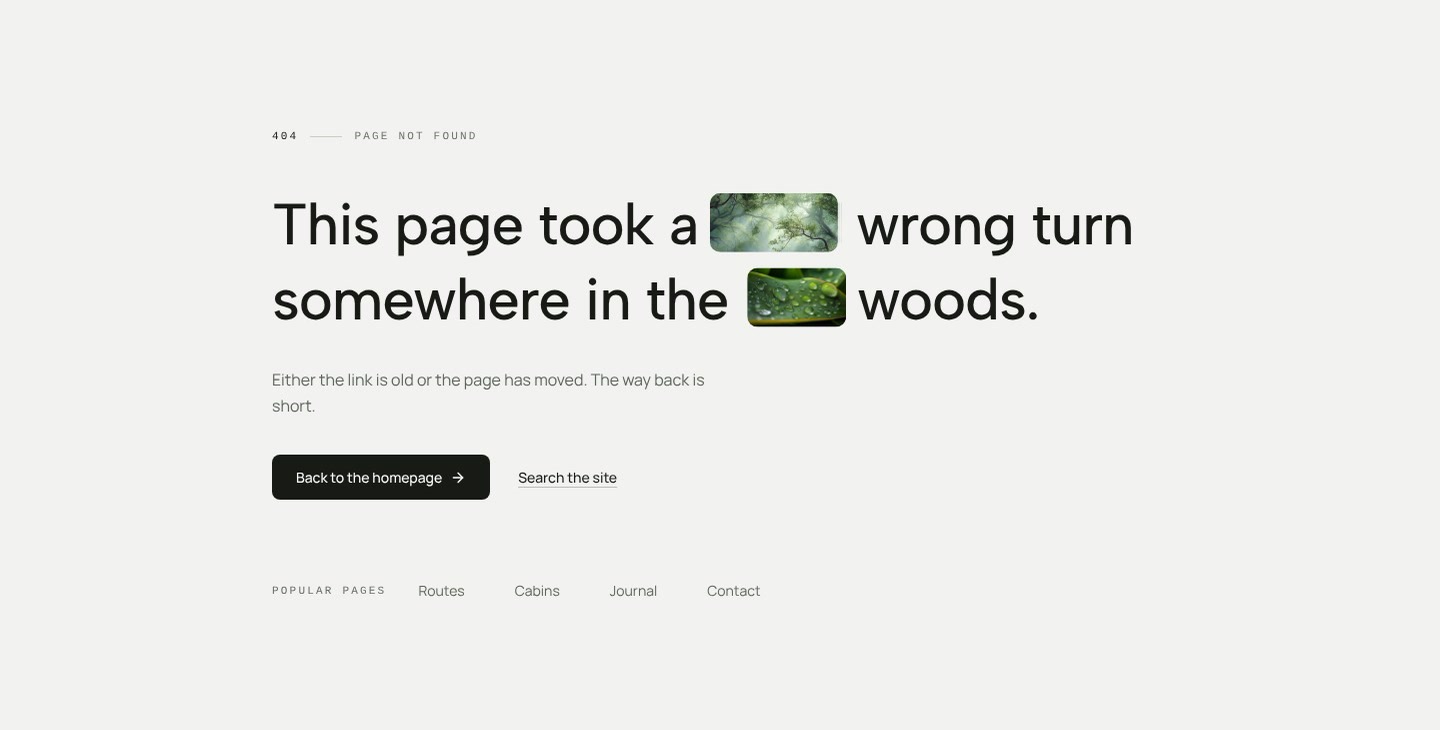
A 404 page appears when a link is broken or an address was mistyped. Its only job is to get visitors back on track without frustration. The sections here do that with a bit of humour or motion, such as letters that fall into a pile, a shelf with a gap or a trail in the mist, and always with a clear way back.
Say plainly that the page does not exist, offer one main link back to the homepage and, if useful, links to the most visited pages or a search field. Keep it friendly and short. Make sure your server returns the status code 404 for this page, so search engines do not index it. Each section is a single React file with Tailwind classes that you place in your framework's not found route.
More section categories
Frequently asked questions
A short message that the page does not exist, a link to the homepage, and optionally links to popular pages or a search field. Leave out long explanations.
The status code matters most: the server must answer with 404, not 200. A page that looks like an error but returns 200 counts as a soft 404 in Google Search Console.
Place the section in your framework's not found route, for example not-found.tsx in Next.js or notFoundComponent in TanStack Router.
Didn't find your question? We're happy to help.
Get in touch