
When does a bento grid make sense?
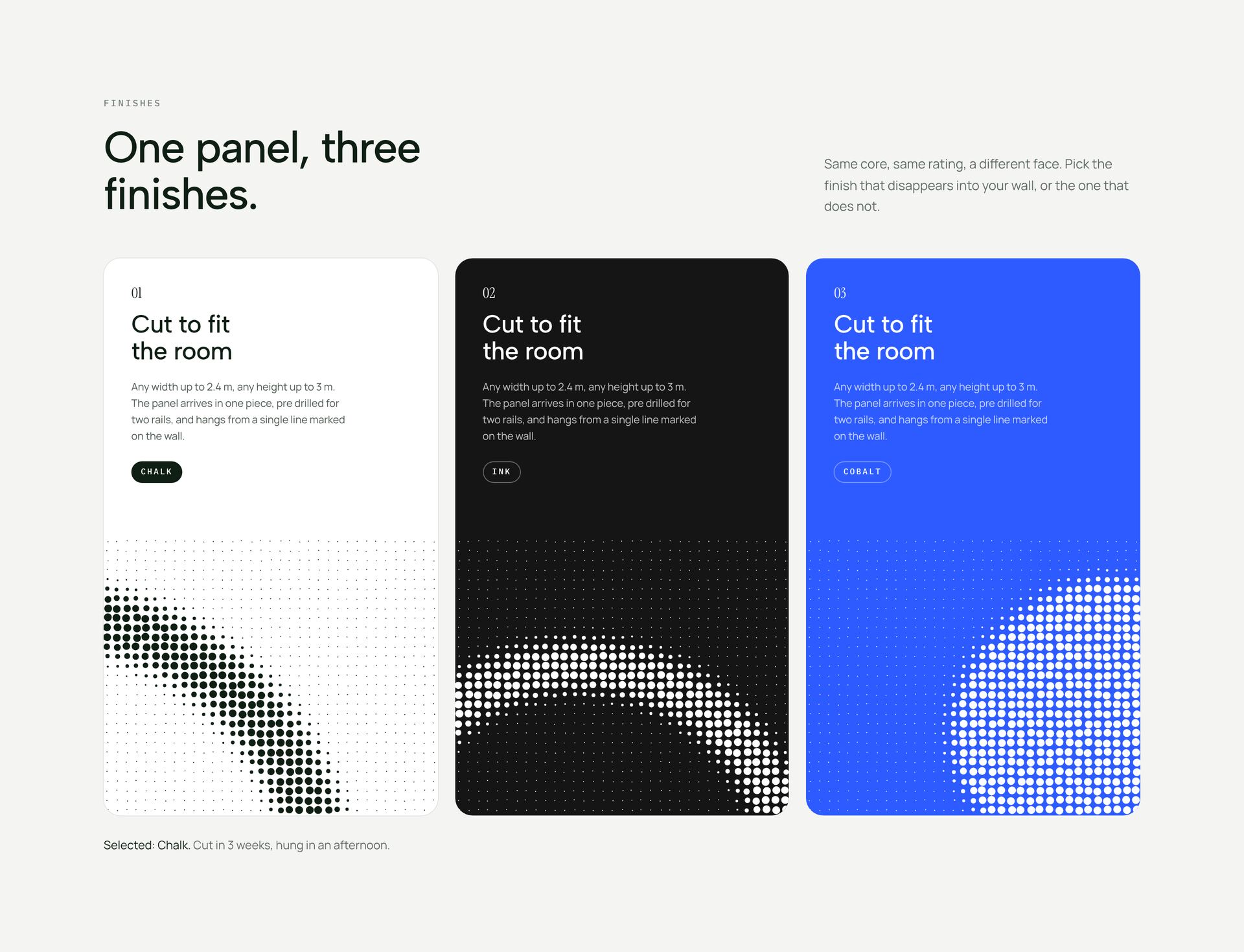
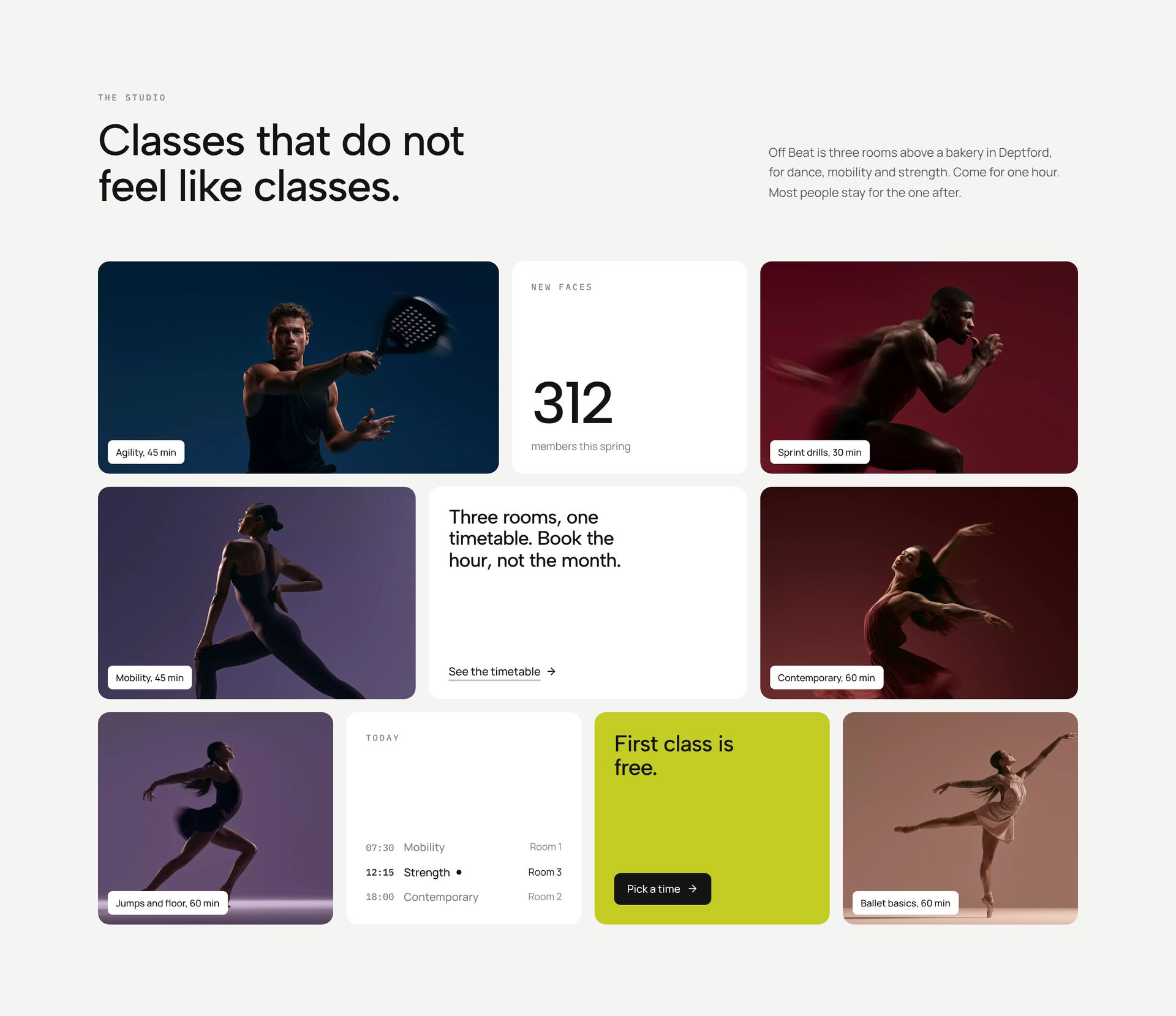
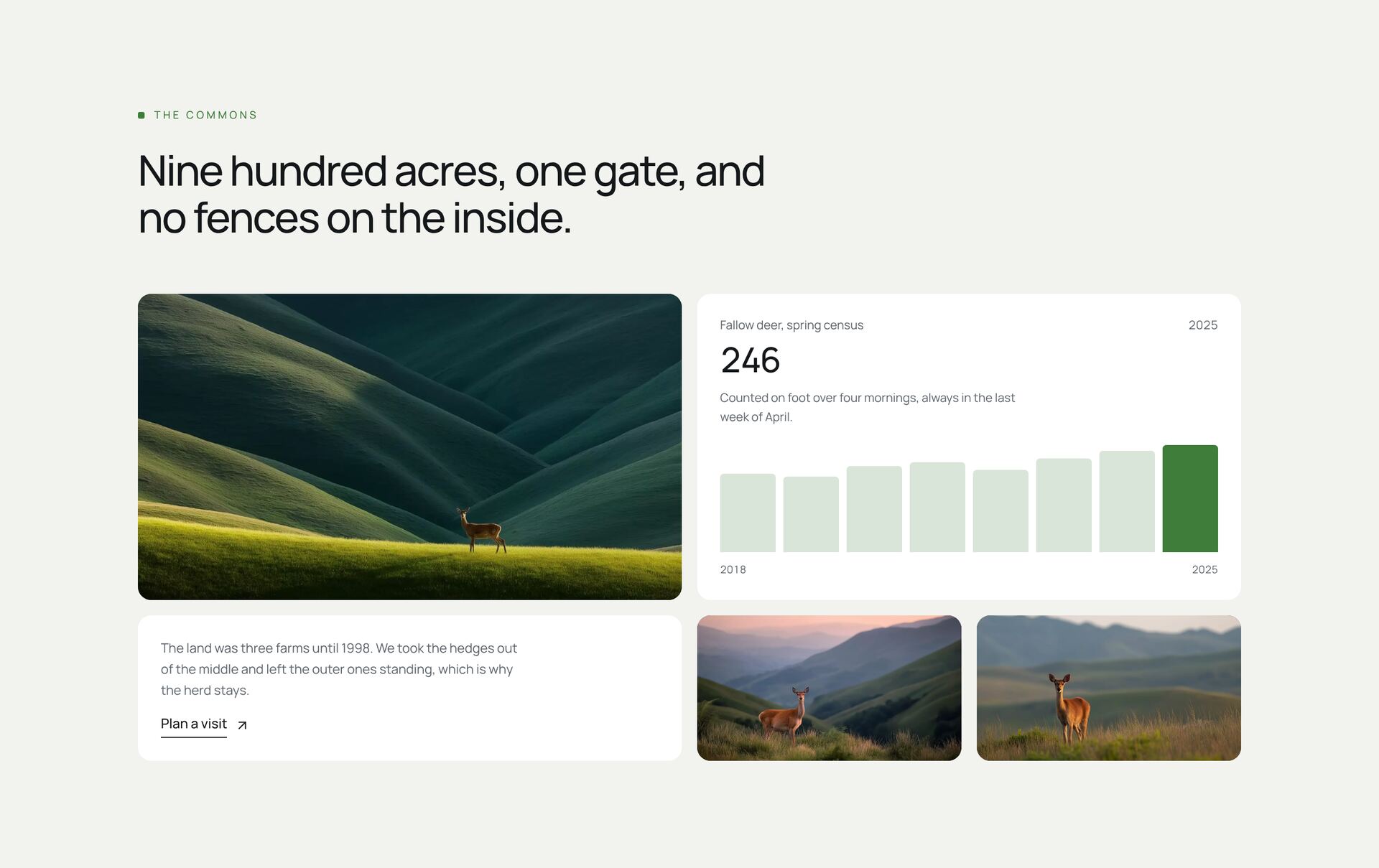
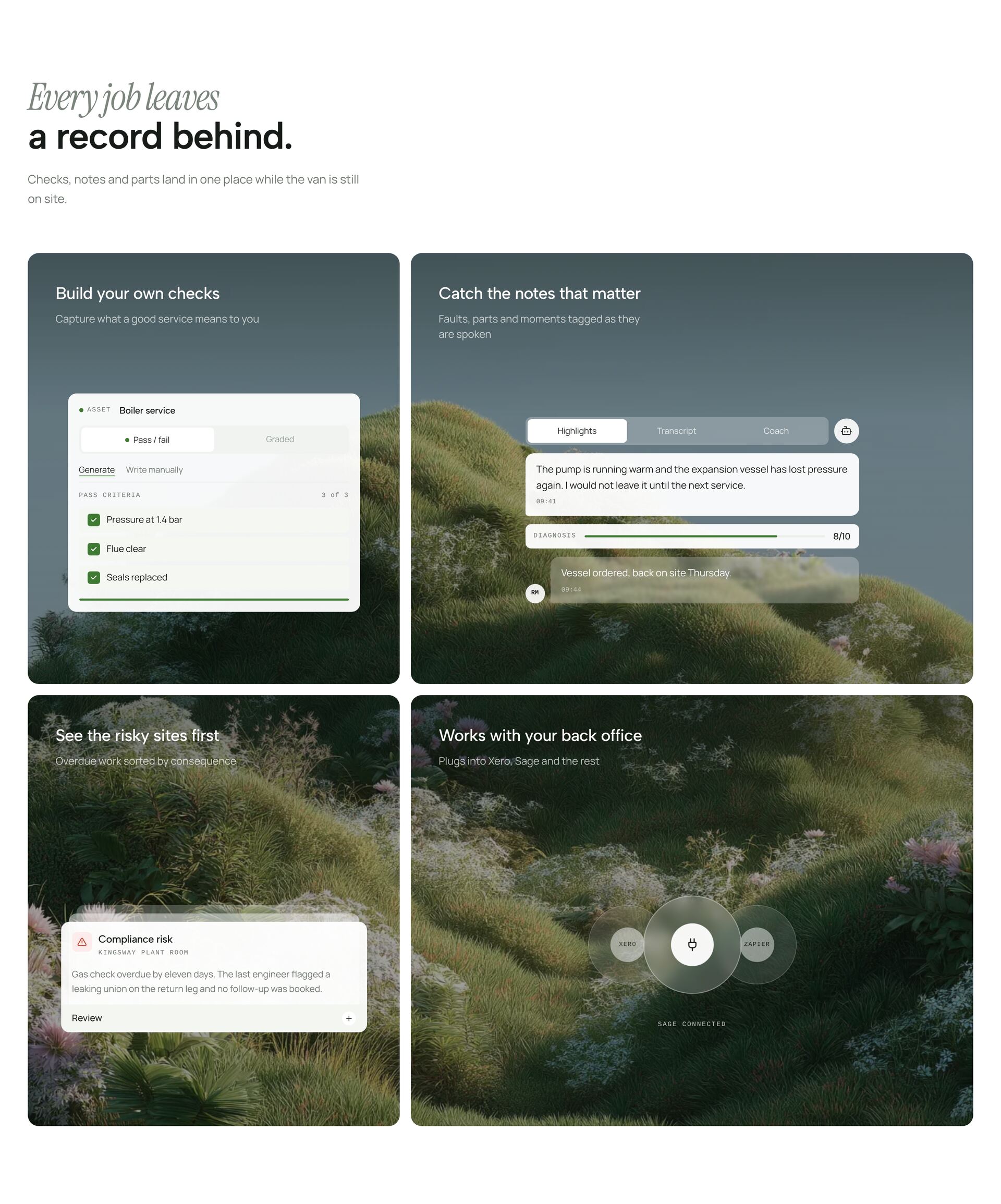
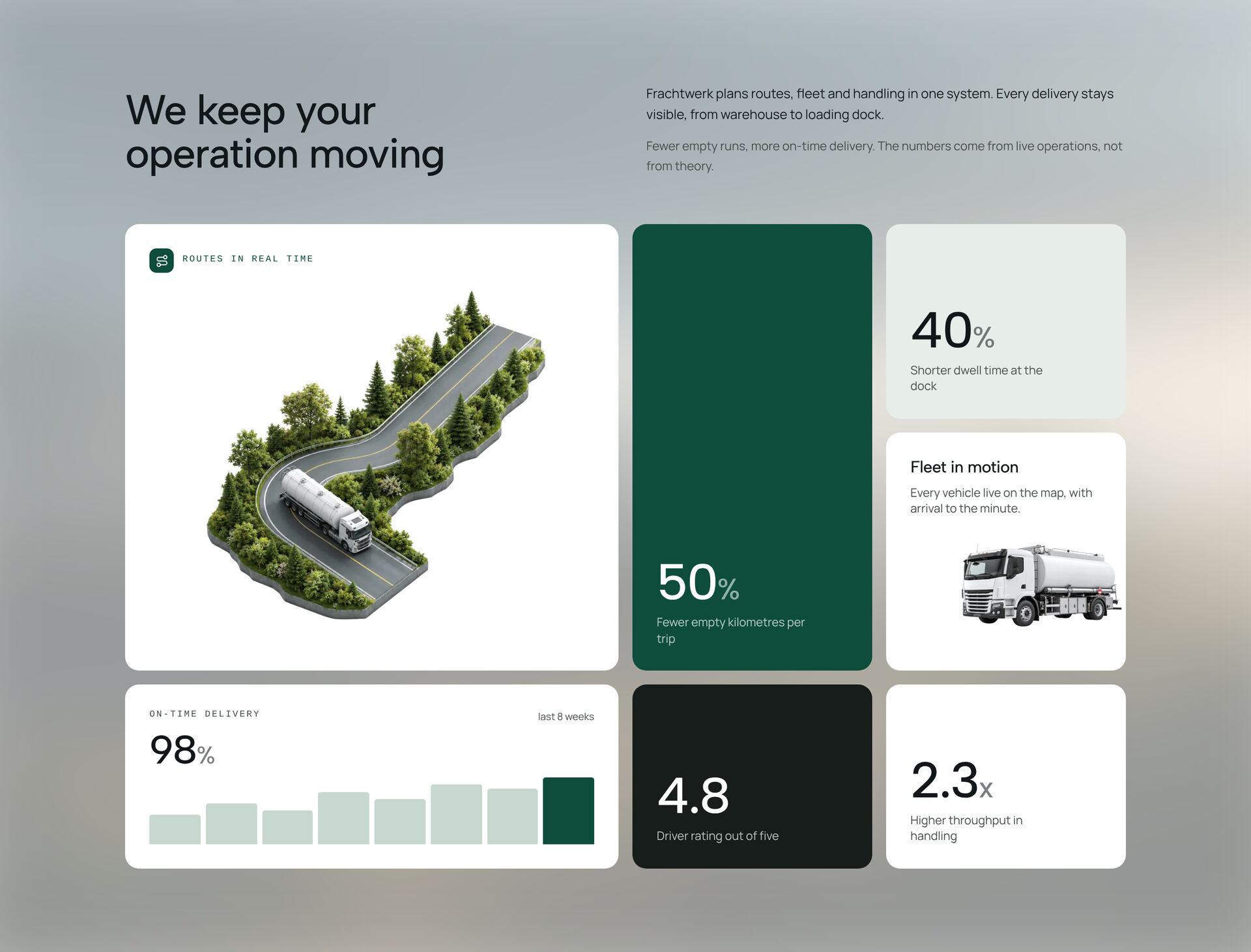
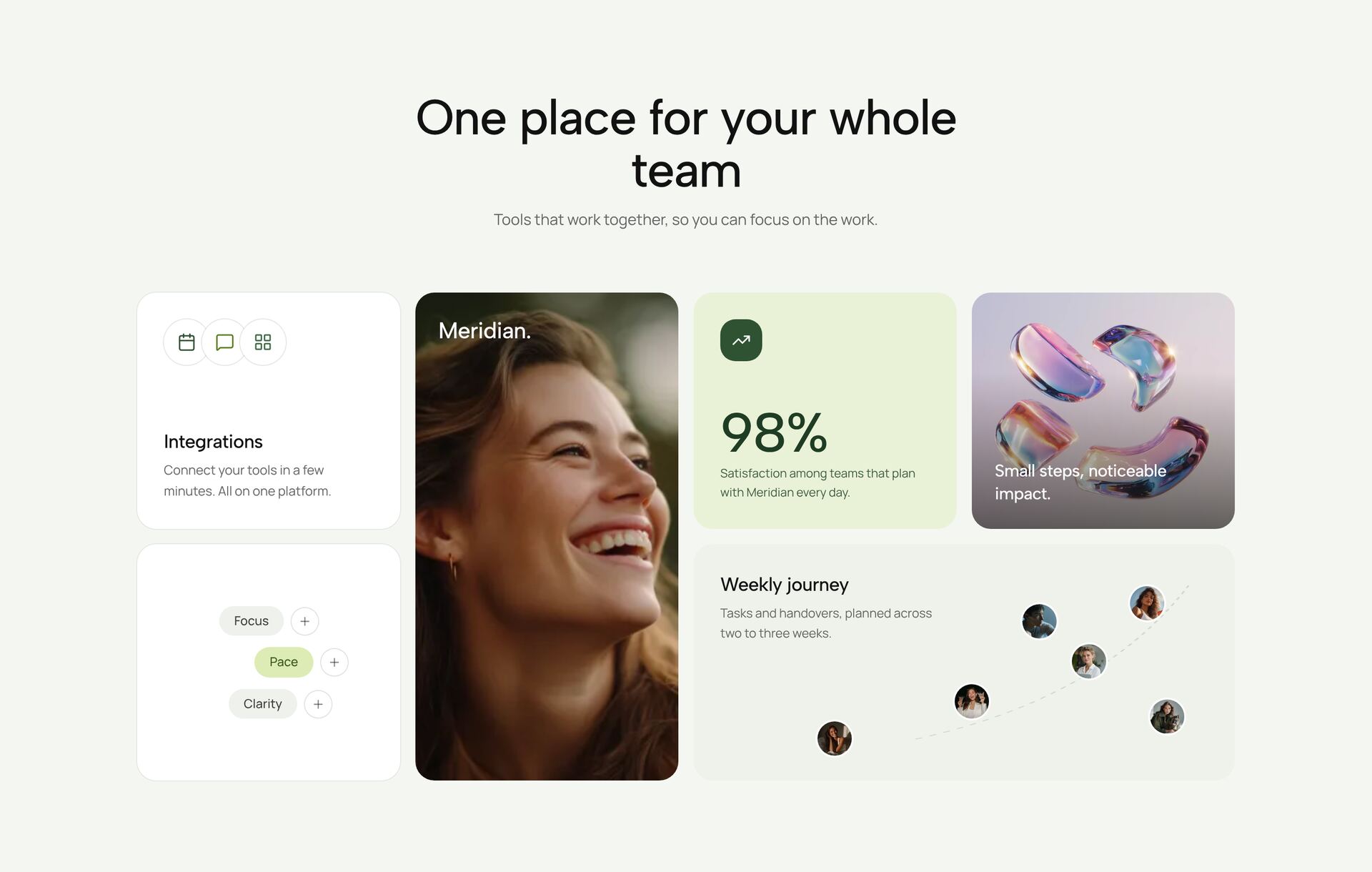
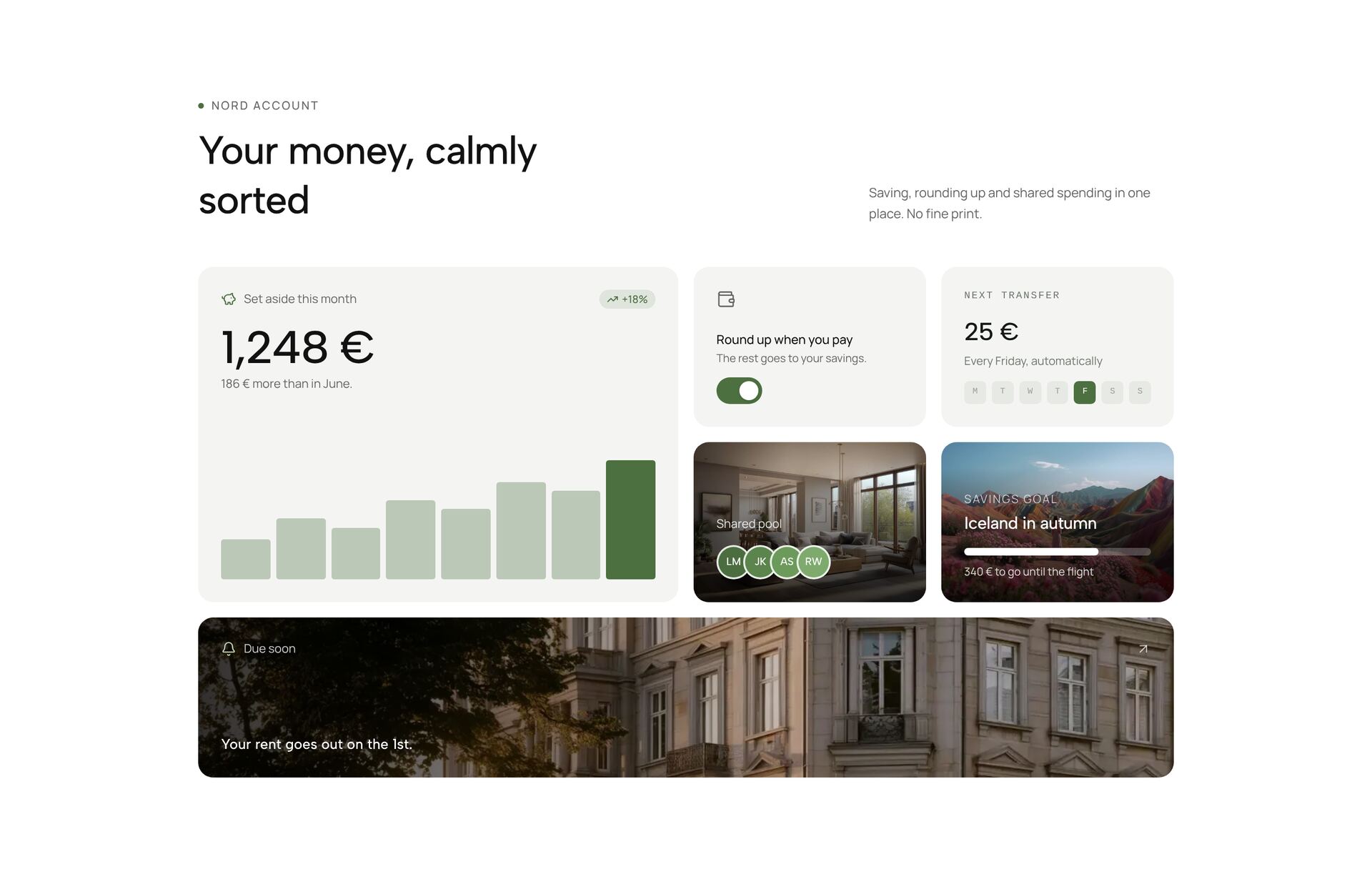
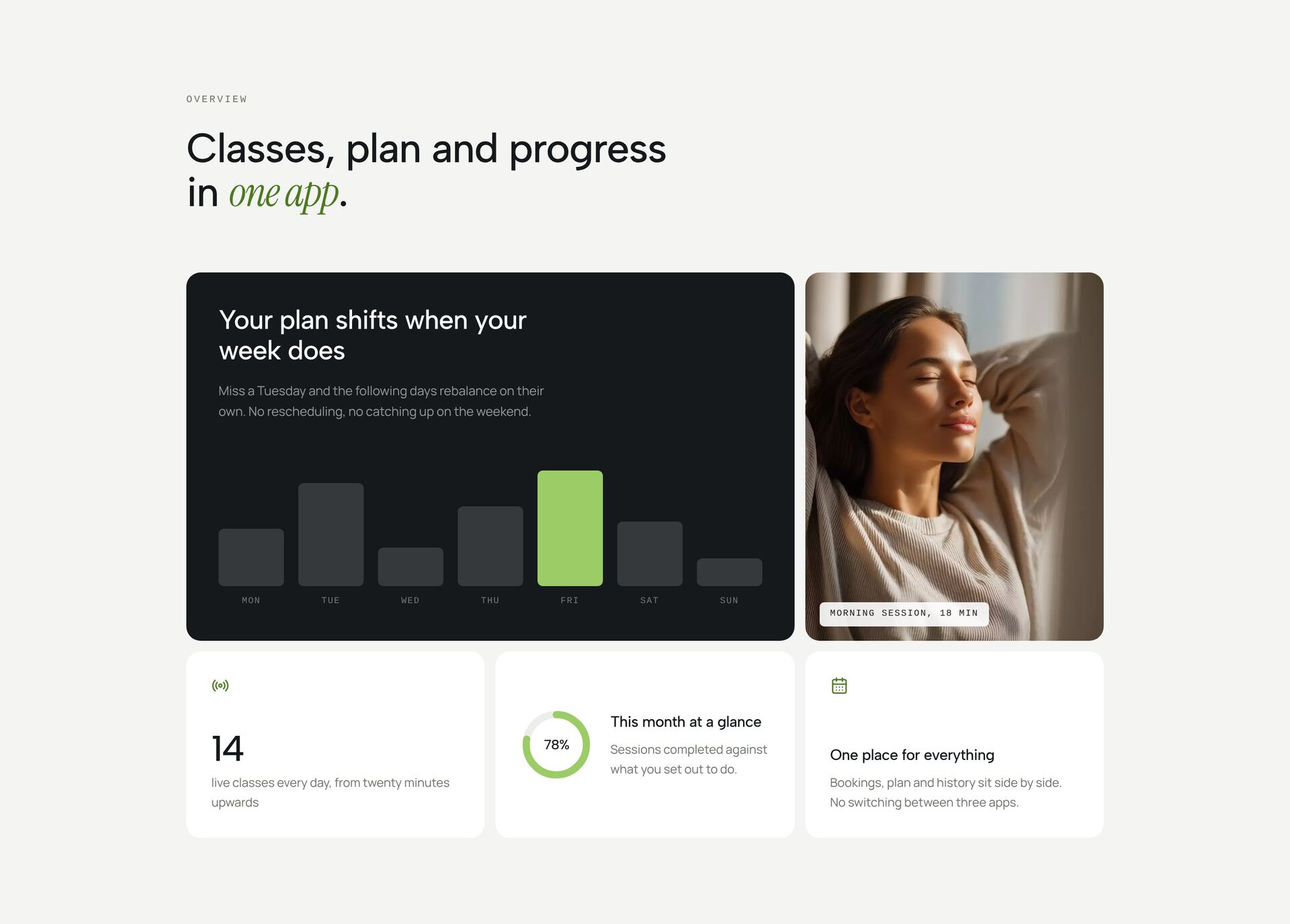
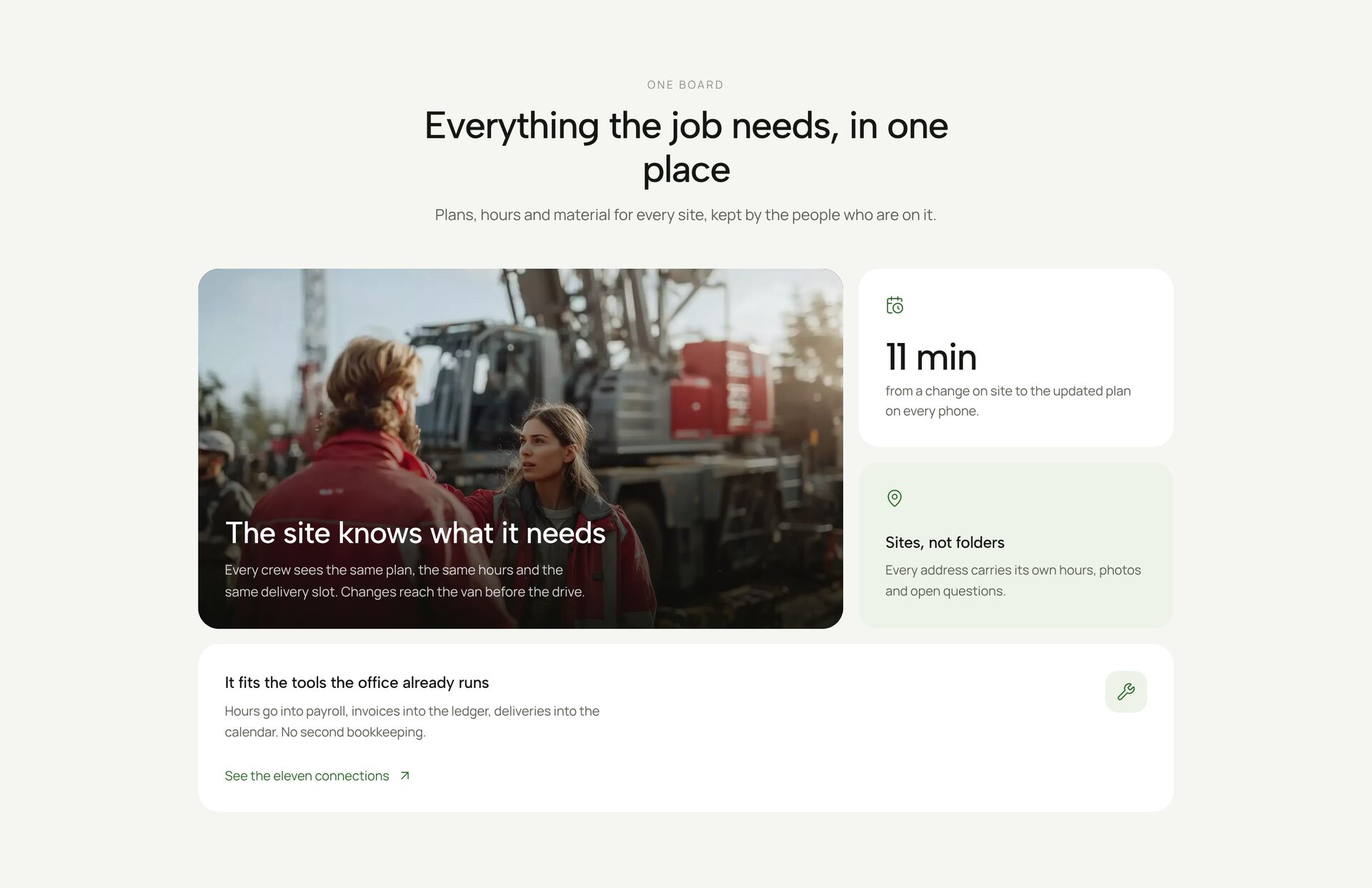
A bento grid shows several pieces of content as tiles of different sizes, the way a bento box holds different dishes. It fits when you have one main message and a handful of supporting points: the large tile carries the message, the smaller ones add details, numbers or images. The grids here range from fixed tile layouts to tiles that react to the cursor, rows that slide, and tiles with live values.
Use four to seven tiles. Fewer looks empty, more turns into a noisy dashboard. Give each tile exactly one job: a short claim, a number or an image. Every grid is responsive; on phones the tiles stack into one or two columns in a deliberate order. Each section is a single React file with Tailwind classes.
More section categories
Frequently asked questions
Four to seven. One large tile for the main message, the rest for details. From eight on, the grid loses its hierarchy.
The tiles stack into one or two columns. The order follows importance, so the main tile comes first.
Bento when the items differ in weight and format, such as a number next to an image. A feature grid when all items are equal, such as six functions with an icon each.
Didn't find your question? We're happy to help.
Get in touch