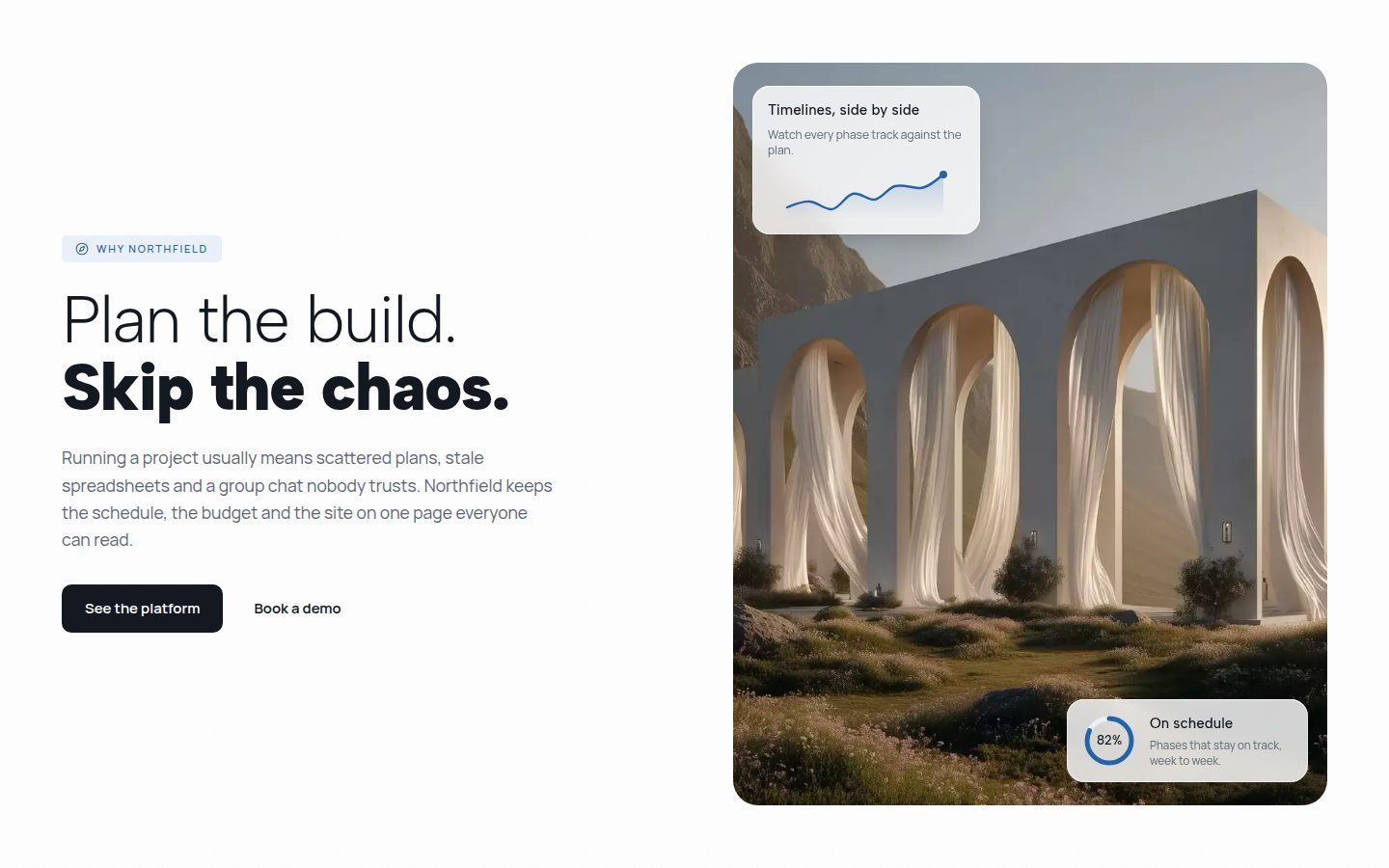
Astro builds pages without JavaScript by default. You can still drop React components right into an .astro file: Astro renders them and only ships code to the browser where you allow it. For animated building blocks that permission is the decisive step.
- The components do not need rewriting. Astro renders React through an official integration.
- Without a client directive the component arrives as plain HTML and the animation never runs.
- client:visible is usually right for sections below the fold, client:load for the hero.
- Astro and React share the same Tailwind setup. No second configuration needed.
Why this works without a port
Astro is not its own component format, it is a page framework that takes in components from elsewhere. Through so-called integrations it can render React, Vue, Svelte and others, even side by side on the same page.
For the library that means: the copied TSX stays the same line for line. You drop it into your Astro project and include it. There is no Astro version of the components because none is needed.
Setting it up
One command sets up the React integration and adds it to the config. After that come the three packages the components themselves need.
npx astro add reactnpm install framer-motion lucide-react npx astro add tailwind
Including the component
The copied file goes into src/components for example. In the .astro page you import it as in React and place it in the markup part.
The decisive addition is the client directive. Without it Astro renders the component to HTML once and ships no JavaScript. The page then looks right, but nothing moves, no hover responds and no state changes.
---import Layout from "../layouts/Layout.astro";import Hero from "../components/ProcurementSplitHero";--- <Layout> <Hero client:load /></Layout>
- Astro renders once to HTML.
- No JavaScript reaches the browser.
- The section looks correct.
- Nothing moves, no hover responds.
- Astro renders the same HTML as before.
- The component's code comes along.
- The section looks exactly the same.
- Animation, hover and state all run.
Which client directive when
Astro knows several directives. They decide when the browser loads and runs the component's code. Three of them matter for the library's building blocks.
- client:load Loads right away. Right for anything visible immediately: the hero, a navigation, a button above the fold.
- client:visible Loads only when the section scrolls near the screen. The best choice for all sections further down, especially with scroll animations: they are meant to start there anyway.
- client:idle Loads once the browser has spare time. Fits secondary things that need not be there immediately, like a newsletter block in the footer.
As a rule of thumb: the first screen gets client:load, everything below it client:visible. That keeps the initial load small and still every animation runs as soon as you see it.
Without a directive: no JavaScript, no motion. With the wrong one: motion that starts too early or too late.
Images and fonts
The components include images as a plain address, not through an image import. So they work in Astro like anywhere else: put the file in public, adjust the path in the code, done.
If you want Astro's own image optimization, replace the img element in the copied component with the Image element from astro:assets. That only works in .astro files though, not inside the React component. In that case pass the finished image in as a property.
---import { Image } from "astro:assets";import bild from "../assets/hero.jpg";--- <Hero client:load bild={bild.src} />
Several components on one page
Every React component with a client directive is its own island. It brings its own code and knows nothing about its neighbours. For the library's building blocks that is fine, because they are standalone anyway and share no state.
framer-motion is loaded only once even if ten islands use it. The bundler spots the shared dependency.