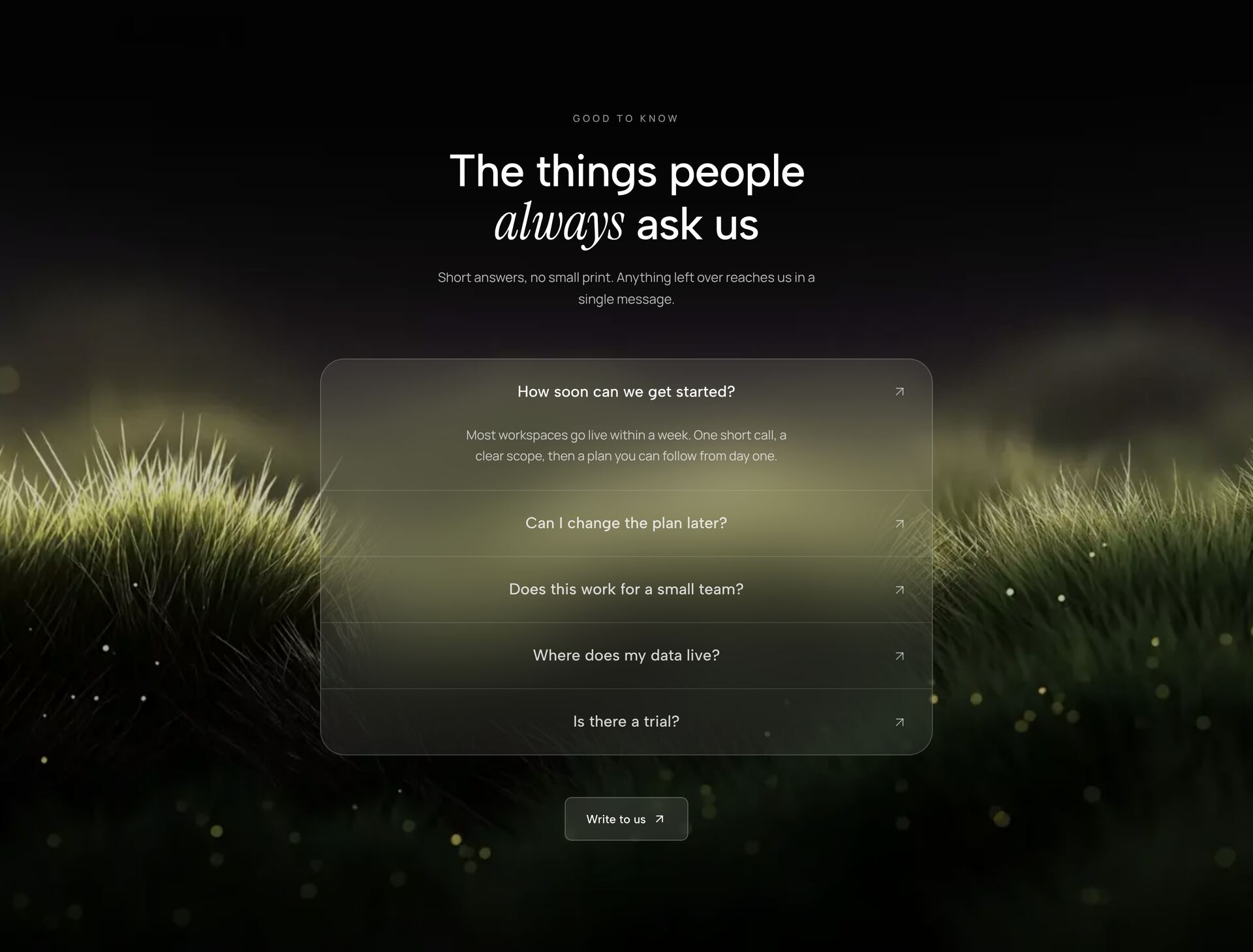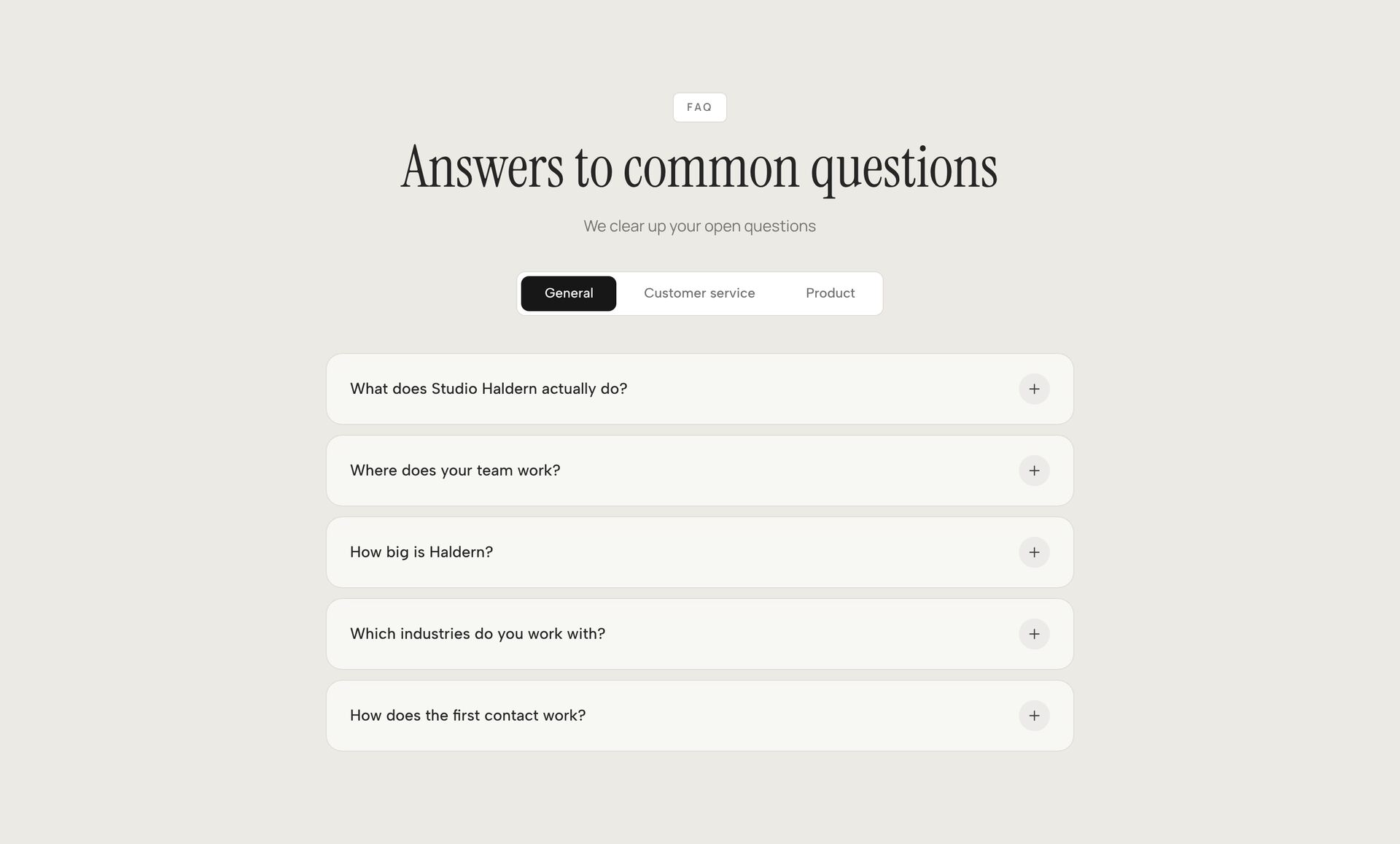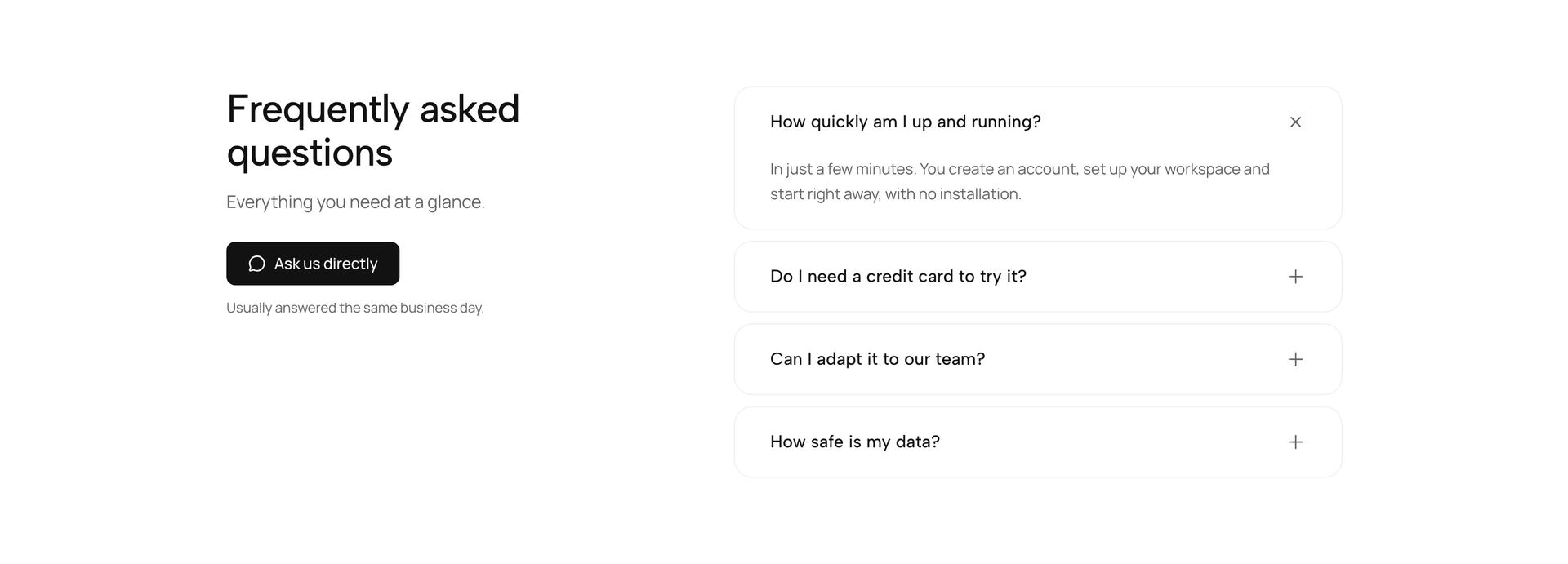
In most projects an accordion is a small state machine: a button with aria-expanded, state for the open entry and a library that measures the height so the content opens smoothly. The details element does most of that by itself, in every major browser since 2020. Three newer pieces close the rest. The name attribute keeps only one entry in a group open, Baseline since September 2024. The ::details-content pseudo-element makes the content area styleable, Baseline since September 2025. And interpolate-size allows transitions to height: auto, so far only in Chrome and Edge from version 129. This guide builds an accordion without script from them, shows the Tailwind version and says what Firefox and Safari see of it today.
- details and summary bring focus, Enter and Space, the open or closed state and search inside closed content with them. A custom button with aria-expanded has to rebuild all of that.
- Several details with the same name form a group in which at most one entry is open. Chrome and Edge have supported that since version 120, Firefox since 130, Safari since 17.2.
- ::details-content targets the content area of details, interpolate-size: allow-keywords on :root makes height: auto animatable. For closing, content-visibility with allow-discrete belongs in the transition.
- According to MDN data from November 2026, interpolate-size only runs in Chrome and Edge. Firefox and Safari open the same accordion without a transition but correctly, so no script fallback is needed.
Why is details enough for an accordion?
Because details already brings the behaviour a custom accordion laboriously rebuilds. summary is keyboard reachable, Enter and Space toggle it, and the open or closed state reaches screen readers without a script setting aria-expanded. The element has run in every major browser since January 2020.
One advantage only shows when it is missing. The browser's find in page locates text in closed entries too and opens the matching one. According to MDN, Chrome has done that since version 97, Firefox since 148 and Safari since 26.2, there still with a bug when scrolling to the match. An accordion made of a div and a button, by contrast, hides its content in a way that search does not find or does not expand.
What details could not do for a long time was styling. The content appeared all at once, and to open it smoothly you had to wrap it in an element of its own and measure the height with a script. That is exactly what the three pieces in the next sections change.
<details> <summary>How long does delivery take?</summary> <p>Two to four working days within the country.</p></details>
How does an accordion keep only one entry open?
With the same value in the name attribute on every details in the group. When someone opens an entry, the browser closes the one that was open. Chrome and Edge have supported that since version 120, Firefox since 130 and Safari since 17.2. Since September 2024 the attribute has therefore counted as Baseline.
name does not prevent all entries from being closed. A click on the open one closes it as usual. And if two entries carry open in the markup, only one stays open: in a test with Chrome 153 it was the first. If you want to open an entry in advance, set open in exactly one place.
Whether a group should be exclusive at all is a separate question. In an FAQ where someone wants to compare two answers, it gets in the way when the first one collapses. For settings or steps that follow one another, it helps, because the page stays short.
<details name="faq" open> <summary>Can I change my plan later?</summary> <p>Yes, at the end of each billing period.</p></details><details name="faq"> <summary>Is there a free trial?</summary> <p>Fourteen days, no card required.</p></details><details name="faq"> <summary>Where is my data stored?</summary> <p>In data centres within the EU.</p></details>
What is ::details-content?
A pseudo-element for everything in details except summary. It can be styled like a box, with height, overflow, spacing and transitions, without wrapping the content in an extra element. Chrome and Edge have supported it since version 131, Firefox since 143 and Safari since 18.4. Since September 2025 it has counted as Baseline.
That became possible because Chrome changed how the content area is rendered in version 131: it is now a block instead of an element that only passes its children through. Only with that does it have a height of its own that can be set and animated.
Safari has one limitation. Pseudo-elements cannot be chained onto ::details-content there, so a ::details-content::before does not apply. If you need a divider or a gradient on the content, put it on an element inside the answer.
details::details-content { padding-inline: 1rem; border-inline-start: 2px solid currentColor;}
How do you animate the height of a details element to auto?
With interpolate-size: allow-keywords on :root and a transition on height on ::details-content. Until now auto was not a value a browser could calculate between it and a number, so the height jumped. interpolate-size allows exactly that calculation. The property is inherited, so one line on :root covers the whole page.
That is enough for opening. Closing needs a second entry in the transition. A closed details hides its content through content-visibility, and that happens immediately, before the height could shrink. With content-visibility and allow-discrete in the transition, the switch waits until the end of the duration and the content stays visible while it collapses. allow-discrete has run since Chrome 117, Firefox 129 and Safari 17.4.
overflow: clip cuts the content off during the motion. hidden would work too, but clip does not create a scroll container. In a test with Chrome 153 the accordion opened and closed smoothly in both directions this way, even when name collapsed the entry that was open before.
:root { interpolate-size: allow-keywords;} details::details-content { height: 0; overflow: clip; transition: height 300ms ease, content-visibility 300ms ease allow-discrete;} details[open]::details-content { height: auto;} @media (prefers-reduced-motion: reduce) { details::details-content { transition: none; }}
- The height runs to a guessed value such as 500 pixels instead of the content.
- With short answers, closing feels delayed because the empty part shrinks first.
- If an answer is longer than the value, it gets cut off.
- The height runs exactly to the content, however long the answer is.
- Duration and curve feel the same when opening and closing.
- No value in the stylesheet that goes stale with the next longer text.
What do Firefox and Safari show of the animation?
An accordion that opens and closes correctly, but without motion. In November 2026, MDN's browser data lists interpolate-size only for Chrome and Edge from version 129, as experimental. caniuse shows no support in Firefox up to version 162 and Safari up to 27.3 and arrives at around 74 percent of global usage in October 2026.
Because both browsers know ::details-content, height: 0 and height: auto still apply there. Only the transition between them is missing, because without interpolate-size auto is not a target that can be calculated towards. The result is the familiar details, and no fallback is needed to repair anything.
The calc-size function, which could animate auto without the property on :root, does not help here. It is available in the same browsers as interpolate-size, so again only in Chrome and Edge from 129.
How do you build the accordion with Tailwind CSS?
With the details-content variant for the content area, open for the open state and an arbitrary property for interpolate-size. Checked in Tailwind CSS 4.3.5: details-content: writes to ::details-content, open: matches details with the open attribute, and transition-discrete sets transition-behavior: allow-discrete. There is no dedicated class for interpolate-size, the square bracket syntax generates it.
The variants can be chained. open:details-content:h-auto gives the content of an open details height auto, and because this rule is more specific than details-content:h-0, it wins without detours. motion-reduce:details-content:transition-none switches the motion off when reduced motion is set.
In React the accordion stays free of state. name and open are ordinary attributes, and the browser keeps track of which entry is open. If you do need the state, listen for the toggle event instead of setting open on every render.
/* global.css: :root { interpolate-size: allow-keywords; } */ export function FaqItem({ question, children }) { return ( <details name="faq" className="border-b border-black/10 details-content:h-0 details-content:overflow-clip open:details-content:h-auto details-content:transition-[height,content-visibility] details-content:transition-discrete details-content:duration-300 motion-reduce:details-content:transition-none" > <summary className="cursor-pointer py-4 font-medium">{question}</summary> <div className="pb-4 text-black/70">{children}</div> </details> );}
One element, three standard attributes, six classes. The state stays in the browser.